Release Date: November 2006
Metacritic Score: 58 (details)
ESRB/PEGI Rating: Teen/16
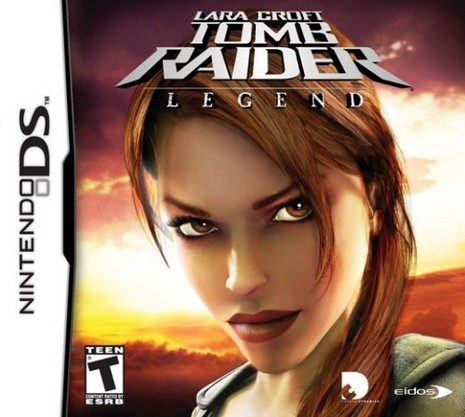
Game Info: Along with its big brothers and sisters on the PC and various console systems, Tomb Raider: Legend is also available on the Nintendo DS and Game Boy Advance (here). The DS and GBA games are necessarily shorter and have different controls, but both follow the same basic storyline as the original Legend.
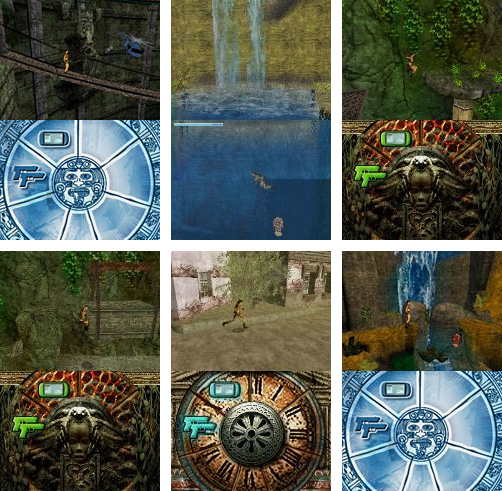
The graphics in the Nintendo DS version are quite nice, and the game does a decent job of using the system's potential. The controls are straightforward and comfortable, and Lara can explore almost every inch of her environment. The touch screen is used primarily for inventory management and keeping track of your in-game accomplishments, but there are a few cool features: Some underwater sequences split the action between the two screens, with the surface of the water just above the handheld console's hinge. Combat also takes place on both screens. Once Lara acquires a target, it appears on the touch screen. You can then tap wildly with the stylus to shoot the enemy, or make quick-kill headshots using targeted taps. The touch screen and microphone are also used for "excavating" certain artifacts by swiping or tapping with the stylus or blowing into the microphone.
As in the original Legend, you collect bronze, silver and gold rewards in each level. After beating the game, you can use these rewards to purchase "extras" like cheat codes, concept art, character models, and mini-games, most of which involve the stylus and touch screen. You can also trade items with friends using the DS's wireless communication feature.
For complete reviews, check out sites like GameSpot, CNet and Pocket Gamer.
Tomb Raider: Legend NDS Walkthrough
Intro & Controls · Croft Manor
Bolivia · Peru · Japan · Ghana · Kazakhstan
England · Nepal · Bolivia Redux
Click the thumbnail image below to view larger screenshots.
Release Date: November 2008
Metacritic Score: 70 (details)
ESRB/PEGI Rating: Teen/16
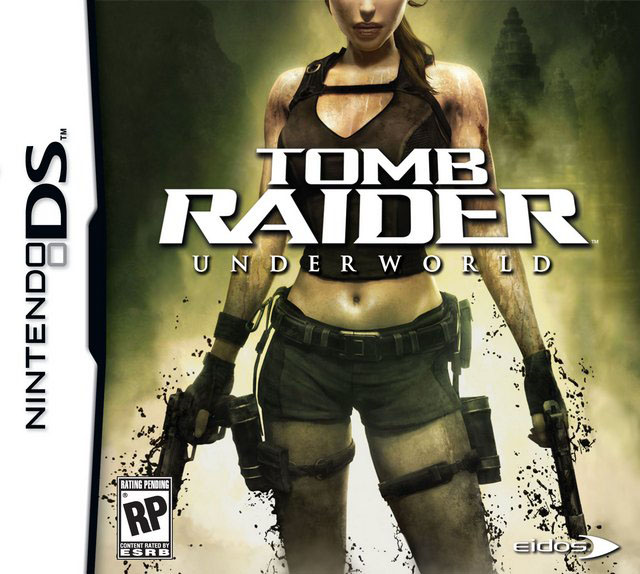
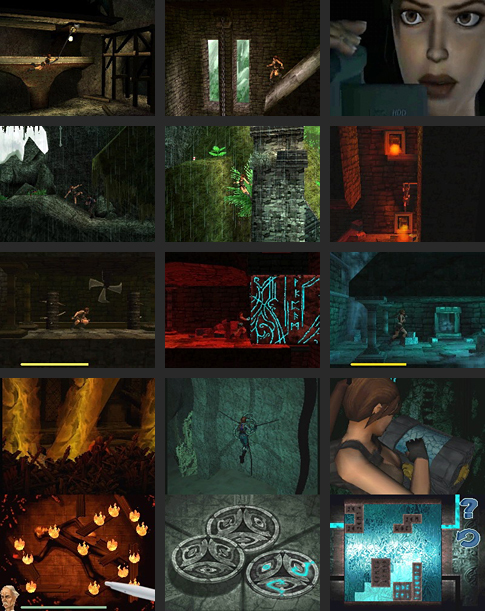
Game Info: Underworld for the DS is a solid, though not especially challenging side-scrolling platformer. The levels are well designed, if a bit linear. The background art is nicely rendered, and little Lara looks great. Her movements are fluid, and the controls are intuitive and responsive overall. Lara runs, jumps, climbs, grapples, moves objects, fights and does acrobatics just as you'd expect.

The DS game follows the same basic plot as the other versions of Underworld, in which Lara Croft sets out in search of Thor's hammer, a powerful artifact that she hopes will open the way into Avalon, the mysterious alternate dimension where she believes her mother has been trapped. In the process, she explores the underworld myths of various cultures. (The main Underworld page includes additional details.)
Technically the DS game is a mixed bag, with some fun and challenging gameplay elements and some things that could have been done better. For example, long load times between levels and poor sound quality in the movie sequences make an otherwise enjoyable game less so. Puzzles that really test one's tomb raiding skills are few and far between, and the touch-screen elements that should be a DS mainstay are spotty at best. Also, be warned that the game is very dark. It's not a problem on a DS Lite with the backlight cranked up to the brightest setting, but if you have a regular DS, the game is practically unplayable.
Overall, Underworld for the DS is an enjoyable enough way to spend an afternoon or two. The action itself is fun and satisfying. I only wish it were a little more challenging and that the presentation (sound and brightness especially) had the same level of quality as the rest of the game.
For complete reviews, check out sites like IGN (includes additional screenshots and gameplay video), Nintendo World Report and Pocket Gamer.
There's also a fascinating article written by the game's level designer, Danny Johnson, on his blog, A Dangerous Game. Here Danny talks about the creative and logical processes involved in game level design and shares some of the maps and level-flow diagrams he created for Underworld.
Tomb Raider: Underworld Nintendo DS Walkthrough
Intro & Controls
Prologue: Croft Manor
Mediterranean Sea - Niflheim
Thailand - Bhogavati
Croft Manor
Mexico - Xibalba
Jan Mayen Island - Valhalla
Amanda's Ship
Arctic Sea - Helheim
Click the thumbnail image below to view larger screenshots.

 Custom Search