 Custom Search


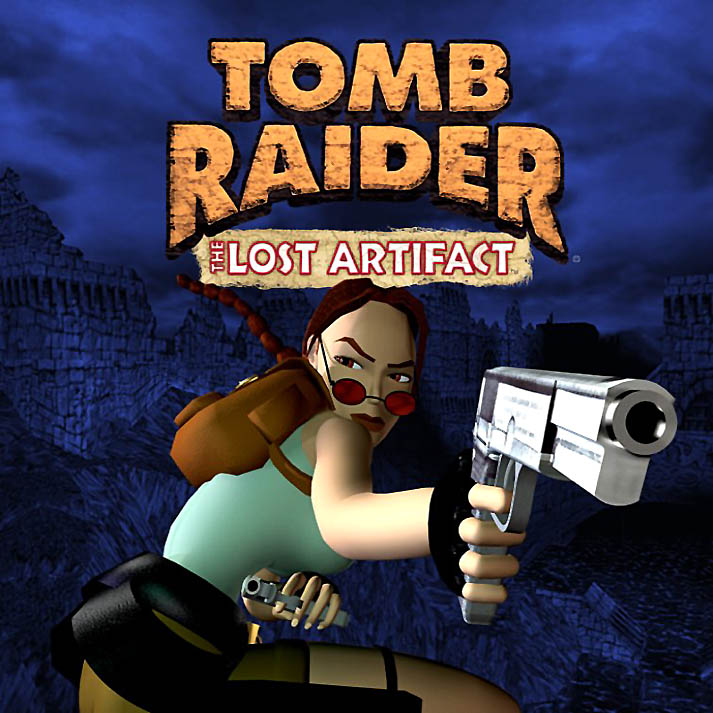
Initial Release: March 2000
Platforms: Windows, Macintosh. Tomb Raider I-III Also included in Tomb Raider I-III Remastered for PlayStation 4 and 5, Xbox One, Xbox Series X|S, Nintendo Switch, and PC via Steam, GOG, and Epic Games.
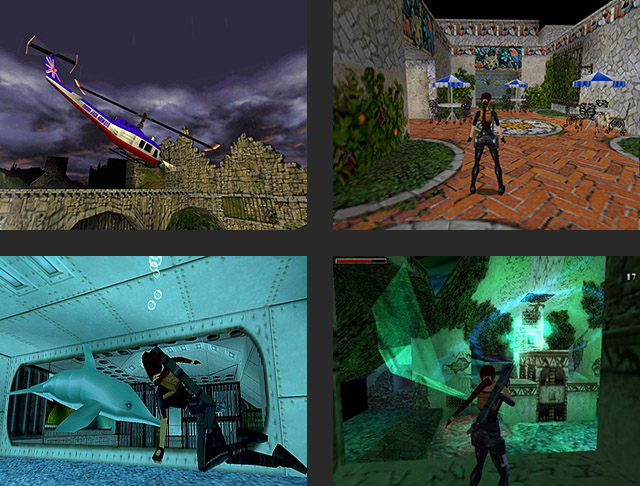
Spoiler-free Synopsis: The Lost Artifact continues where Tomb Raider III left off. Immediately following the mad Dr. Willard's demise, Lara Croft discovers his billfold. Inside is a cryptic telegram urging him to return to Scotland immediately to take delivery of a fifth meteorite artifact. Lara sets out to retrieve the stone, rumored to be the legendary Hand of Rathmore, following a trail that takes her from Willard's subterranean laboratory to the Paris Catacombs...for a hazardous reunion.
Unlike the Unfinished Business and Golden Mask expansions, this is a separate, stand-alone game, so it's not legally available for free. The best way to play it today is with the Tomb Raider I-III Remastered collection.

Saving Your Game: You can save your game as often as you like. However, there is a bug that may prevent you from saving at all. Fortunately this is easily fixed. See the bug note at the start of the walkthrough for details. (PC and Macintosh savegame files are available in case you make a bad save, want to skip a level, etc.)
Secrets: There are three secrets in each level except the last, which has none. Unlike previous games, the secrets in The Lost Artifact are more like side quests or hidden areas than just single pick-ups. As in TR3, a chime sounds when you locate a secret. The stopwatch in the main inventory ring indicates the number of secrets in the current level and how many you've found so far. This also appears on the statistics screen at the end of each level. Finding them all does not unlock any bonuses. As always, my walkthrough includes the location of all secrets.
Classic Tomb Raider Games on New Systems: Tomb Raider 1-3 Remastered (link to blog post) is the best way to play The Lost Artifact on modern computers and consoles, but if you need help with a legacy version, see this page for help Installing The Lost Artifact on Windows 8.1 or 10 PCs. See the TR3 Downloads page for other operating systems.