The Cold War - Guard Room Key
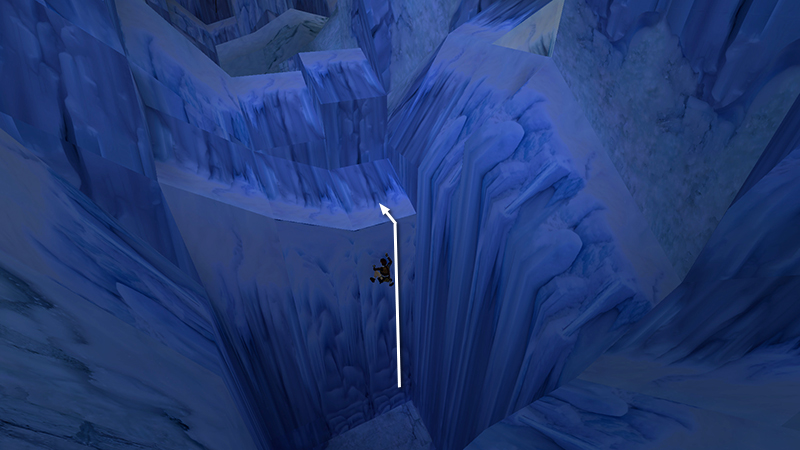
After collecting secret #2, as shown in the last section you climbed back to the top of the deep chasm.
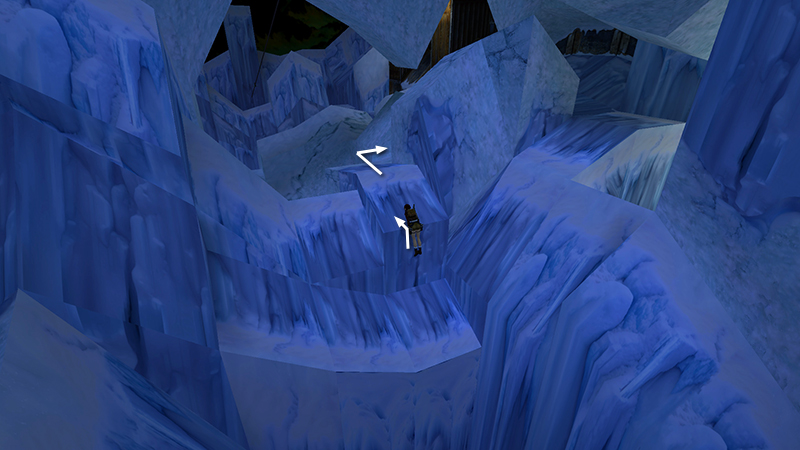
At the top of the ice ladder, vault up onto the ledge straight ahead, go forward over the low rise, then turn right and approach the building.
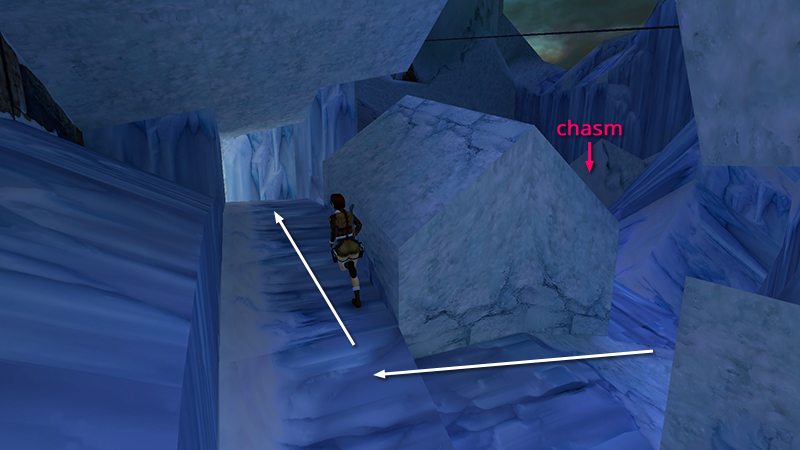
Turn right again and follow the icy path that runs along next to the building.
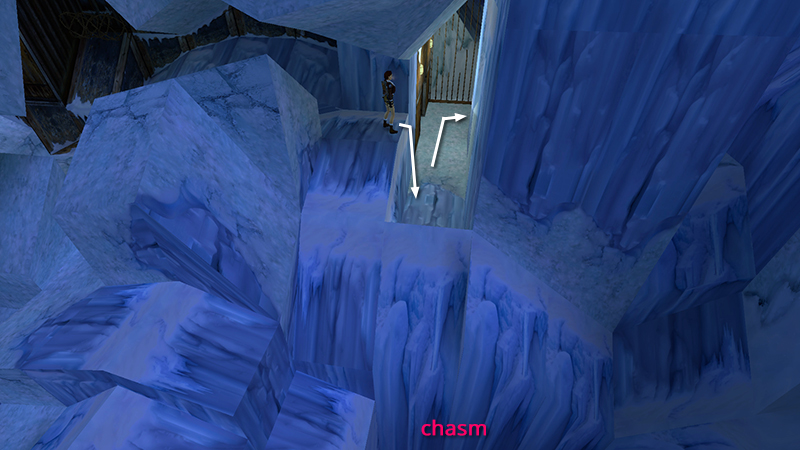
At the end of this path, hop down, turn left, and enter a room with one wall made of bars.
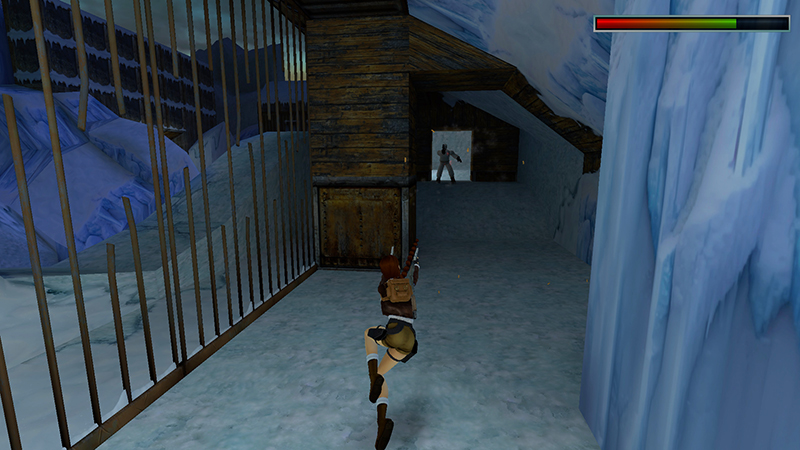
Another guy in white (13) approaches as you round the corner to the right.
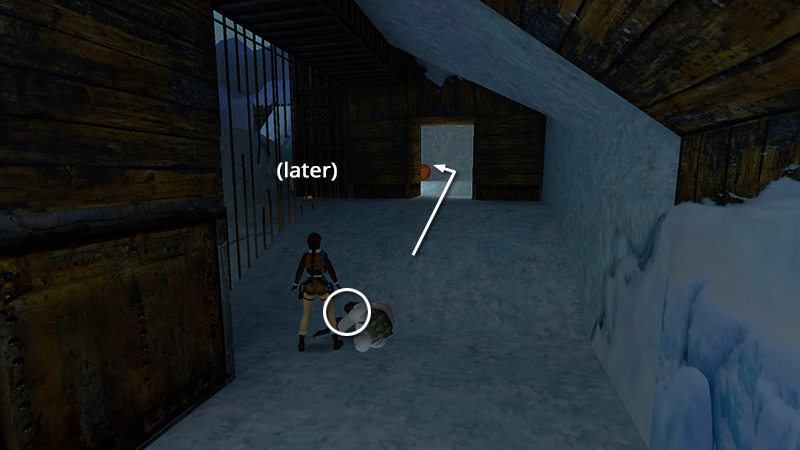
Kill him and take his M16 clips (30). (You'll also see a small medi pack on the other side of the bars, but you can't get it yet.) Continue into the next room...
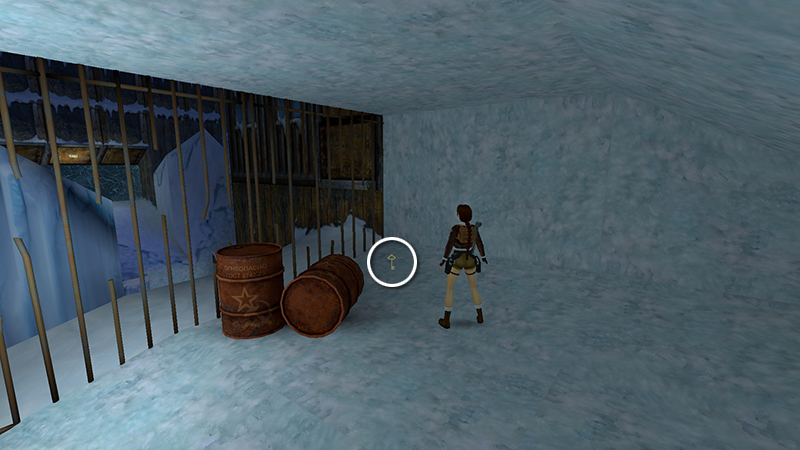
...to find the GUARDROOM KEY (31) in the corner behind the rusty barrels.
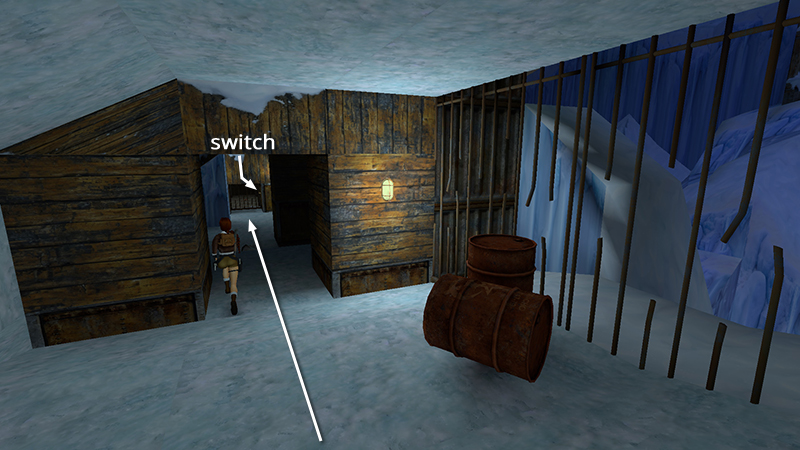
Take it and return to the lower end of the room, where you came in. Pull the switch in the barred alcove...
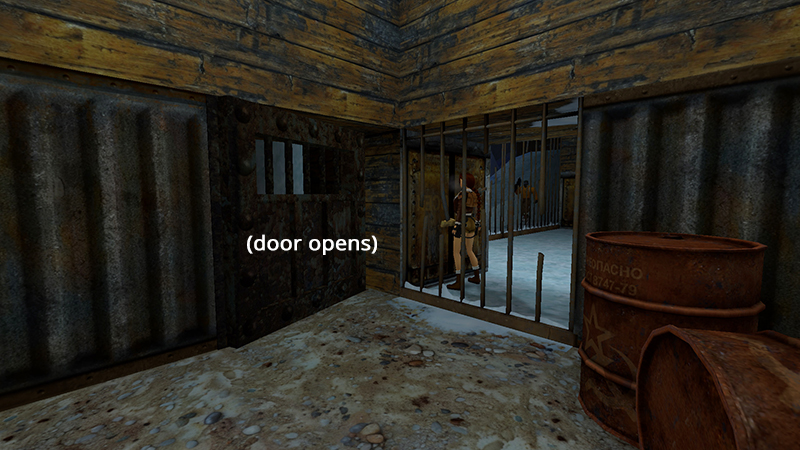
...to open the door on the other side of the bars. Another orange-jacketed mercenary (14) comes through, but he's not smart enough to shoot through the bars. So you're safe for now.
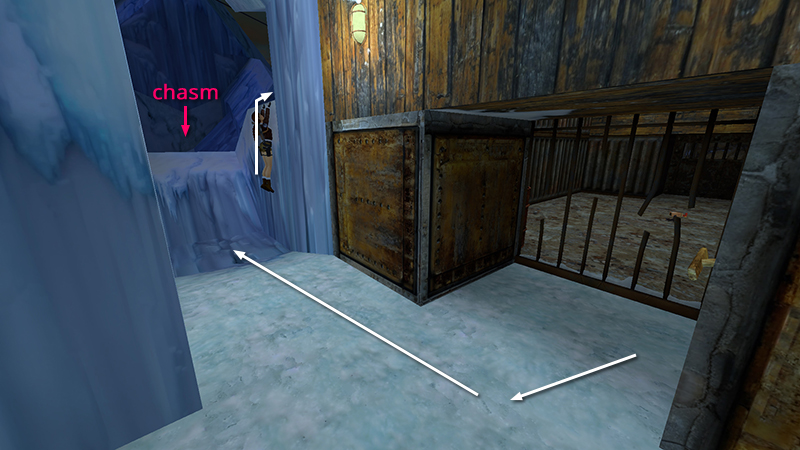
Turn so the switch is behind Lara then head back outside. Climb up on the right—not straight ahead or you'll fall into the chasm.
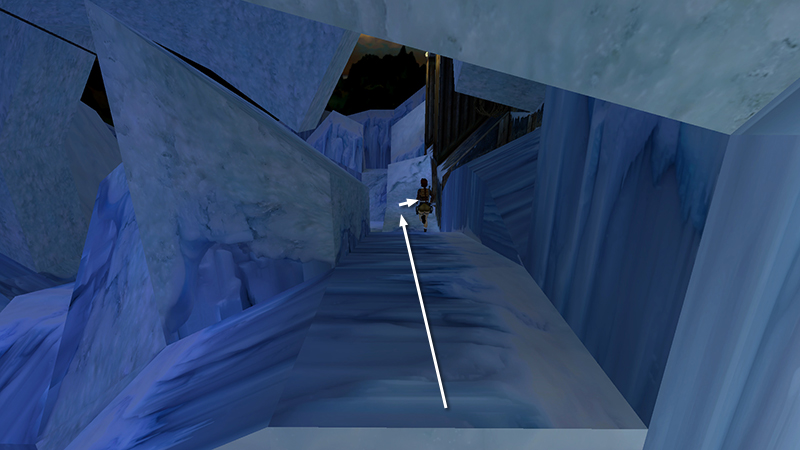
Follow the path alongside the building to the end.
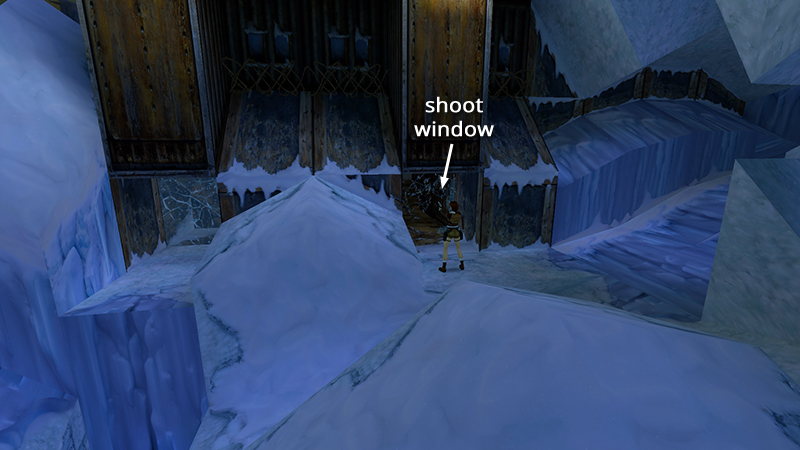
Turn right and shoot out the frosty window with your pistols.
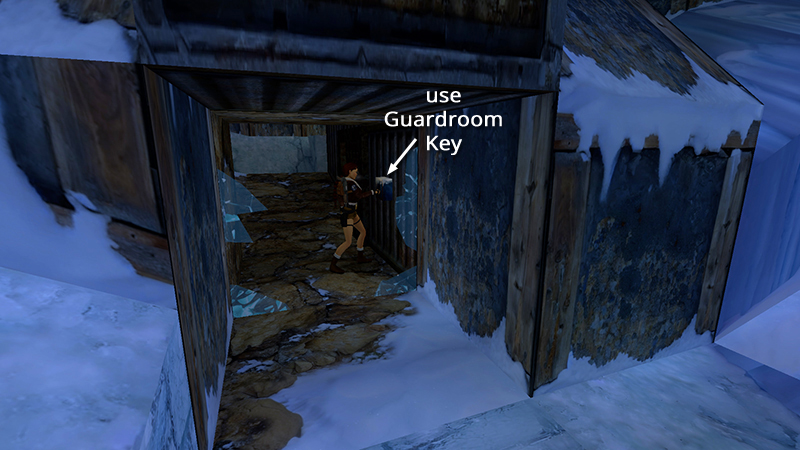
Now step inside and use the key you just found in the lock. This opens the GUARDROOM door, just to the left.
[Previous | Next | Cold War Walkthrough]
DARK MODE: I plan to add optional dark mode for these pages, but my current priority is updating the walkthroughs. Meanwhile, may I suggest a reputable dark mode browser extension, such as Dark Reader? (Download only from trusted sites, like darkreader.org or your browser's official add-on/extension site.)
Walkthrough text and diagrams copyright © Stellalune (email ). Feel free to copy or print this walkthrough for personal use. By all means, share it with friends, but please include this credit line so people can send me their feedback. No part of this walkthrough may be reproduced on another site without permission.