The Cold War - Secret #2 (Gold Bars)
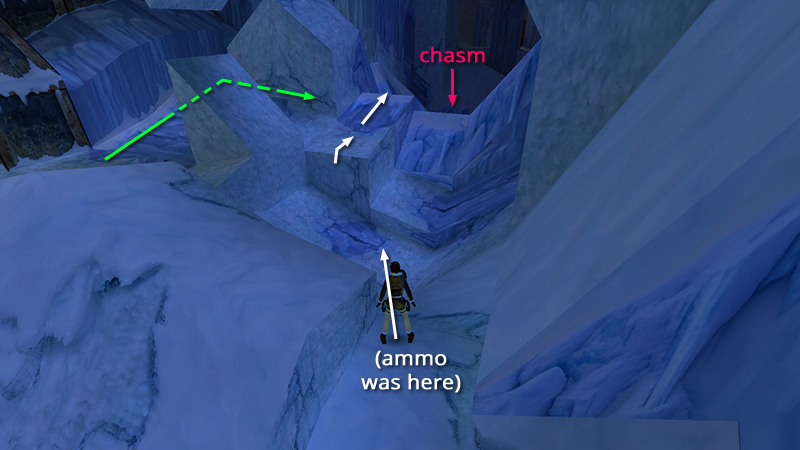
In the last section you explored a little near the end of the zip line and picked up the M16 then a box of shotgun ammo. Turn slightly to the left and jump into the depression ahead. Climb onto the ice block ahead on the left. (You can also get here by walking up the path alongside the building, indicated by the green arrows.) On the other side of the low hill of ice is the deep chasm you zipped over earlier.
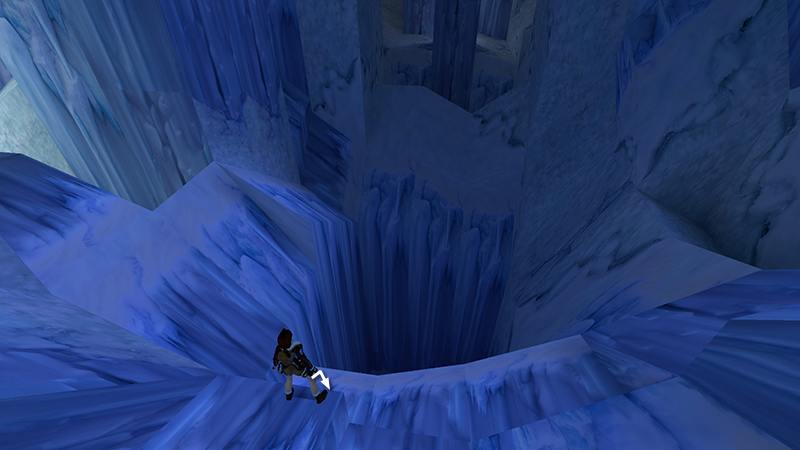
Step down onto the ledge at the rim of the chasm.
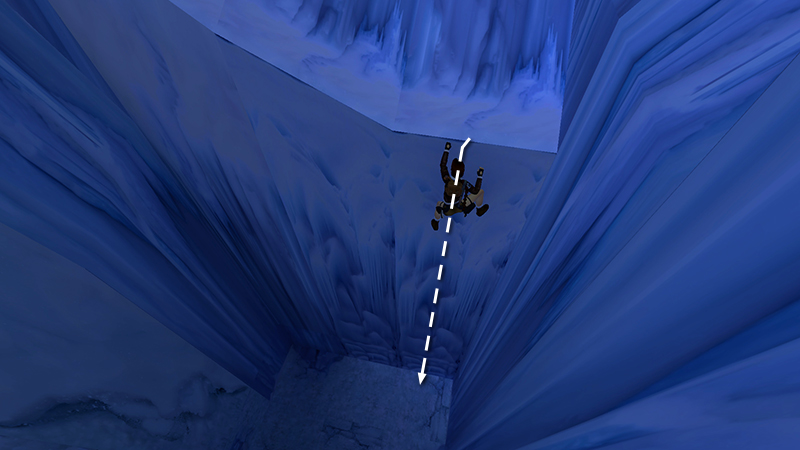
Then turn around, hang from the ledge, and climb the long ice ladder to the bottom. (Quickly press and release Action to descend ladders faster.)
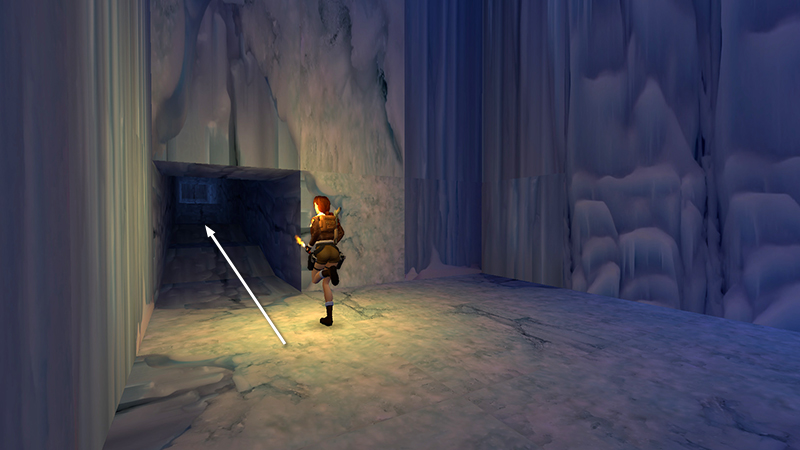
Follow the long tunnel, killing a leopard (12) along the way.
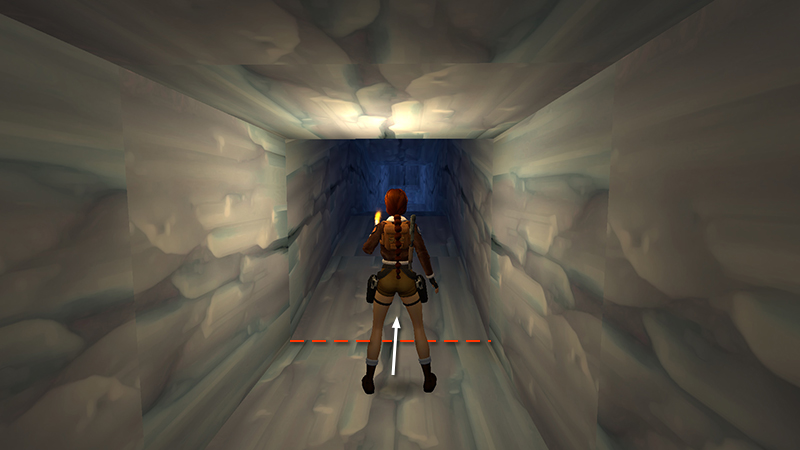
The leopard appears at the far end of the tunnel when you're about halfway along.
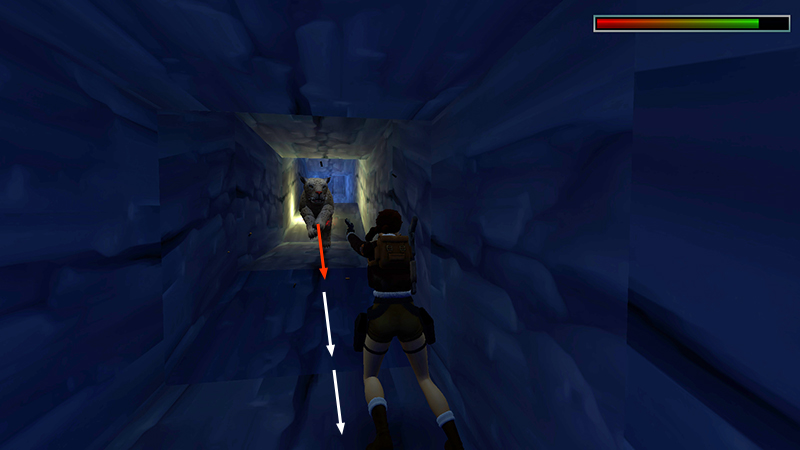
If you get a lock on it as soon as it charges, then hop back firing, you can kill it with pistols before it reaches Lara.
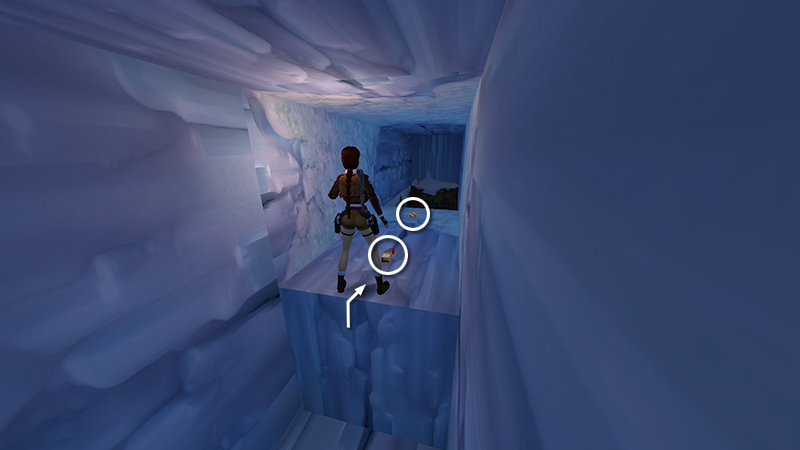
At the end of the tunnel, climb onto a ledge where you'll find SECRET #2, the gold bars (26), plus 3 boxes of shotgun shells (27-29) in one pile.
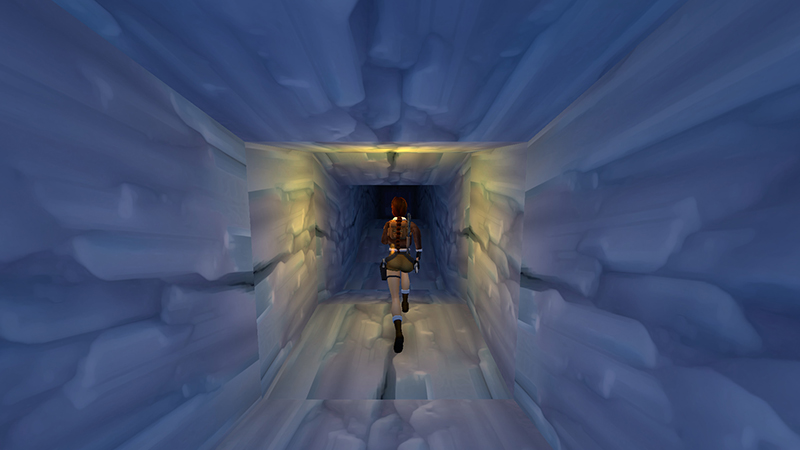
Turn around, follow the long passageway...
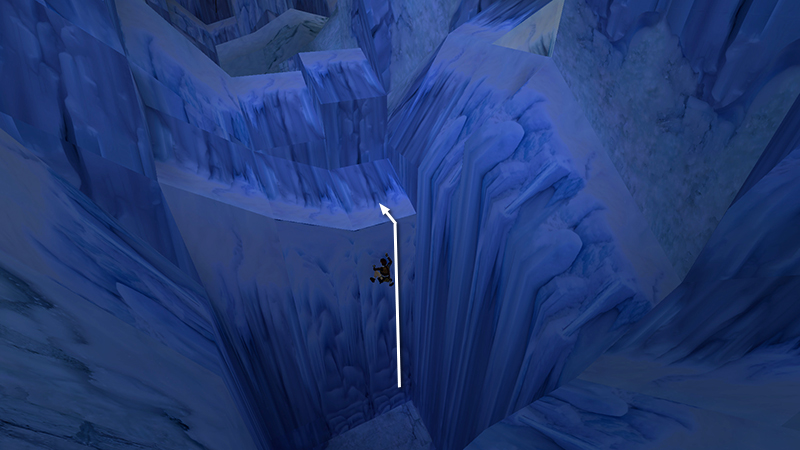
... back to the ice ladder. Then climb to the top.
NOTE: You can also drop down through the opening with the wooden sides, near where you found the gold bars, then make your way back to the zip line. See the main walkthrough for details.
[Previous | Next | Cold War Walkthrough]
DARK MODE: I plan to add optional dark mode for these pages, but my current priority is updating the walkthroughs. Meanwhile, may I suggest a reputable dark mode browser extension, such as Dark Reader? (Download only from trusted sites, like darkreader.org or your browser's official add-on/extension site.)
Walkthrough text and diagrams copyright © Stellalune (email ). Feel free to copy or print this walkthrough for personal use. By all means, share it with friends, but please include this credit line so people can send me their feedback. No part of this walkthrough may be reproduced on another site without permission.