The Great Wall - "I'm Not Climbing the Walls for This" Achievement/Trophy
In the last section, we found and used the RUSTY KEY, killed some spiders, moved a stone block, and slid down into a partially flooded room. This trap room can be tackled in different ways. If you want the achievement/trophy "I'm not Climbing the Walls for This," you must cross the pool without taking damage from the razor-sharp flying disks or jumping while standing in the shallow water.
If you don't care about achievements, or already have this one, there's a simpler solution below.
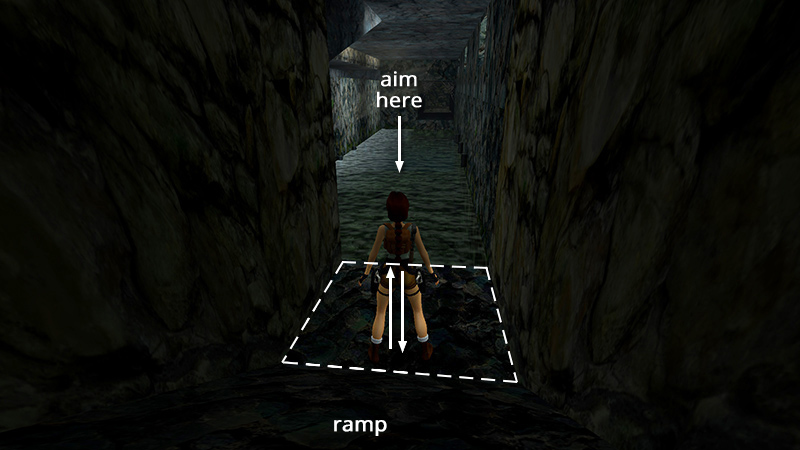
If possible, save before activating the blades. This helps with the timing for the strategy described here. Walk to the edge of the doorway, face the middle of the pool, and hop back once.
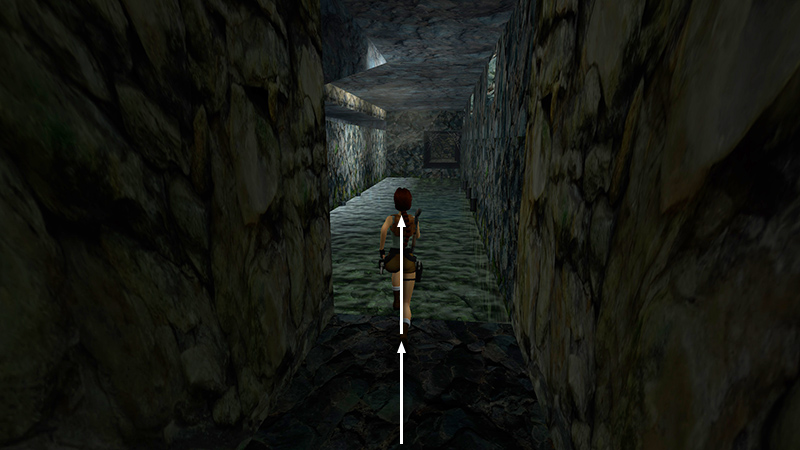
Then take a running swan dive (hold Forward then almost immediately press Walk + Jump together), just like you did when diving from the top of the wall for the swan dive achievements.
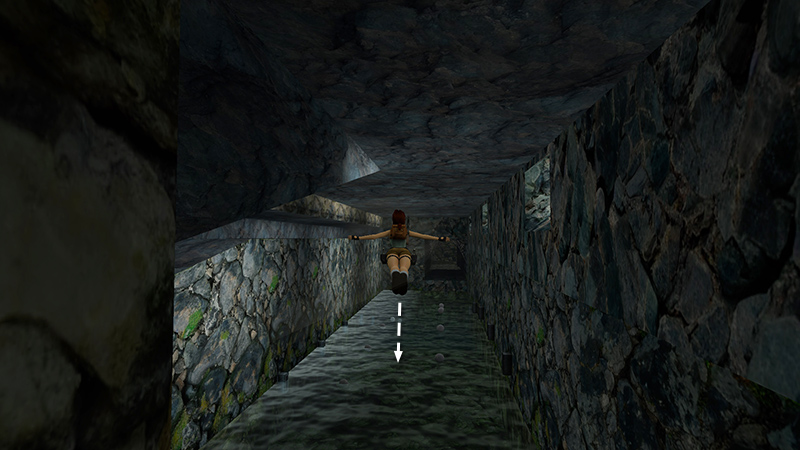
The criss-crossing blades activate as Lara does a graceful swan dive.
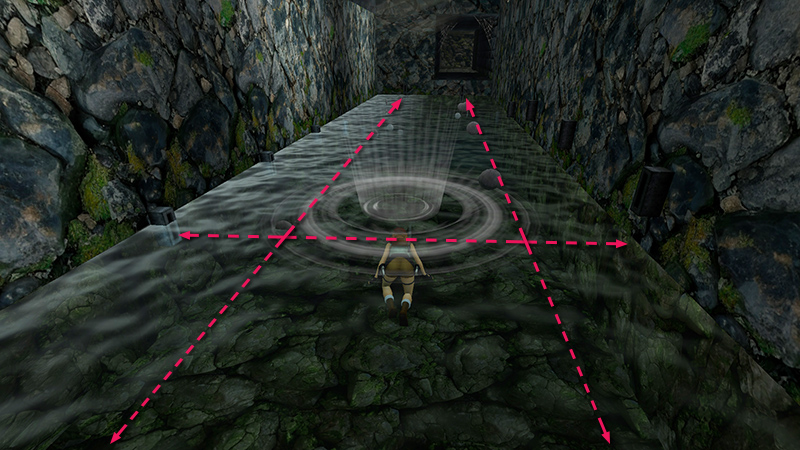
...splashing down near the middle of the room, just beyond the first set of side-to-side blades and between the two sets crossing the room lengthwise. While she's in the air, release Walk and Jump but continue to hold Forward/Up.
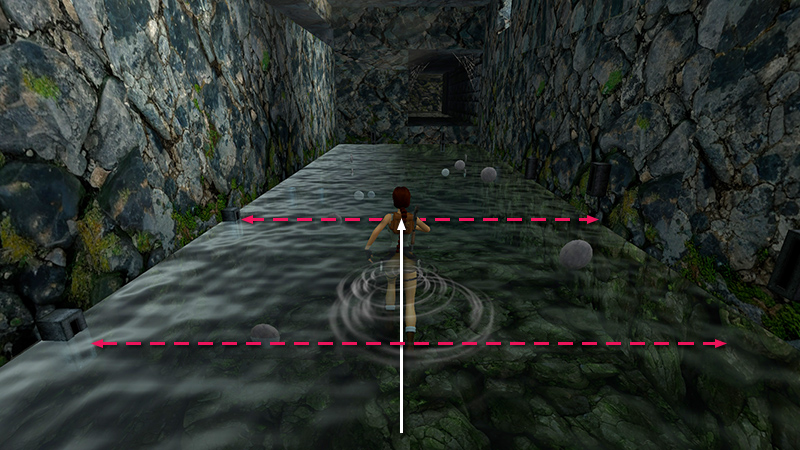
That way, as soon as Lara regains her footing, she'll start wading forward, toward the far end of the room. Steer a little to keep her in the middle of the room, but otherwise just keep moving forward. If you dove before activating the blades, the timing should be perfect, and none of them should hit her now. (If the blades were already activated, this technique can still work, but it may take several attempts.)
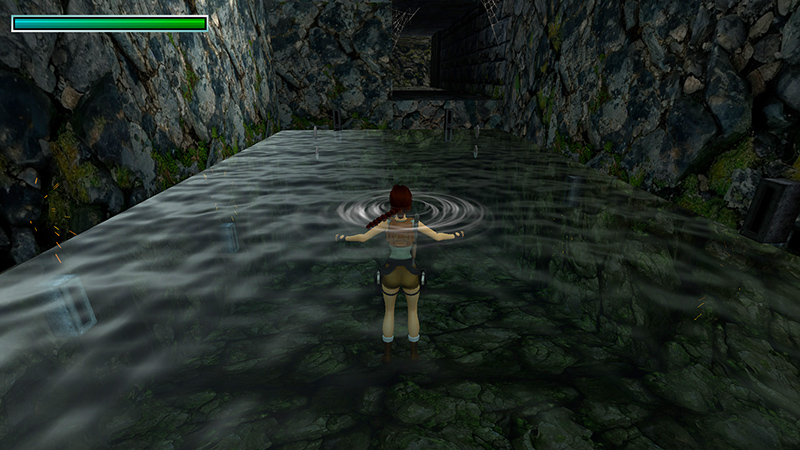
When Lara's feet can no longer touch bottom, and the breath meter displays at the top left...
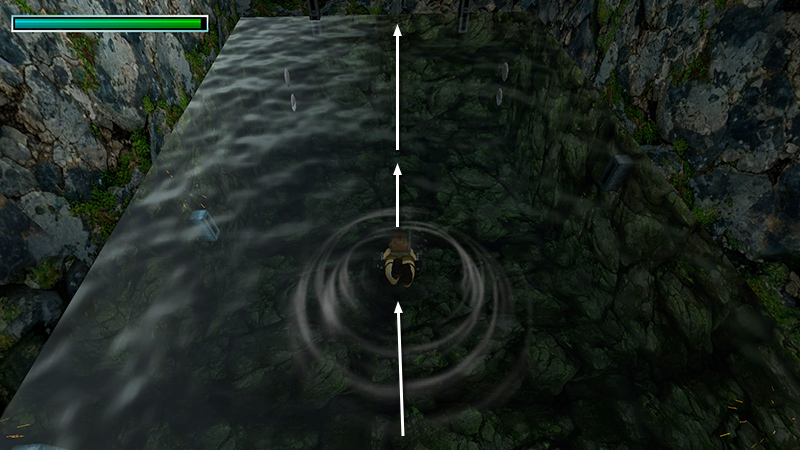
...press Jump to dive below the surface and swim straight forward, along the floor, toward the doorway. (This requires good timing or a little trial and error. If you take damage, reload and try again.) When you reach the far wall, swim to the surface...
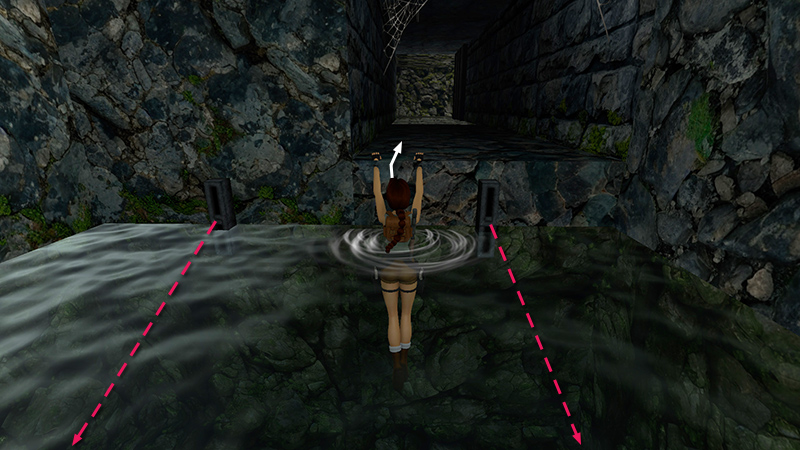
...and carefully pull up into the doorway.
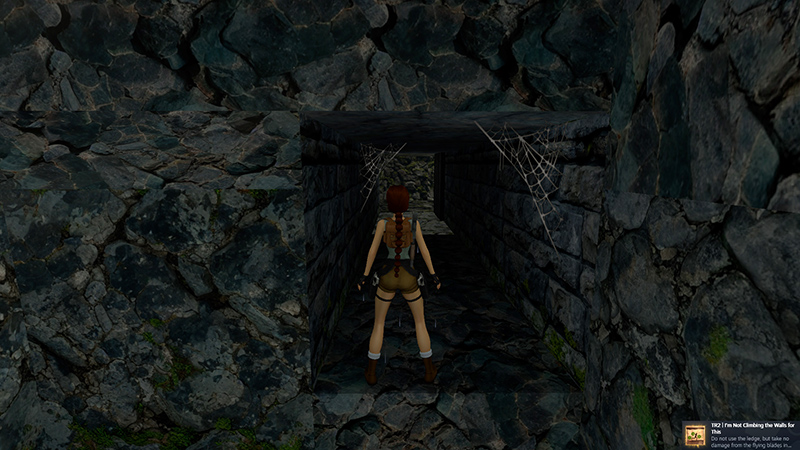
If you made it through without injury, the achievement/trophy should pop.
NOTE: If you did everything right, but the achievement/trophy still didn't unlock, you may have jumped while standing in the water. It's OK to press Jump in order to dive from the doorway, and again to dive below the surface while treading water, but if you jump straight up while standing in the shallow water, the game interprets this as attempting to grab the crevice (as shown below), and voids the achievement. Reload an earlier save and try again. If you don't have a convenient save, you can start a new game or restart the level by letting Lara die. Then press Action/Enter to open the Passport menu. Page to the right and choose "Restart Level." Not ideal, but at least you don't have much to replay.
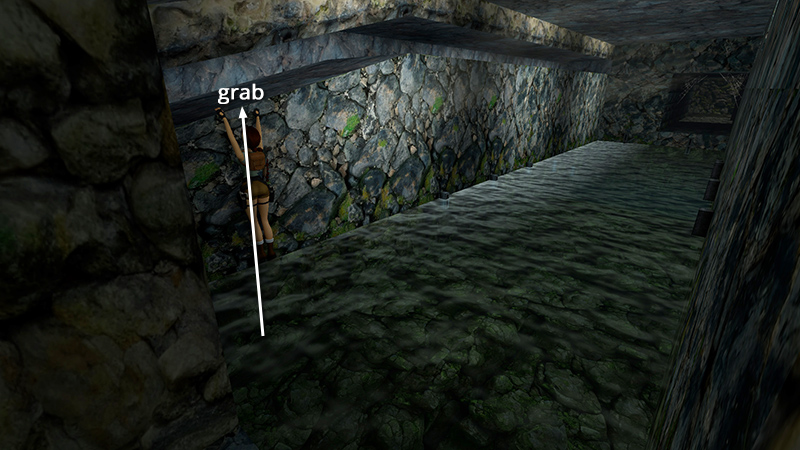
Alternatively, if you don't care about achievements or already have this one, there's an easier way to avoid the flying blades. Wade over to the left wall, stand close to it, then jump straight up and grab the horizontal crevice.
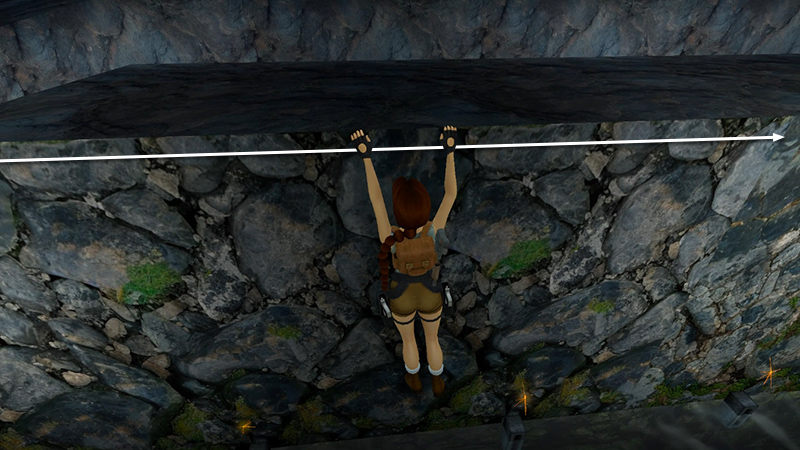
Hold Action + Right to traverse all the way across the room, as the blades pass harmlessly below.
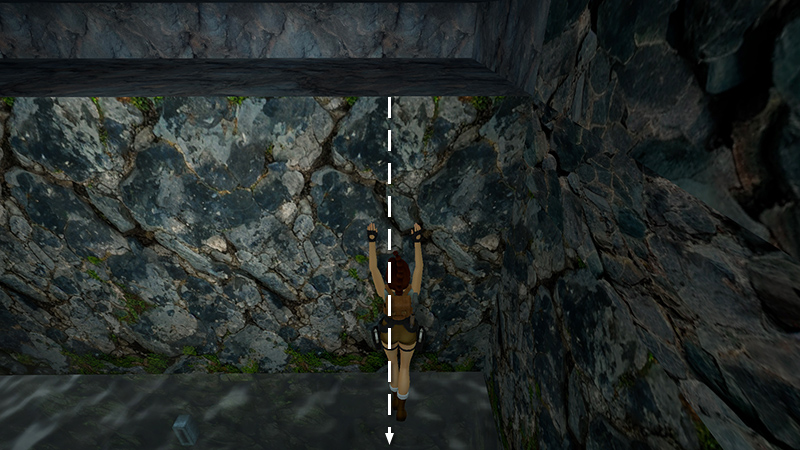
When you reach the far corner, release Action to drop into the water...
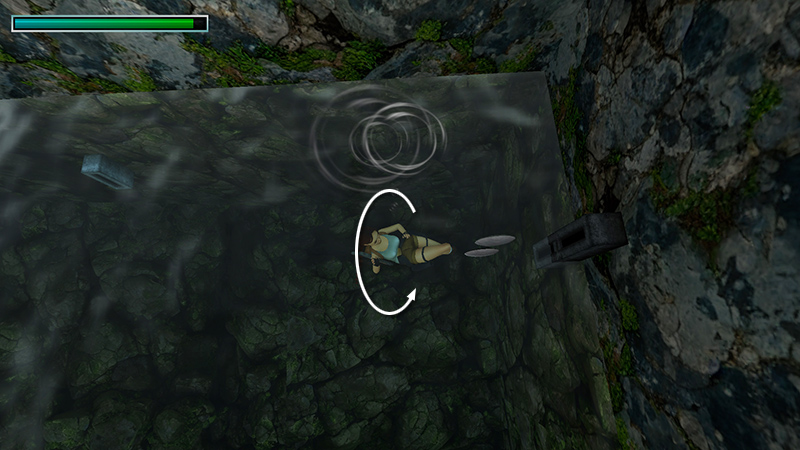
...roll...
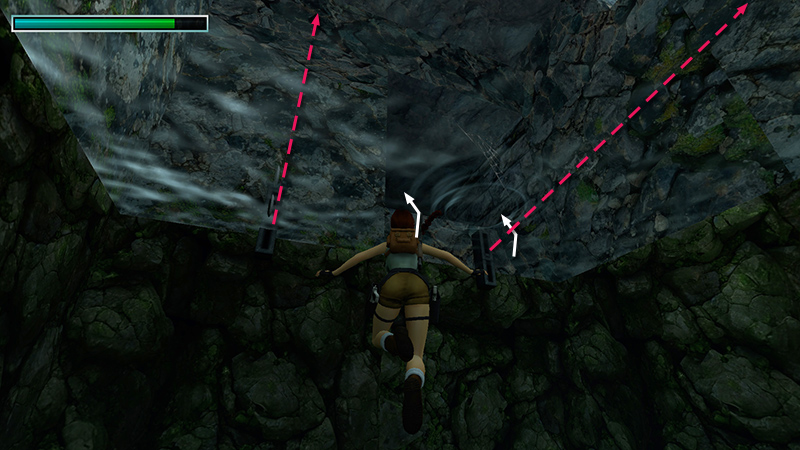
...then carefully surface on the left or right side of the doorway, avoiding the blades as you climb out of the pool.
DARK MODE: I plan to add optional dark mode for these pages, but my current priority is updating the walkthroughs. Meanwhile, may I suggest a reputable dark mode browser extension, such as Dark Reader? (Download only from trusted sites, like darkreader.org or your browser's official add-on/extension site.)
Walkthrough text and diagrams copyright © Stellalune (email ). Feel free to copy or print this walkthrough for personal use. By all means, share it with friends, but please include this credit line so people can send me their feedback. No part of this walkthrough may be reproduced on another site without permission.