The Great Wall - Rusty Key
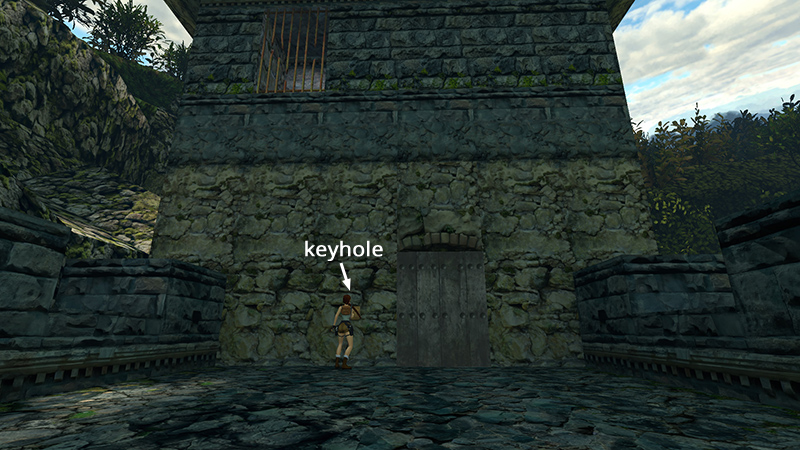
After retrieving the GUARDHOUSE KEY, as shown in the previous section, open the door by approaching the lock and pressing Action to select the key from inventory and Action again to use it.
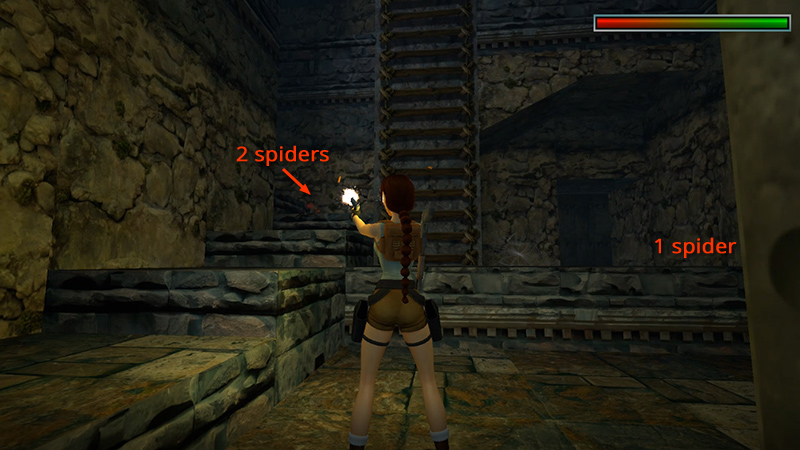
Enter and shoot 3 spiders (7-9). (Two come down the stairs, one spawns on the ledge to the right.)
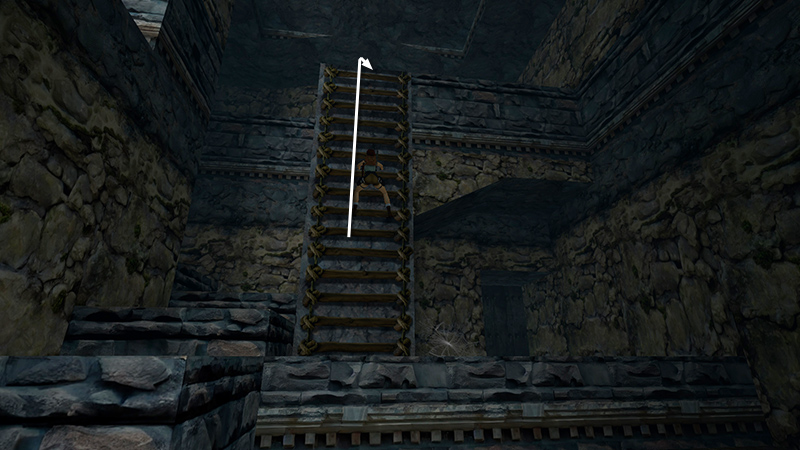
To grab onto the ladder and climb, approach it, press and hold Action to hang on, then press Forward/Up to climb.
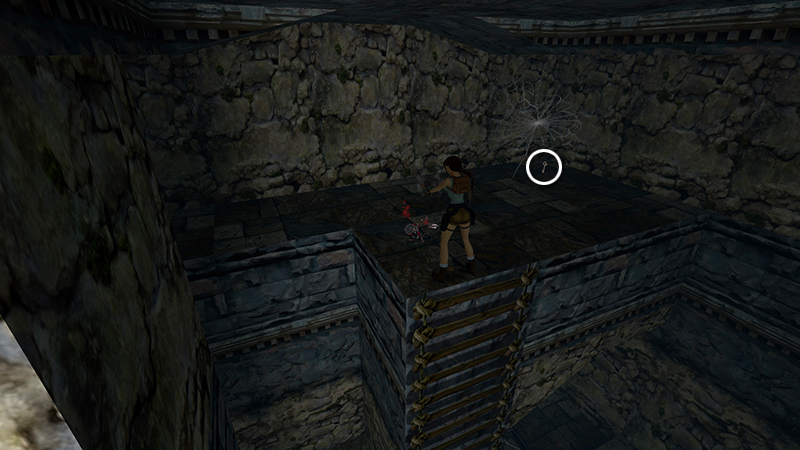
At the top, kill another spider (10) and take the RUSTY KEY (3).
- OR -
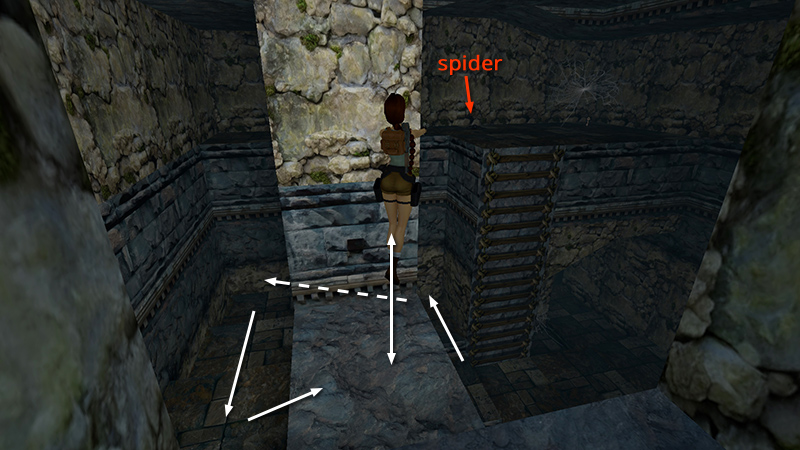
Alternatively, if you'd rather not get close to the spider, climb the stone steps and shoot it across the gap. You may need to jump in place to get a clear shot. Then climb the ladder and retrieve the key.
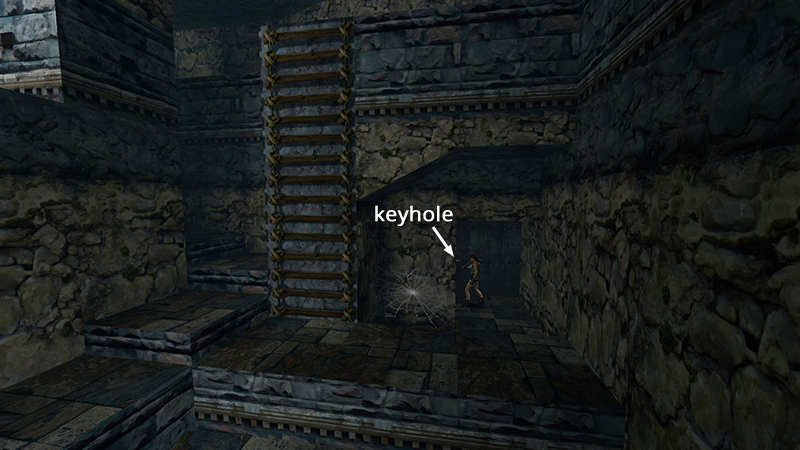
Use the key to unlock the exit, below the ledge where you found the key.
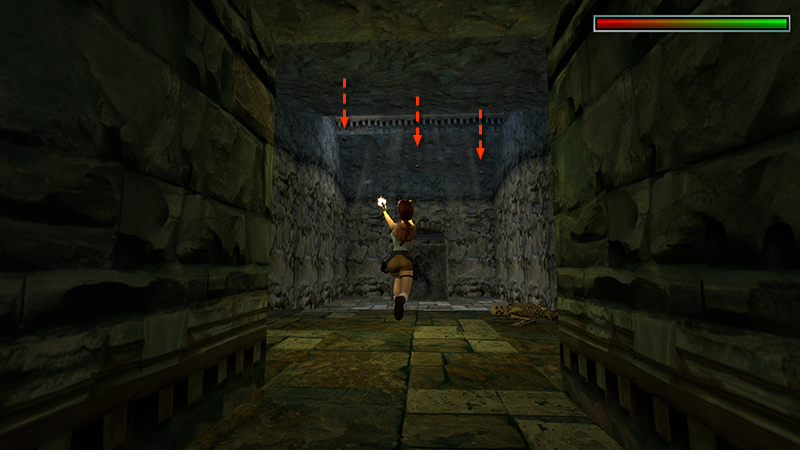
In the next room, 3 more spiders (11-13) drop from the ceiling...
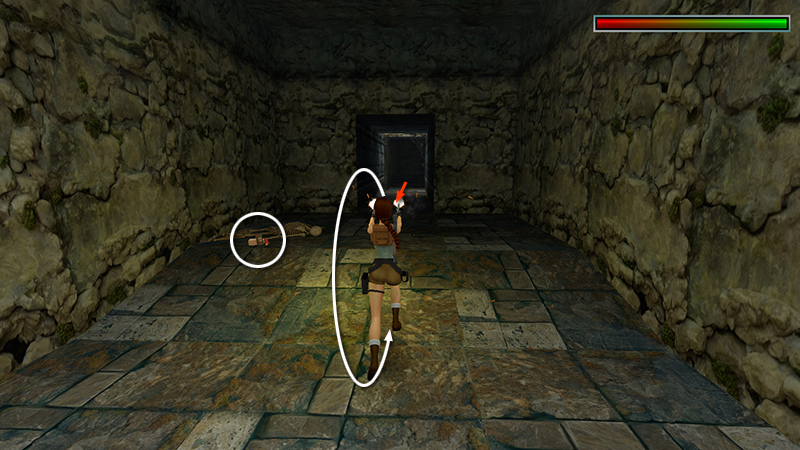
...and another spider (14) comes in behind you. Shoot them all and take the shotgun shells and large medi pack (4-5) from the skeleton.
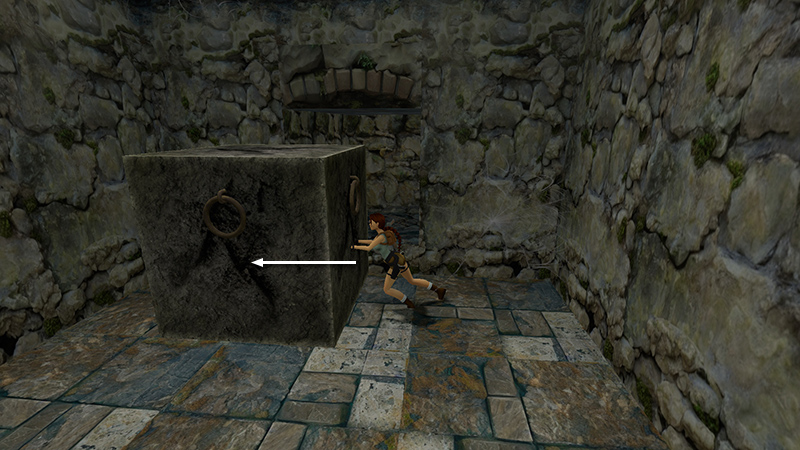
There's a big stone block in front of the exit. To move it out of the way, stand close, press and hold Action to grab the block, and then press Back/Down to pull. Or stand beside it and push it out of the way, as shown above.
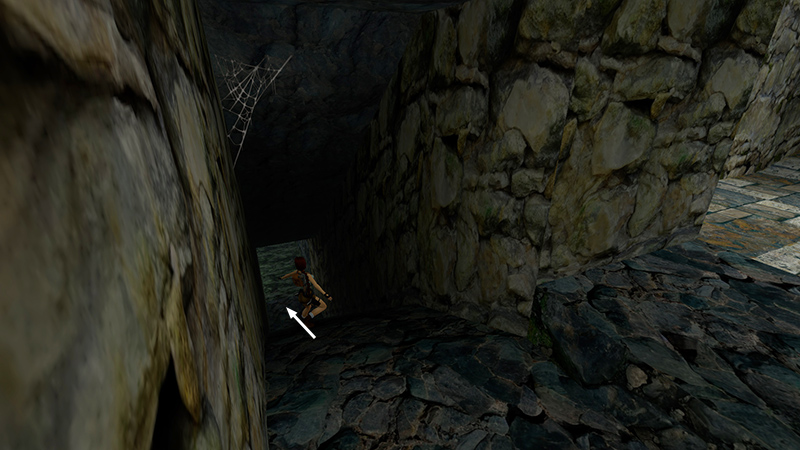
Slide down into the next room.
DARK MODE: I plan to add optional dark mode for these pages, but my current priority is updating the walkthroughs. Meanwhile, may I suggest a reputable dark mode browser extension, such as Dark Reader? (Download only from trusted sites, like darkreader.org or your browser's official add-on/extension site.)
Walkthrough text and diagrams copyright © Stellalune (email ). Feel free to copy or print this walkthrough for personal use. By all means, share it with friends, but please include this credit line so people can send me their feedback. No part of this walkthrough may be reproduced on another site without permission.