The Great Wall - Guardhouse Key
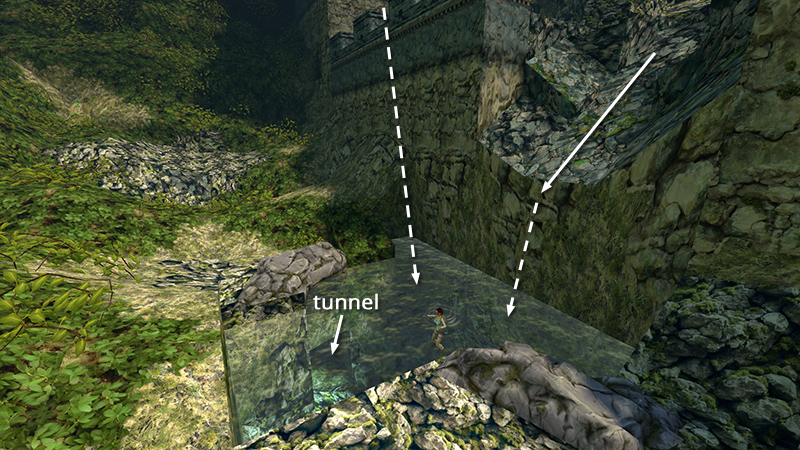
After unlocking the swan dive achievements (or not), you'll end up in the small pool below the wall. Swim into the tunnel (on the right if Lara's back is toward the wall).
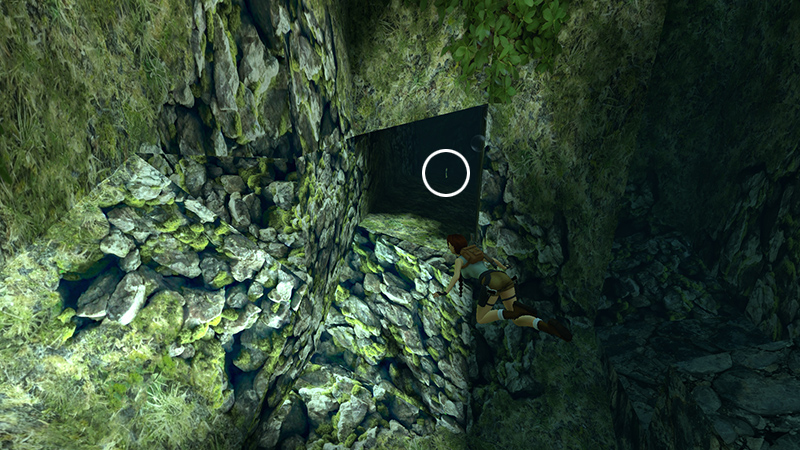
Here you'll find the GUARDHOUSE KEY (2).
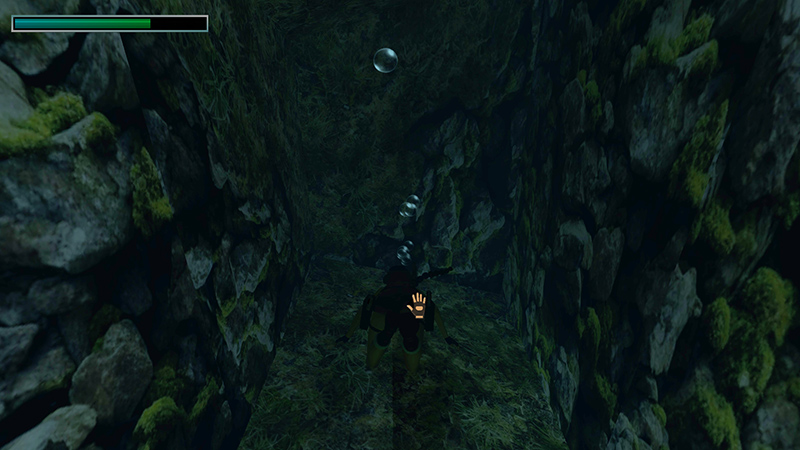
Position Lara above the key and press Action to pick it up. (If you're new to the remastered games, see the note about Action Indicators and Walk to Action in the main walkthrough. Follow this link to review the swimming controls.)
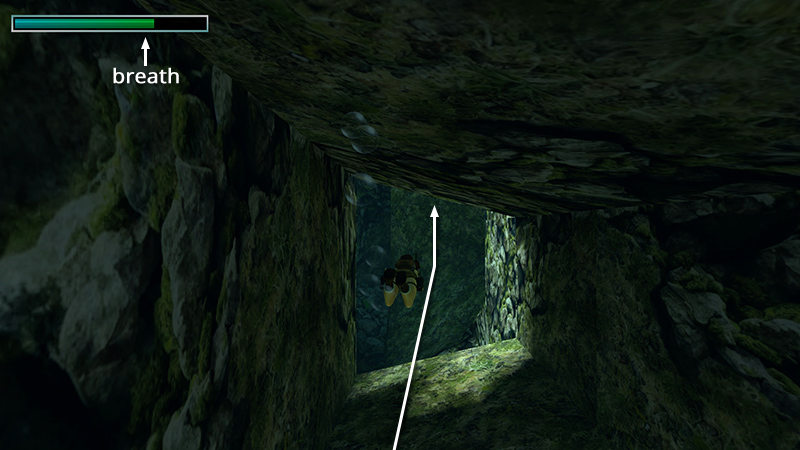
Once you have it, roll, swim out of the tunnel, and head for the surface before Lara runs out of air.
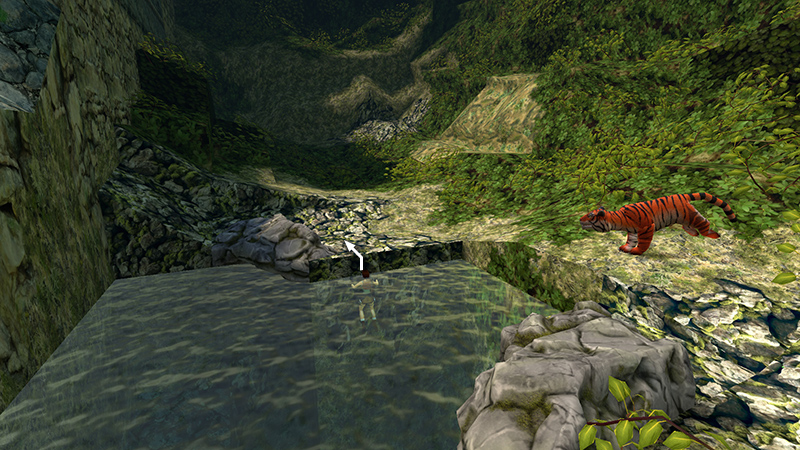
When you took the key, a tiger (6) appeared at the edge of the pool. If you like, you can tread water until it runs off. Then climb out of the water, equip the shotgun from inventory, and hit it with two blasts as it charges. Or, to conserve ammo, wait until the tiger moves away...
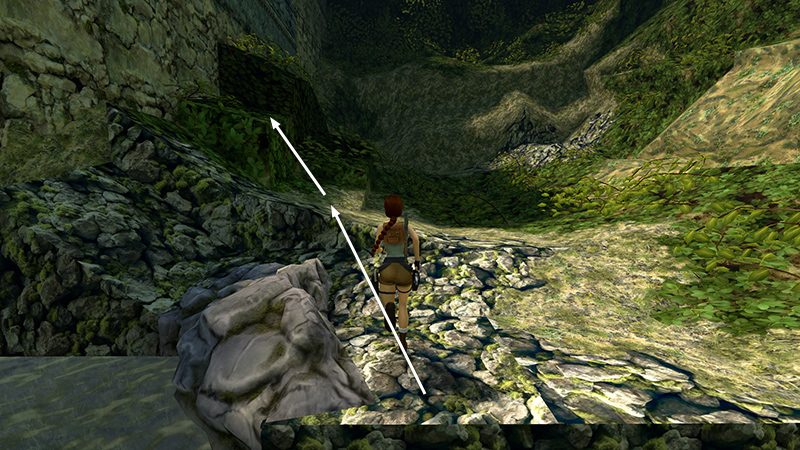
...and jump onto the vine-covered blocks near the wall.
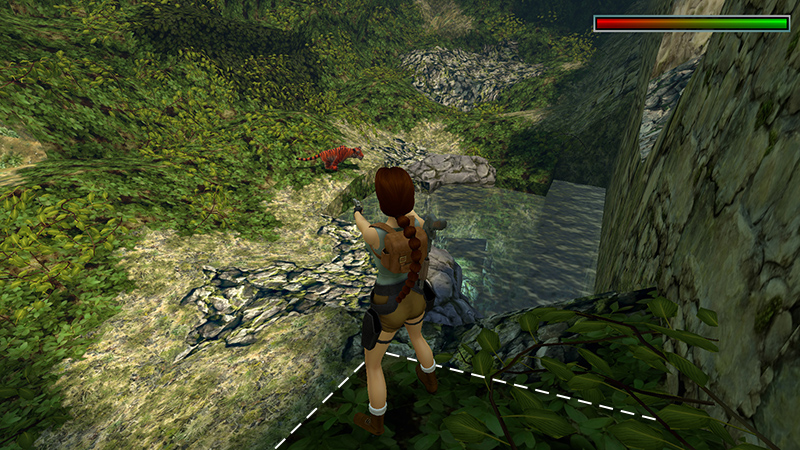
Then either shoot the tiger from safety or just leave it in peace.
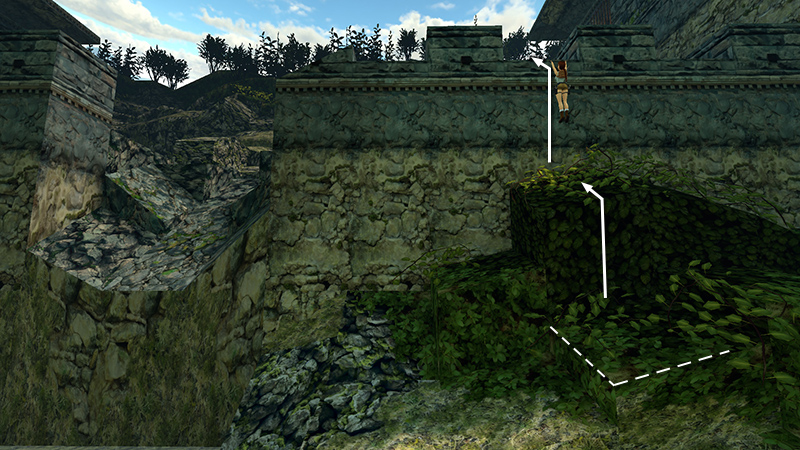
Climb those blocks and pull up onto the wall.
DARK MODE: I plan to add optional dark mode for these pages, but my current priority is updating the walkthroughs. Meanwhile, may I suggest a reputable dark mode browser extension, such as Dark Reader? (Download only from trusted sites, like darkreader.org or your browser's official add-on/extension site.)
Walkthrough text and diagrams copyright © Stellalune (email ). Feel free to copy or print this walkthrough for personal use. By all means, share it with friends, but please include this credit line so people can send me their feedback. No part of this walkthrough may be reproduced on another site without permission.