The Deck - Draining the Stern
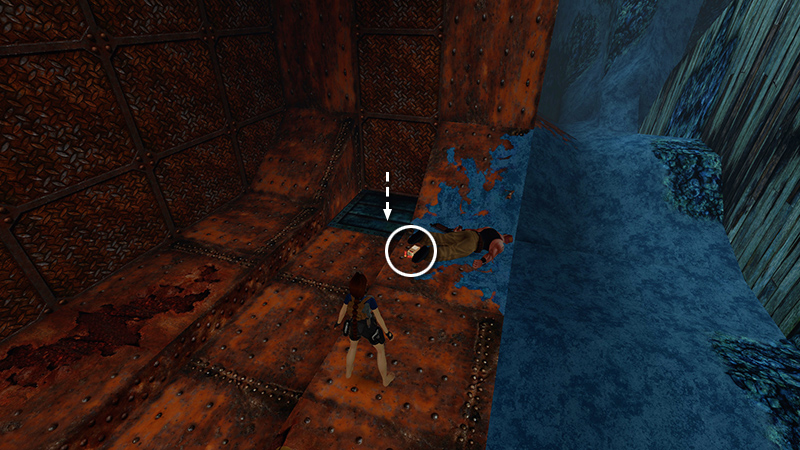
After swimming into the flooded STERN and using a lever to open a trapdoor, as shown in the last section, you returned outside, killed this enemy, and dropped through the trapdoor on the ledge where he fell.
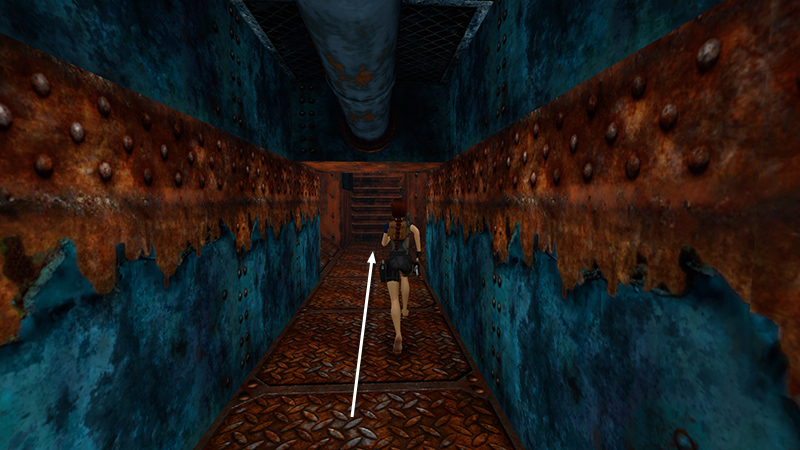
Now, follow the rusty corridor to a ladder.
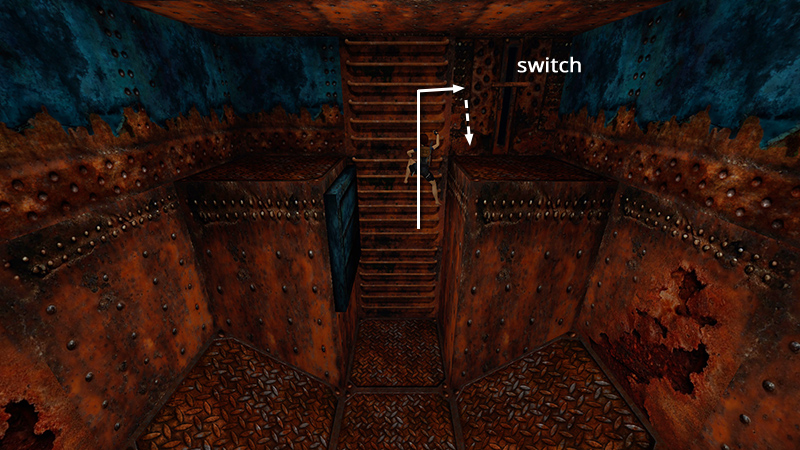
Climb up through the trapdoor you just opened using the lever in the flooded STERN. Dismount on the right. Flip the switch...
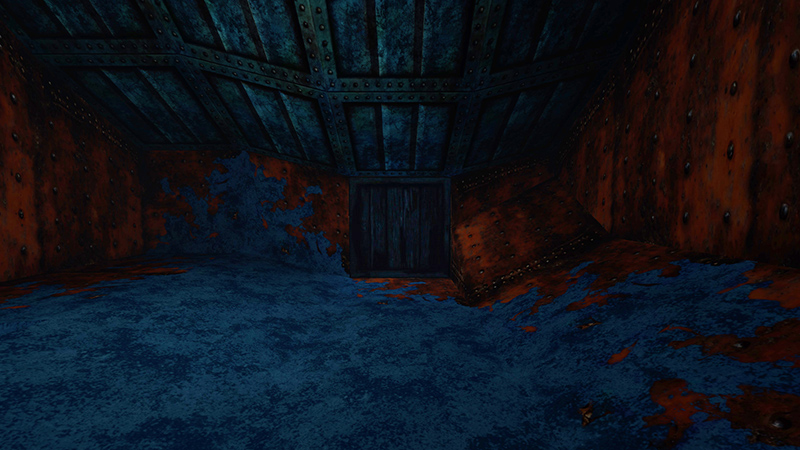
...to drain the water from the STERN. (It's very dark, but there's that crate you saw earlier.)
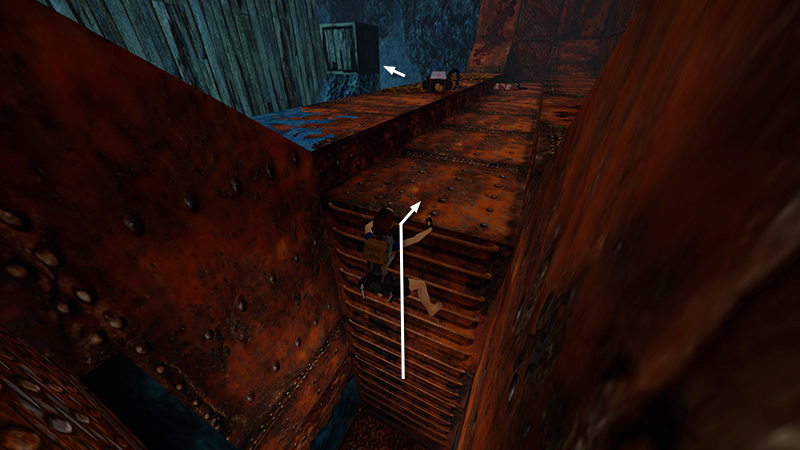
Return outside.
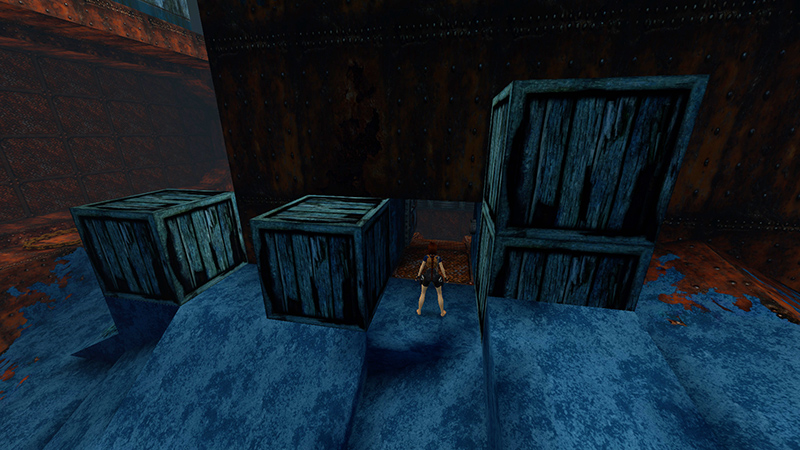
Go through the door near the movable crates...
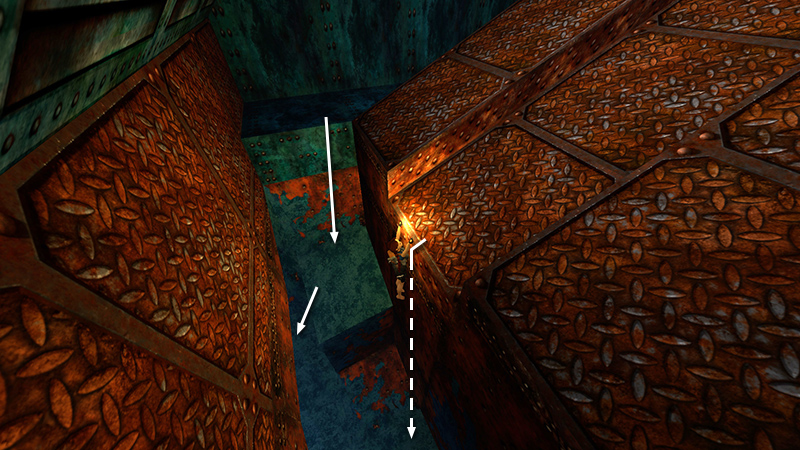
...and drop down into the now dry cave.
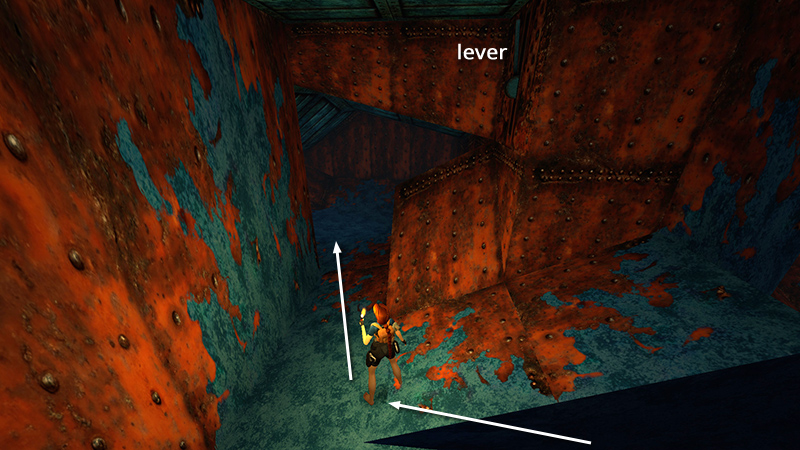
Proceed past the lever (now out of reach)...
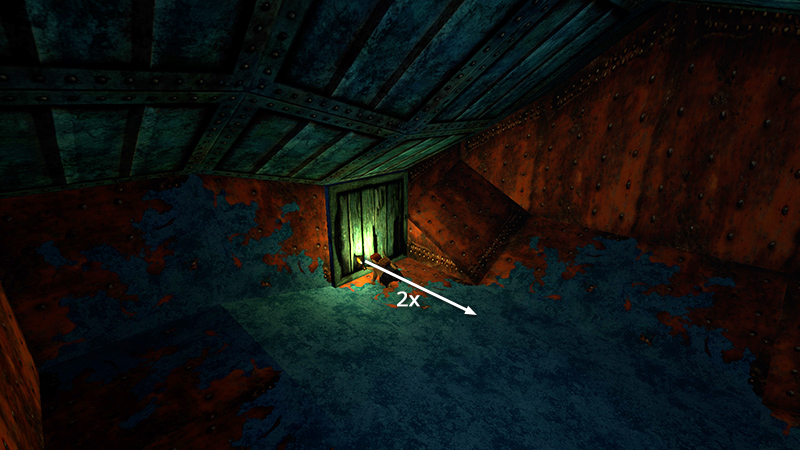
...to a dead end with a movable crate embedded in the wall. Pull it out...
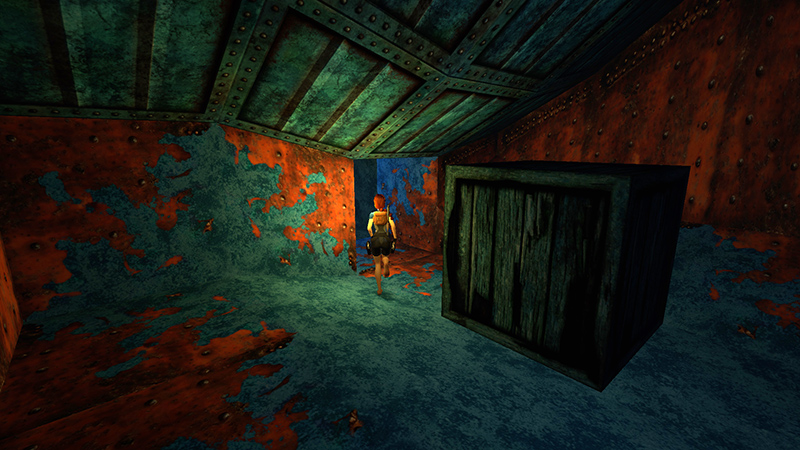
...to reveal an opening. Follow this tunnel to its end...
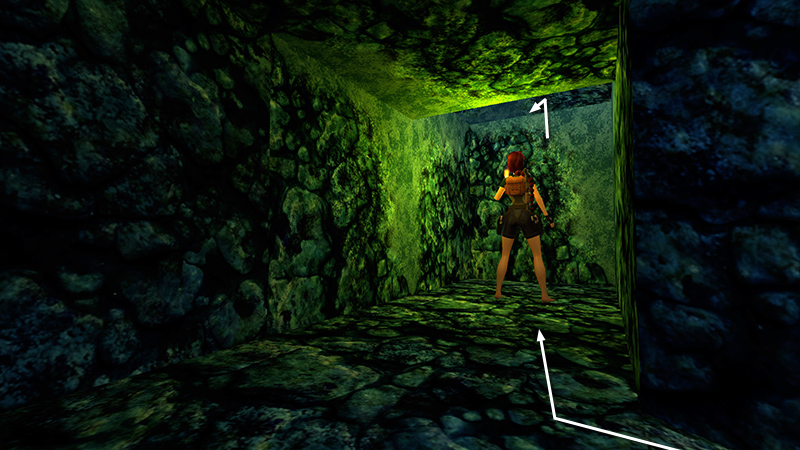
...and climb up into a larger cave.
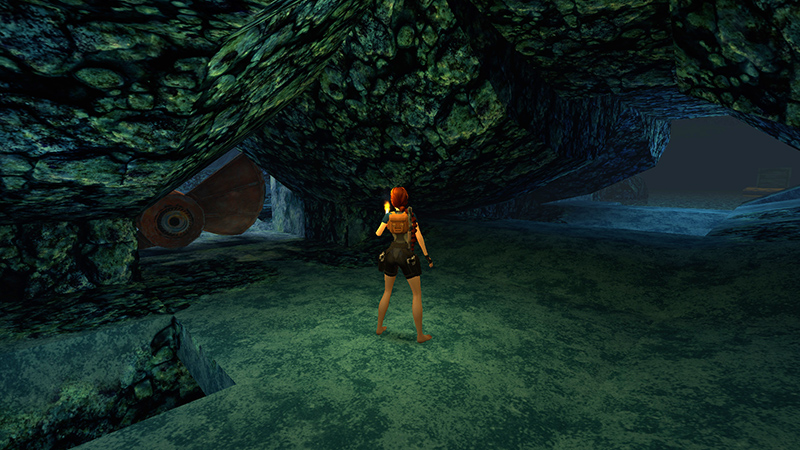
Near the tunnel opening is a huge propeller. (If you explored the CAVERN FLOOR earlier, you will have seen the propeller from the other side.) Continue forward to a large, underground lake. The next achievement/trophy, "A Land Walk," requires you to avoid the water for now.
[Previous | Next | The Deck Walkthrough]
DARK MODE: I plan to add optional dark mode for these pages, but my current priority is updating the walkthroughs. Meanwhile, may I suggest a reputable dark mode browser extension, such as Dark Reader? (Download only from trusted sites, like darkreader.org or your browser's official add-on/extension site.)
Walkthrough text and diagrams copyright © Stellalune (email ). Feel free to copy or print this walkthrough for personal use. By all means, share it with friends, but please include this credit line so people can send me their feedback. No part of this walkthrough may be reproduced on another site without permission.