The Deck - Cavern Floor and Fifth "Fire Safety" Encounter
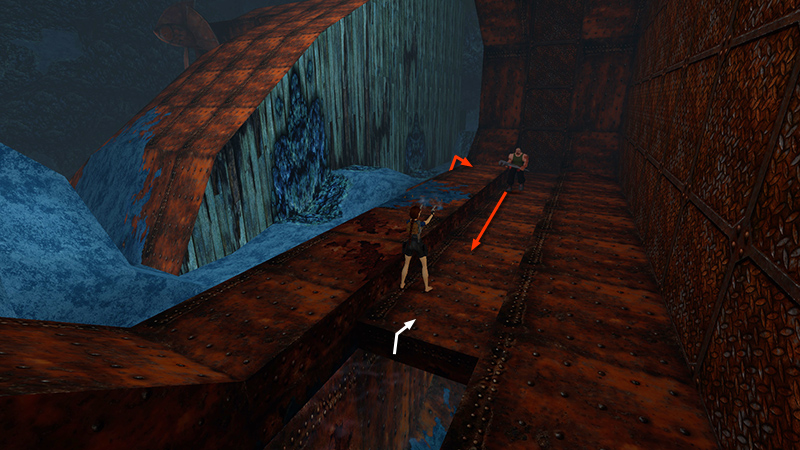
After retrieving the STERN KEY and swimming through the flooded tunnel, as shown in the first section, climb out of the water. Ahead is the rusted hull of the ship's stern, which apparently broke off when it sank. Shoot a goon with a wrench (5) as he approaches.
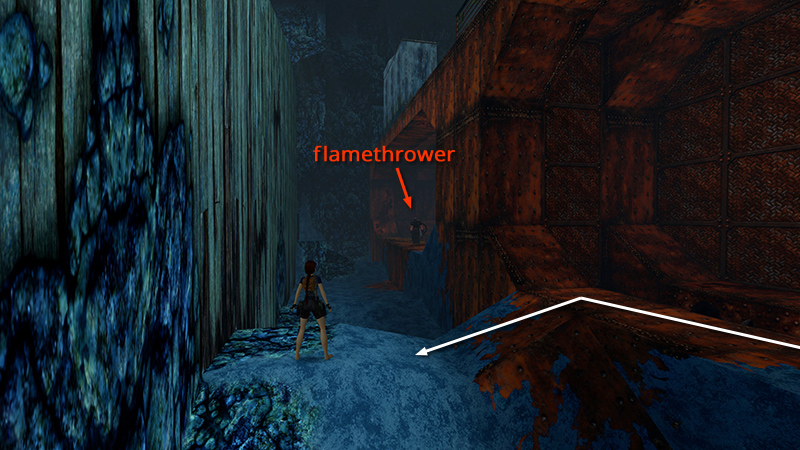
Then follow the ledge to the end and step out onto the little hump made of blue stone. The next flamethrower (6) (5/9 for the "Fire Safety" achievement/trophy) is lurking on the next rusty ledge. Save the game and get ready to be flambéed.
NOTE: If you are not working on this achievement, you can kill the flamethrower from a distance. Then skip to the next section.
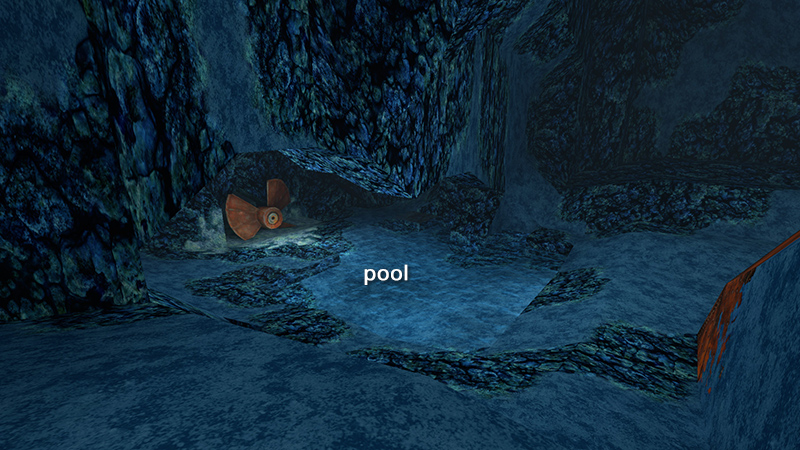
The nearest water is by the big propeller some distance away in the opposite direction. If you like, you can scout it out in advance on foot or using Photo Mode. Then return to the blue hump in the previous screenshot.
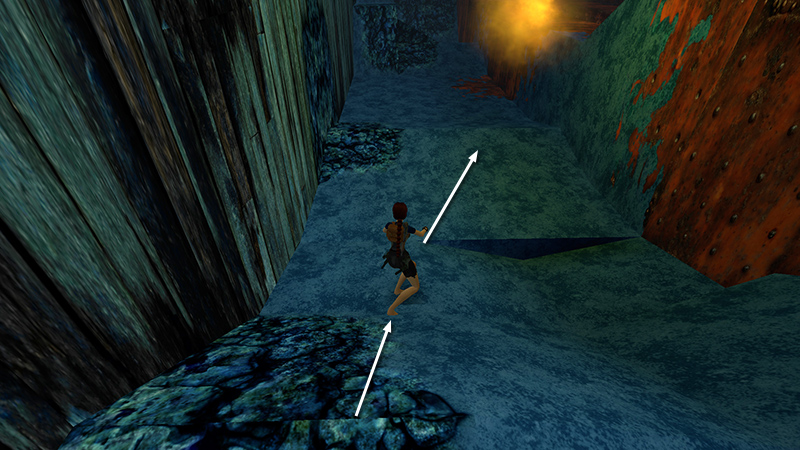
Slide down and run forward just close enough for the flames to reach you.
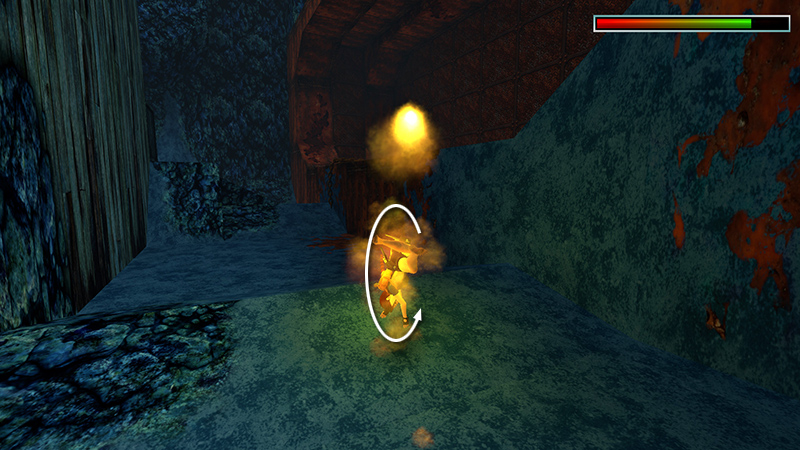
As Lara ignites, roll...
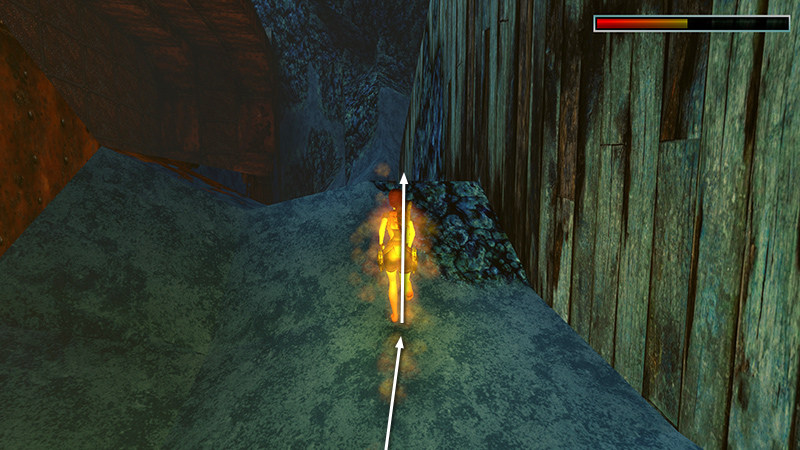
...and run back the way you came, healing as you go. Jump up
the slope you just slid down...
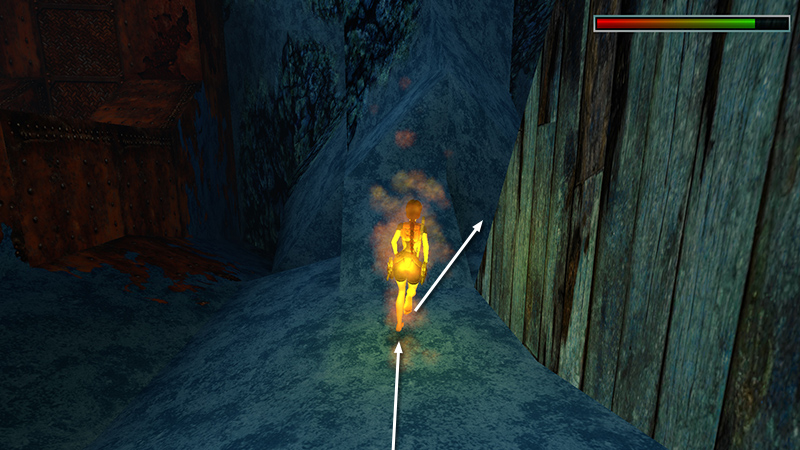
...and keep running forward. Jump through the V-shaped gap between the OVERTURNED HULL and the cavern floor.
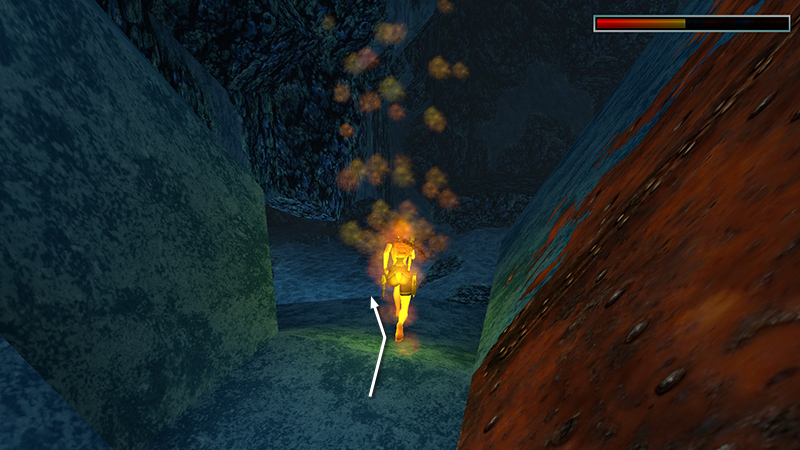
Run/slide down the slope on the other side...
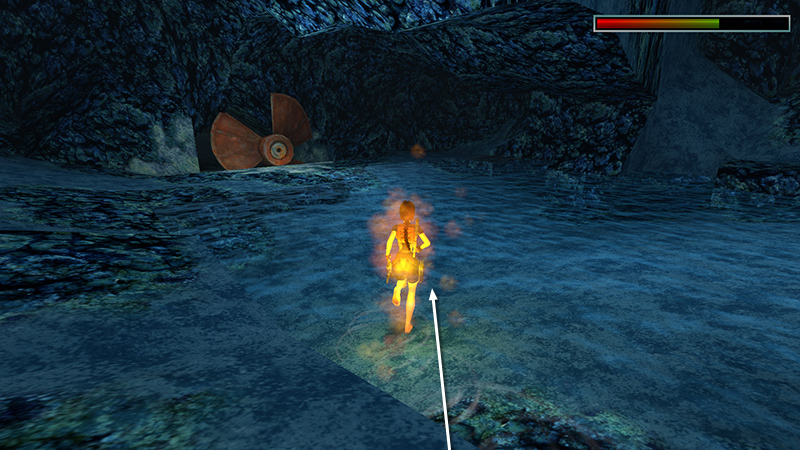
...and keep running into the pool.
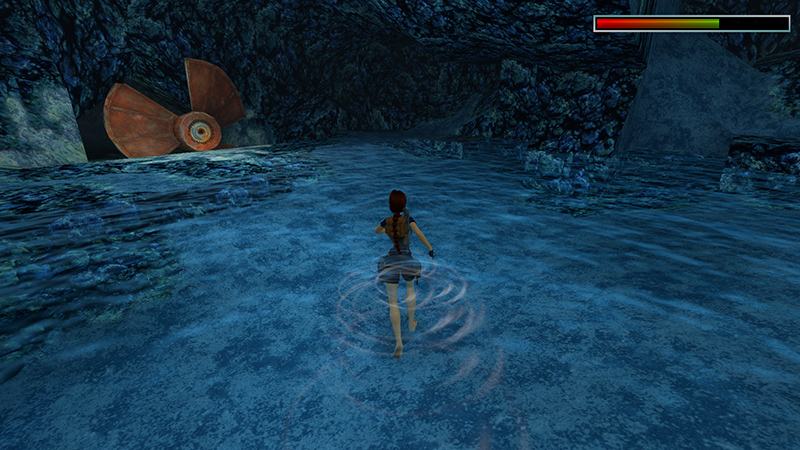
Once you make it into the waist-deep water, the flames will go out.
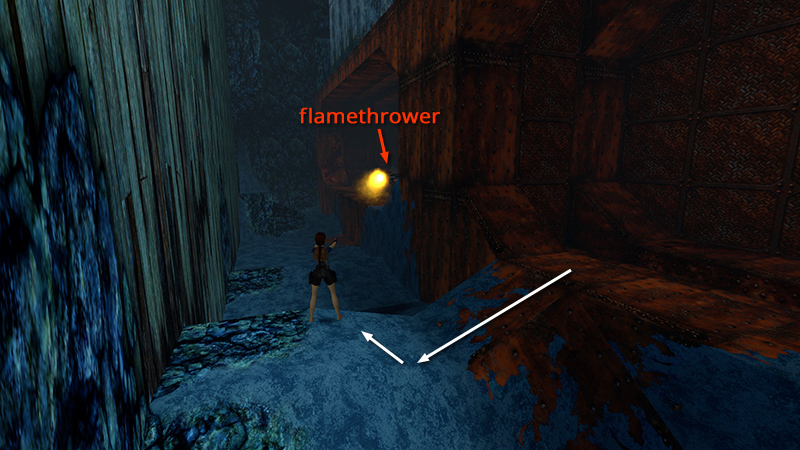
Reload and replay with full health. This time, take out the flamethrower (6) from a distance without getting burned.
[Previous | Next | The Deck Walkthrough]
DARK MODE: I plan to add optional dark mode for these pages, but my current priority is updating the walkthroughs. Meanwhile, may I suggest a reputable dark mode browser extension, such as Dark Reader? (Download only from trusted sites, like darkreader.org or your browser's official add-on/extension site.)
Walkthrough text and diagrams copyright © Stellalune (email ). Feel free to copy or print this walkthrough for personal use. By all means, share it with friends, but please include this credit line so people can send me their feedback. No part of this walkthrough may be reproduced on another site without permission.