Venice - "Emergency Exit" Achievement/Trophy and Boathouse Key
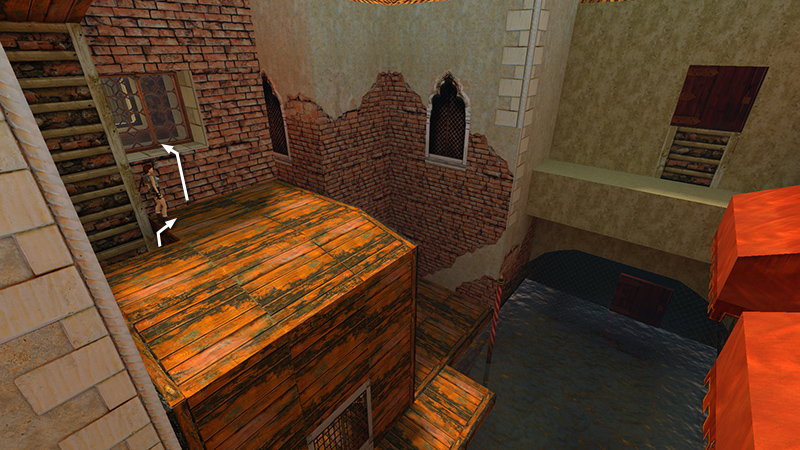
After climbing up through the trapdoors in the wooden building, as shown in the previous section, climb onto the windowsill on the left.
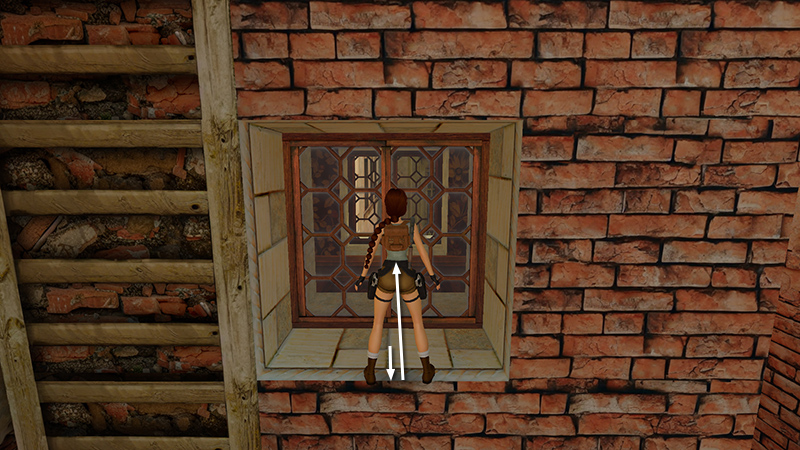
To unlock a quick achievement/trophy, step back to the edge of the sill. Then jump forward into the glass window.
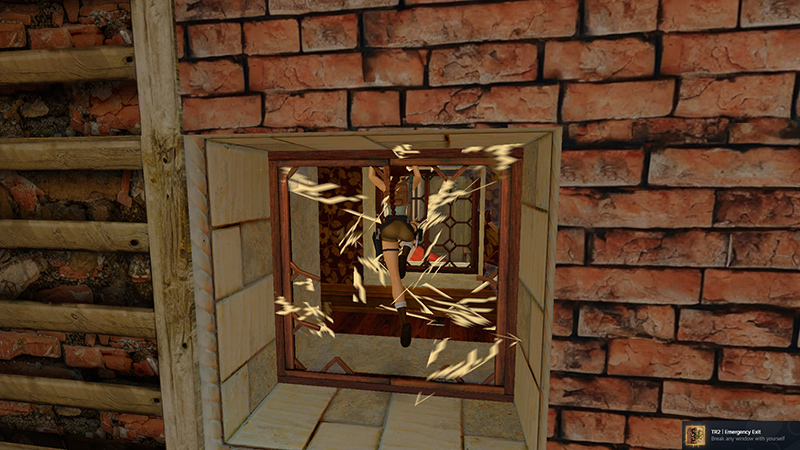
It should shatter, unlocking the "Emergency Exit" achievement/trophy ("Break any window with yourself"). You can also shoot windows with your pistols. So if you miss this opportunity, there are many other windows in the various Venice levels.
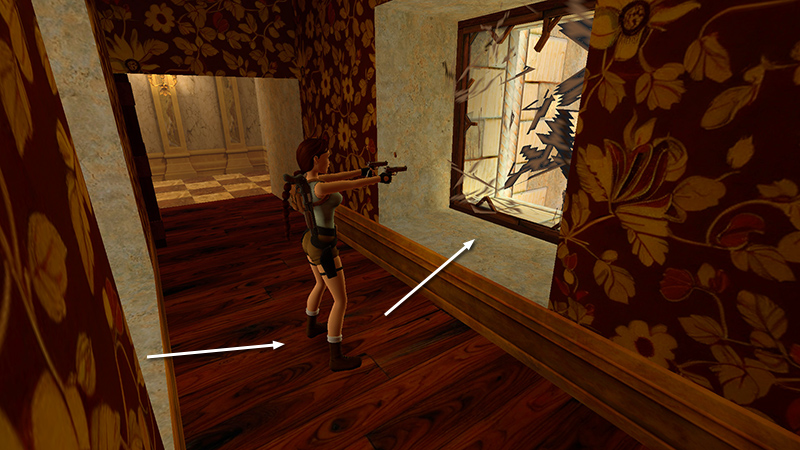
Ignore the room off to the left for now. Shoot the window opposite the one where you just came in (E on the map).
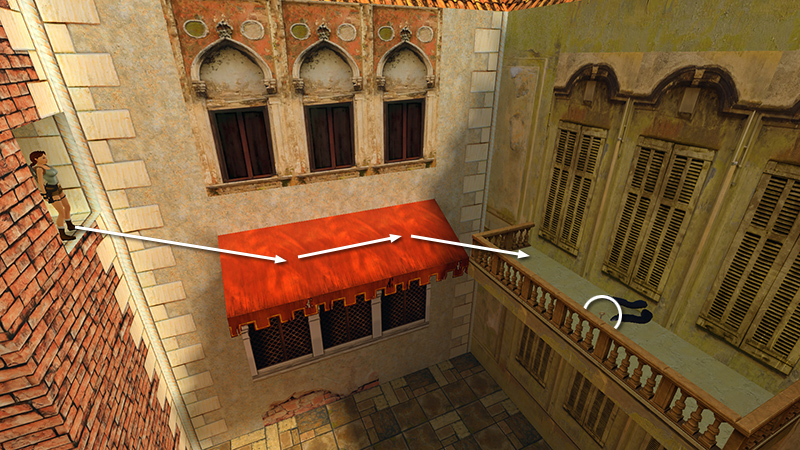
This window overlooks the courtyard near the level entrance. Jump across the gap onto the red awning. Cross the awning and hop over to the balcony ahead on the right. Take the BOATHOUSE KEY (3) (F on the map) from the sniper you shot earlier.
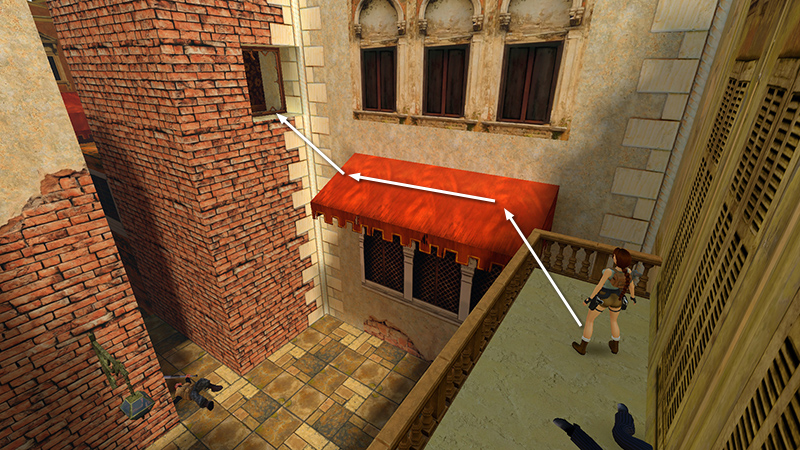
To get back onto the awning, move to the corner of the railing, step back a little, then take a standing jump. Walk to the far end of the awning and take a standing jump into the window.
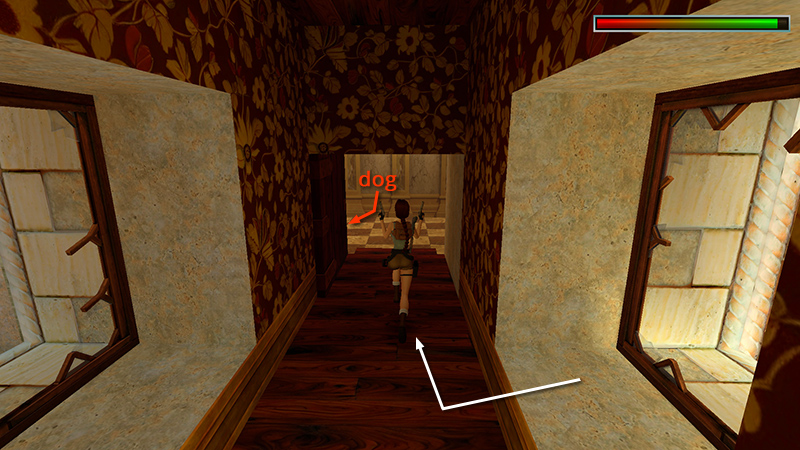
Draw pistols and follow the hall to the right. There's a Doberman (5) on guard in the checkerboard-tiled room.
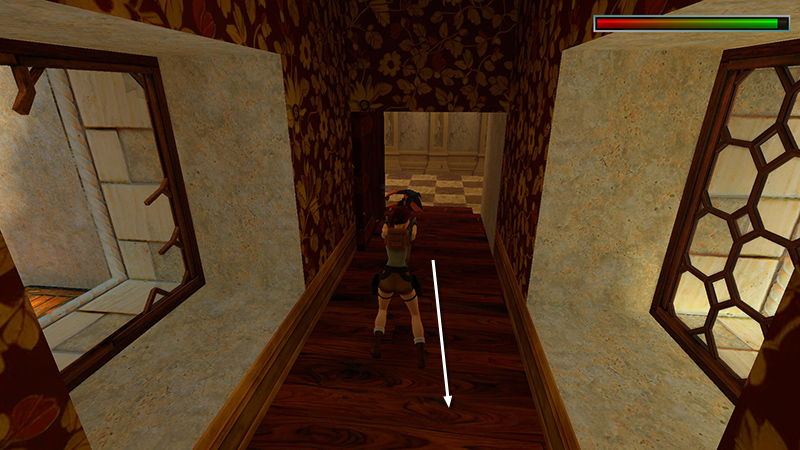
Get a lock on it and hop back firing.
NOTE: If the door to the checkerboard-tiled room is still closed, you missed a button. Climb back out the window onto the wooden building with the trapdoors. Drop into the canal and swim under the wooden doors into the boathouse. Climb out on the ledge and press the button to open the door to the checkerboard room. (screenshots) Then climb back up through the trapdoors like you did earlier.
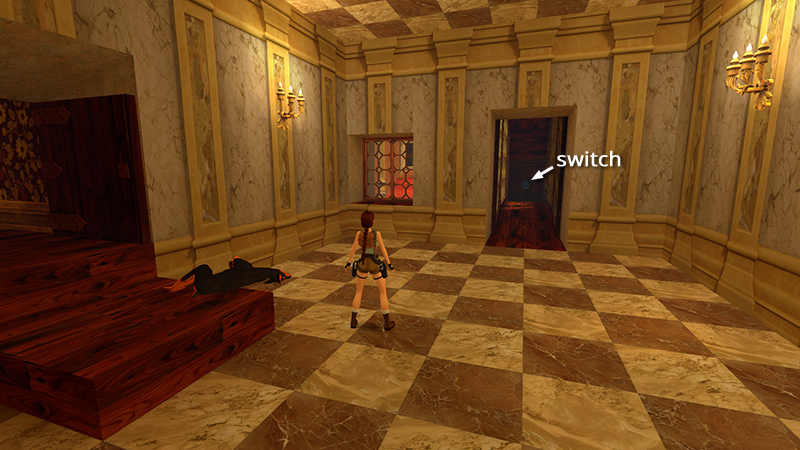
Once you've taken care of the dog, cross the checkerboard floor, follow the glassed-in walkway to the end, and throw the switch (G on the map).
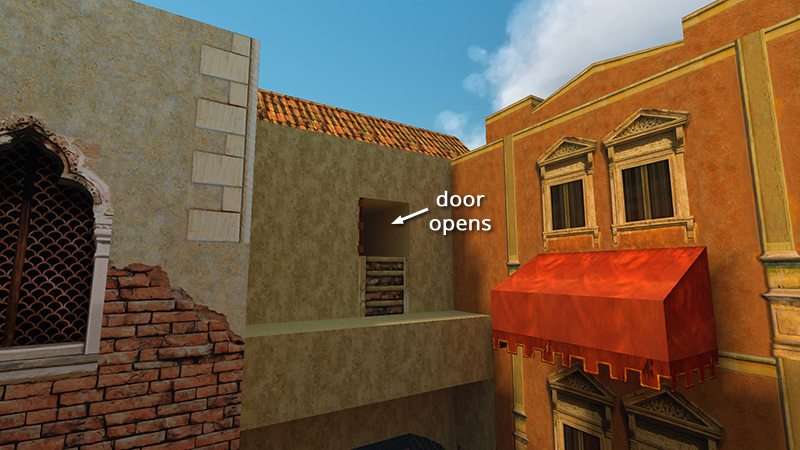
This opens a door outside, above the canal.
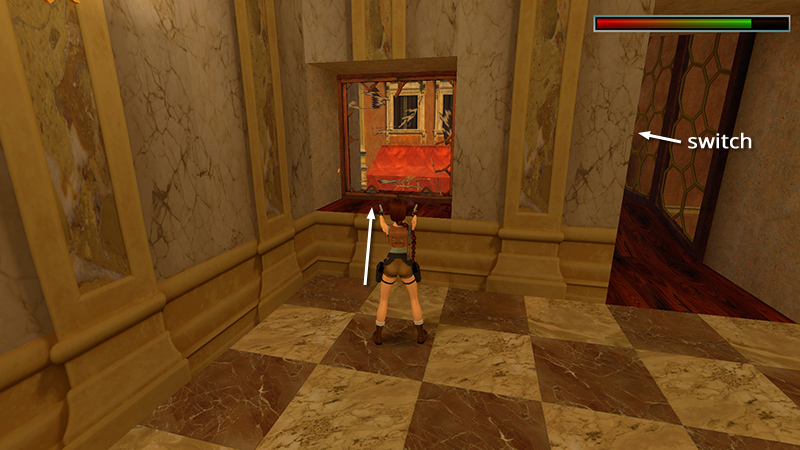
Return to the checkerboard room and shoot out the window.
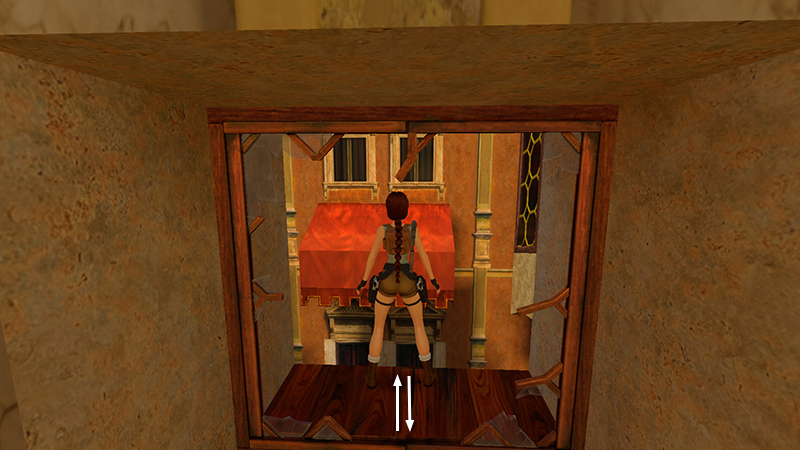
Now take a running jump from the windowsill to grab the edge of the red awning on the other side of the canal (H on the map). It's important to set up this jump carefully. Walk to the edge of the sill, hop back once...
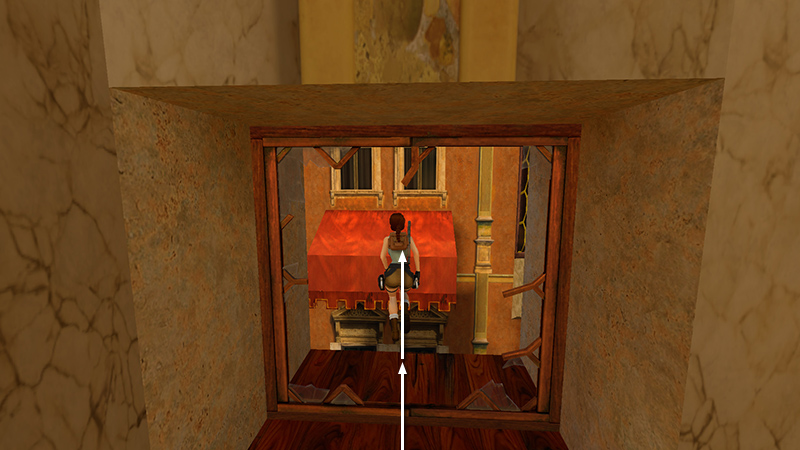
...then take the running jump. Hold Action in the air...
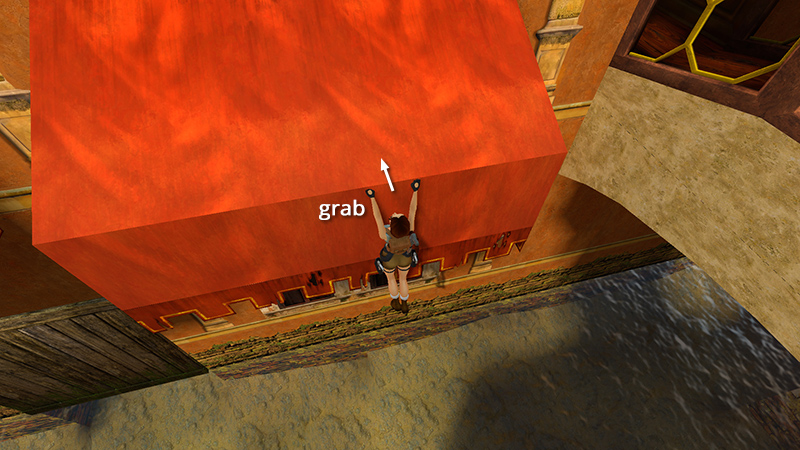
...and Lara will grab the edge of the awning. Pull up.
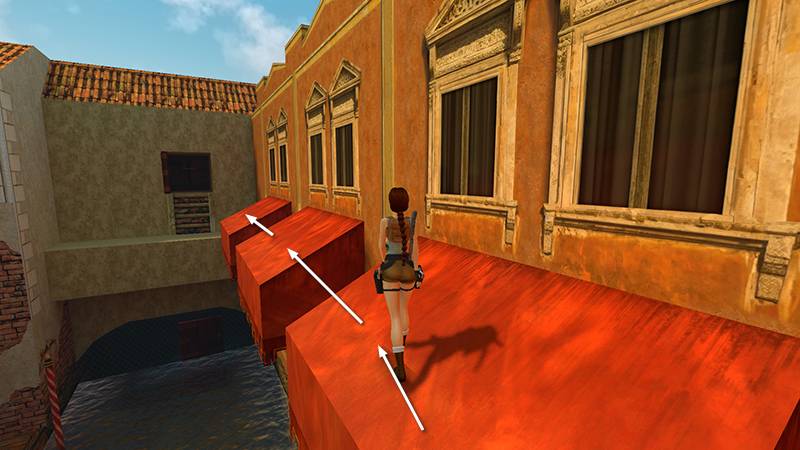
Turn left and jump across the red awnings to the door you just opened with the switch.
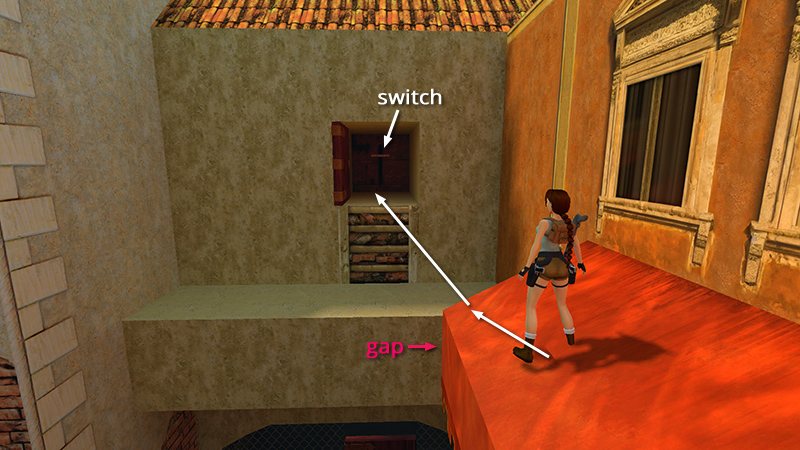
Mind the gap just beyond the third awning. You can either take a running jump directly into the switch alcove or jump down to the ledge then climb into the alcove (letter I on the map). Pull the switch...
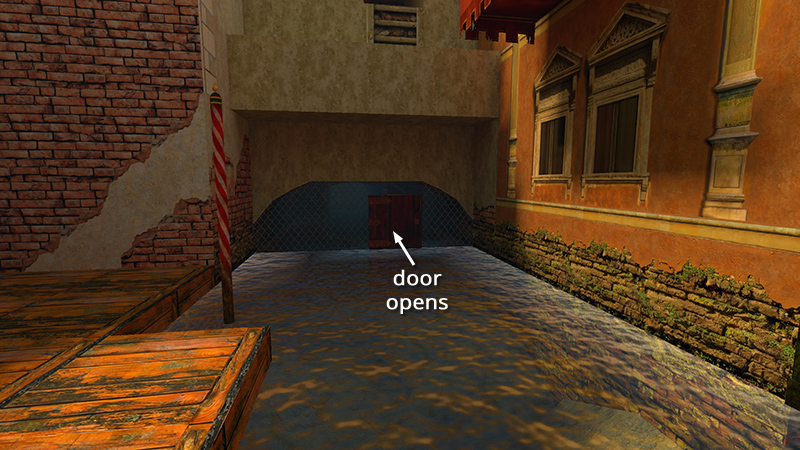
...to open the door in the fence below.
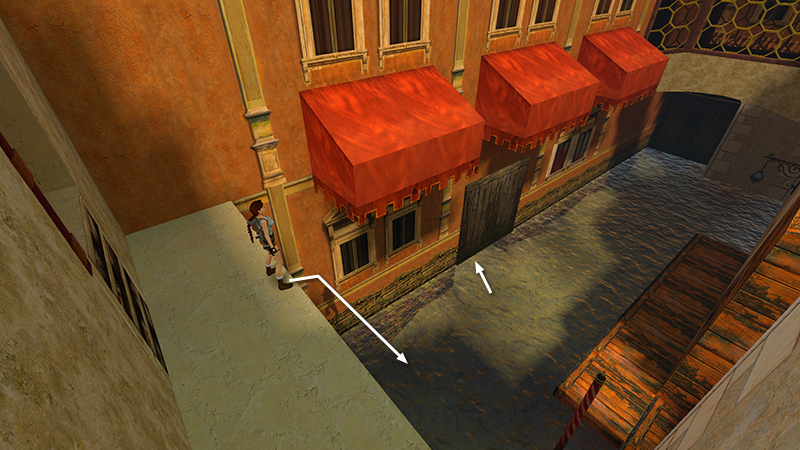
After pulling the switch, jump down into the water, swim under the boathouse door once more...
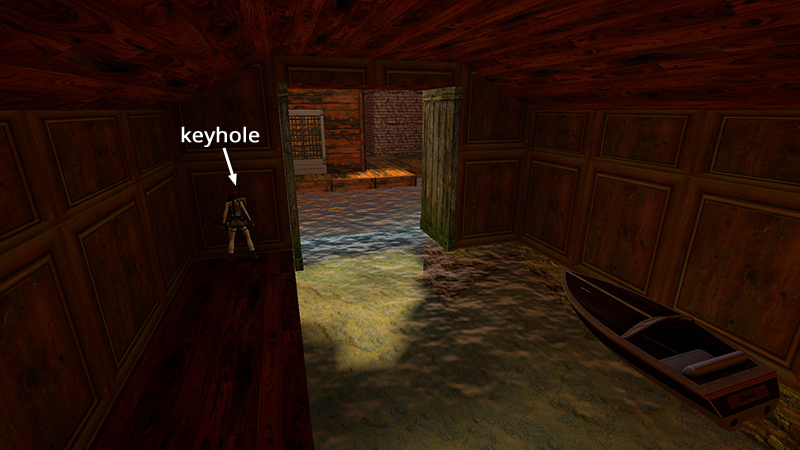
...and use the BOATHOUSE KEY to open the door.
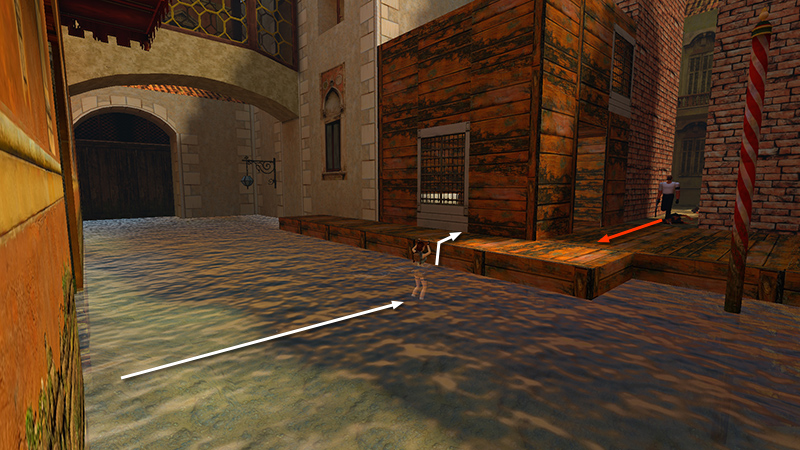
A masked thug with a gun (6) appears on the dock by the small wooden building. Swim across the canal and climb out of the water near the middle of the dock. This will give you room to maneuver.
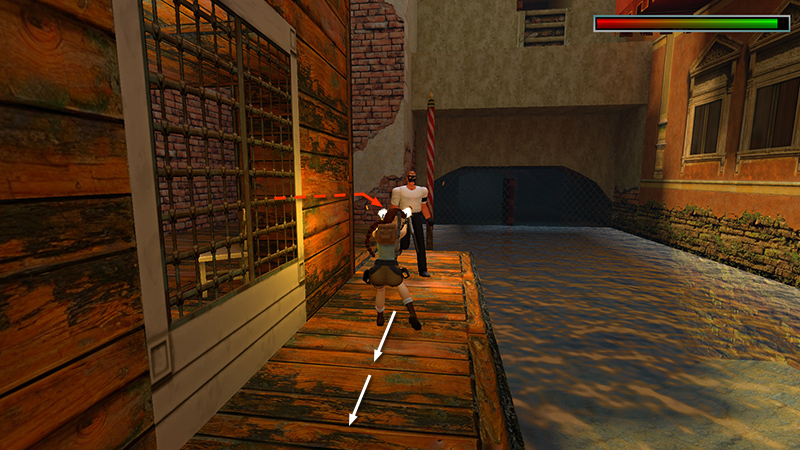
When the enemy comes around the corner, hop back along the dock while firing.
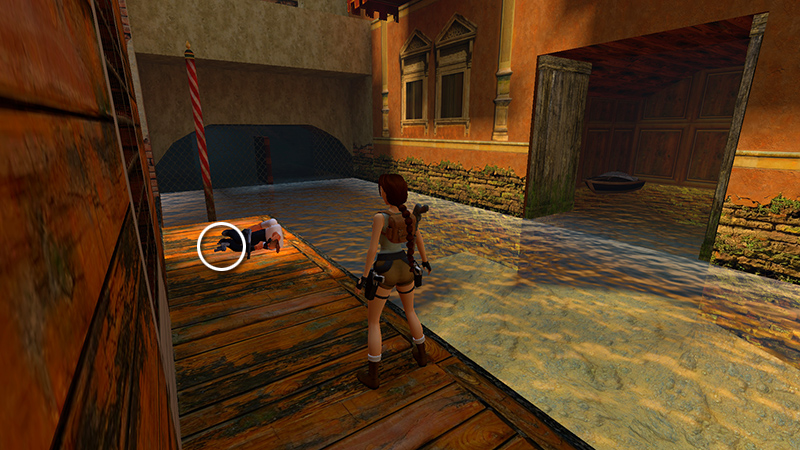
After he falls, relieve him of his AUTOMATIC PISTOLS (4).
IMPORTANT: If you're hunting achievements/trophies, save the game before using the boat, and do not overwrite this save. Then, when you've beaten the level normally, you can replay without boats for "Not Your Tourist." (Again, check the footnote in the main walkthrough for details.)
[Previous | Next | Venice Walkthrough]
DARK MODE: I plan to add optional dark mode for these pages, but my current priority is updating the walkthroughs. Meanwhile, may I suggest a reputable dark mode browser extension, such as Dark Reader? (Download only from trusted sites, like darkreader.org or your browser's official add-on/extension site.)
Walkthrough text and diagrams copyright © Stellalune (email ). Feel free to copy or print this walkthrough for personal use. By all means, share it with friends, but please include this credit line so people can send me their feedback. No part of this walkthrough may be reproduced on another site without permission.