The Deck - Top Deck (First Visit)
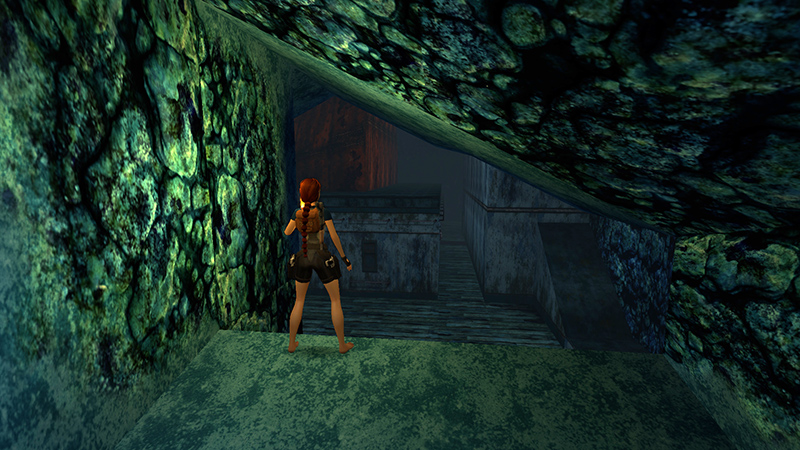
After collecting the CABIN KEY and making your way up through the tunnel from the SUBTERRANEAN LAKE, as shown in the last section, climb down onto the TOP DECK.
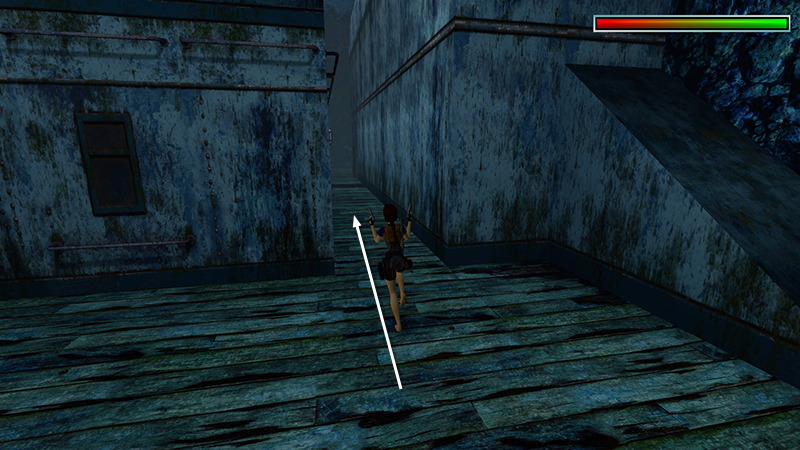
Ready weapons and move straight ahead into the alley between the two metal structures.
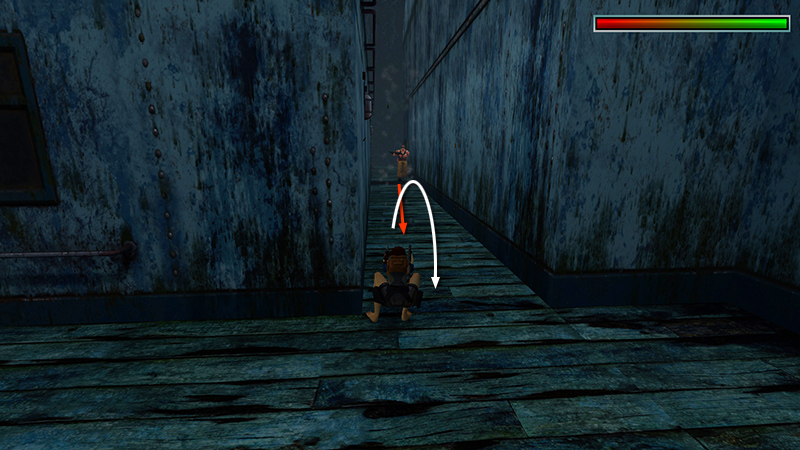
Two enemies (16-17) appear ahead. One has a shotgun...
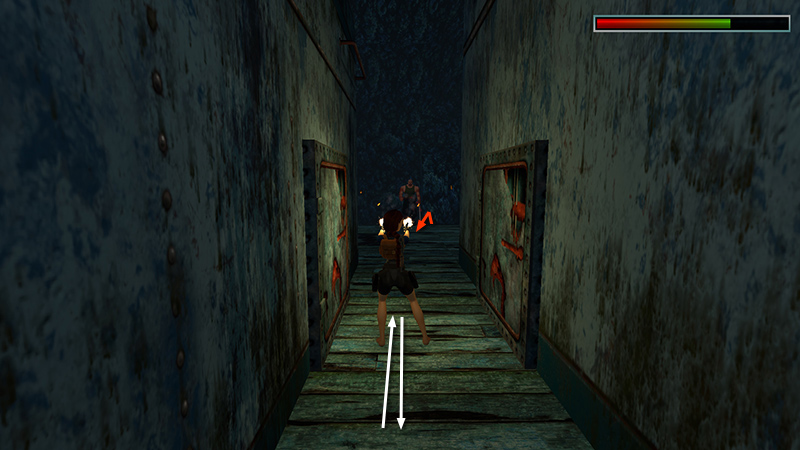
...one a wrench. Draw them out one at a time and hop/backflip away while shooting.
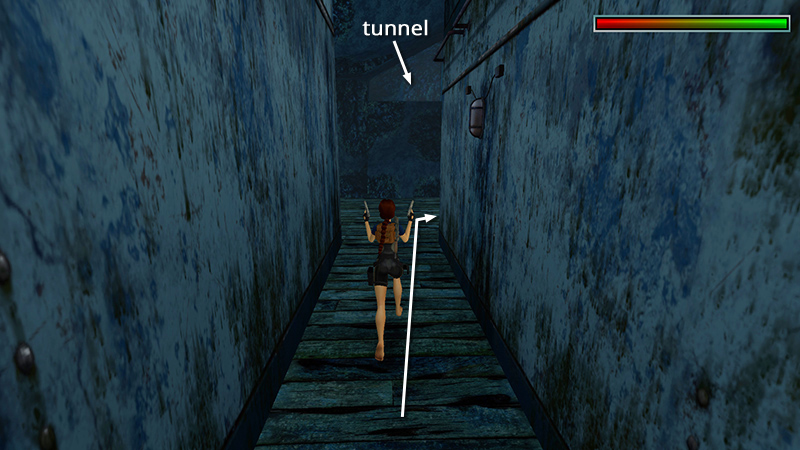
Occasionally, the shotgun guy will sneak around around behind you. So if you don't see him immediately, run back the way you came...
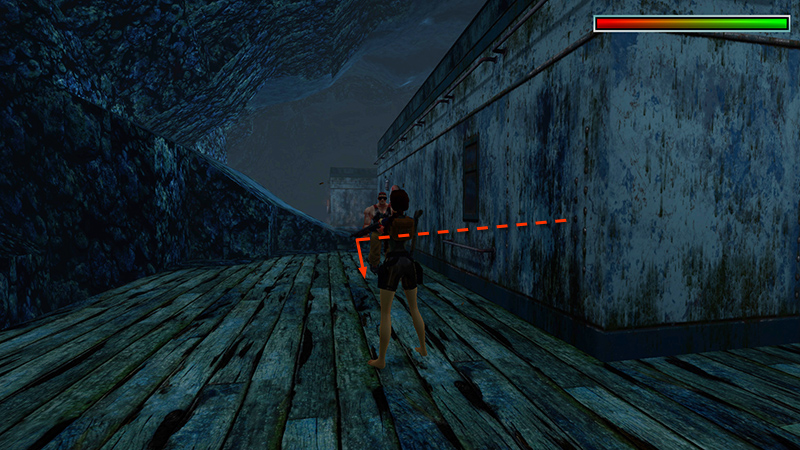
...and look for him off to the right.
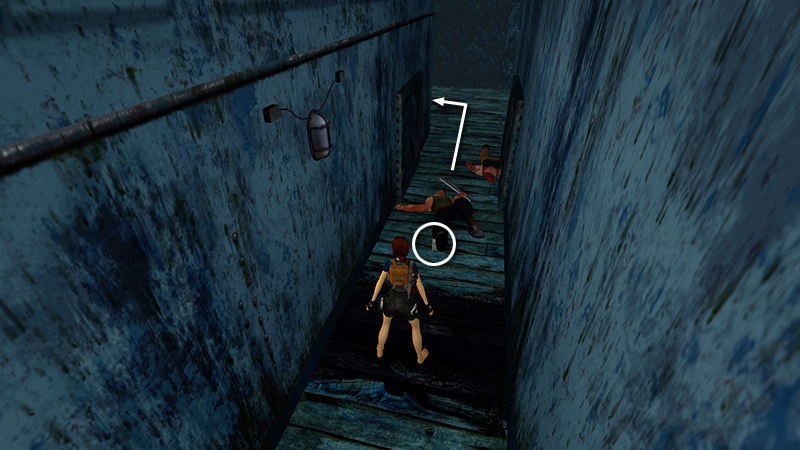
The wrench guy drops a box of flares (15). Continue to the end of the alley and turn left.
NOTE: These doors, and several others on this this level, don't open yet. You'll return here later.
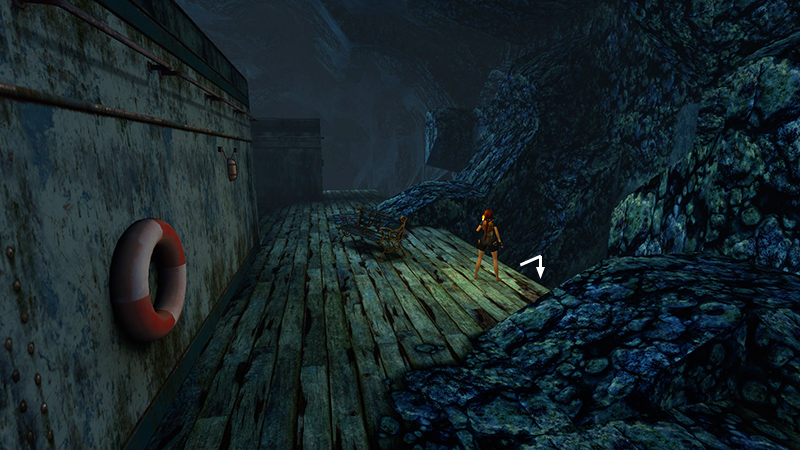
Hop down into the depression just to the left of the ornate bench...
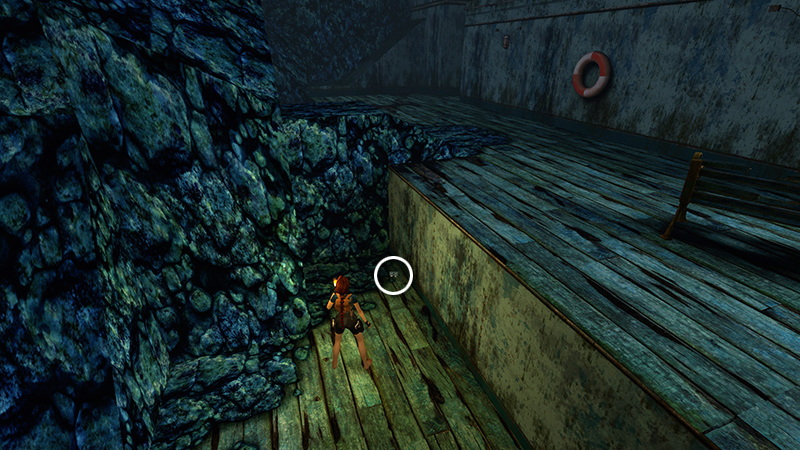
to find 2 pairs of grenades (16-17).
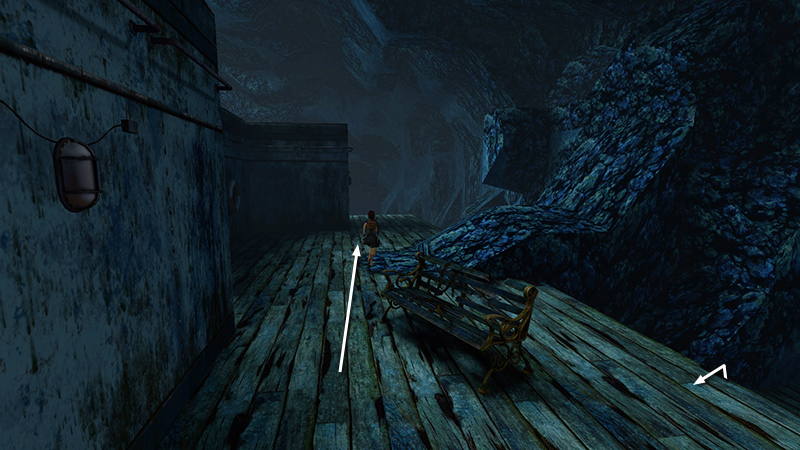
Then continue toward the front of the deck...
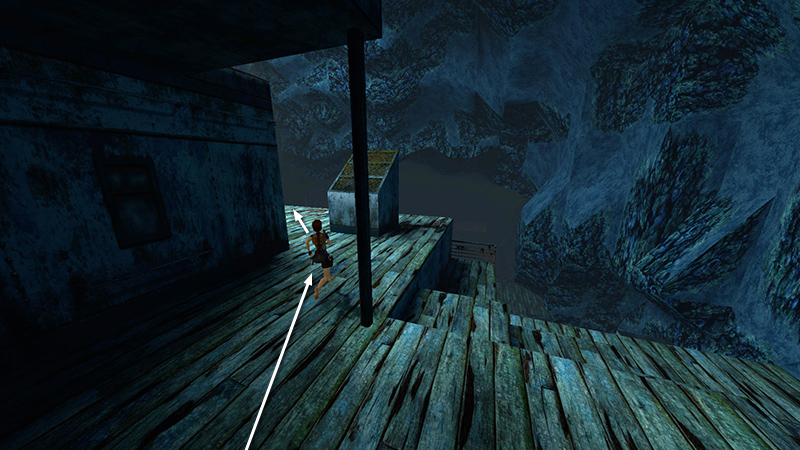
...but don't drop down yet. An ambush awaits Lara on the level below.
[Previous | Next | The Deck Walkthrough]
DARK MODE: I plan to add optional dark mode for these pages, but my current priority is updating the walkthroughs. Meanwhile, may I suggest a reputable dark mode browser extension, such as Dark Reader? (Download only from trusted sites, like darkreader.org or your browser's official add-on/extension site.)
Walkthrough text and diagrams copyright © Stellalune (email ). Feel free to copy or print this walkthrough for personal use. By all means, share it with friends, but please include this credit line so people can send me their feedback. No part of this walkthrough may be reproduced on another site without permission.