The Cold War - Snowmobile Area (Again)
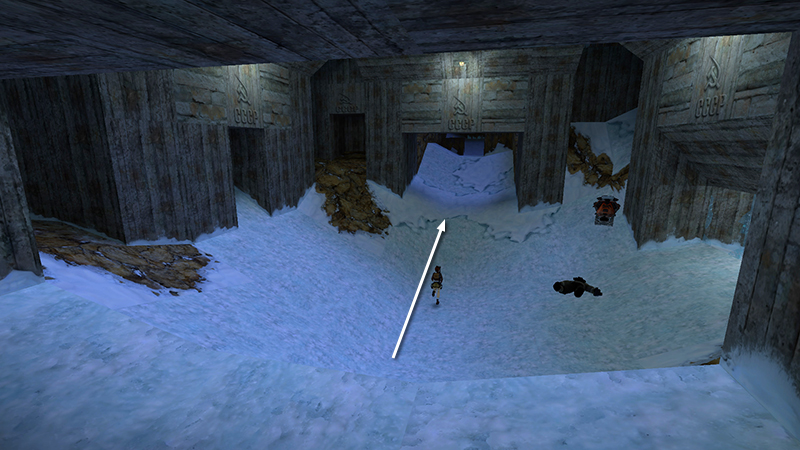
In the last section, you explored the ICE CAVERN beneath the mining complex, picked up secret #3, and returned up top. Move straight across the open area to the ramp that was previously concealed behind the ice wall.
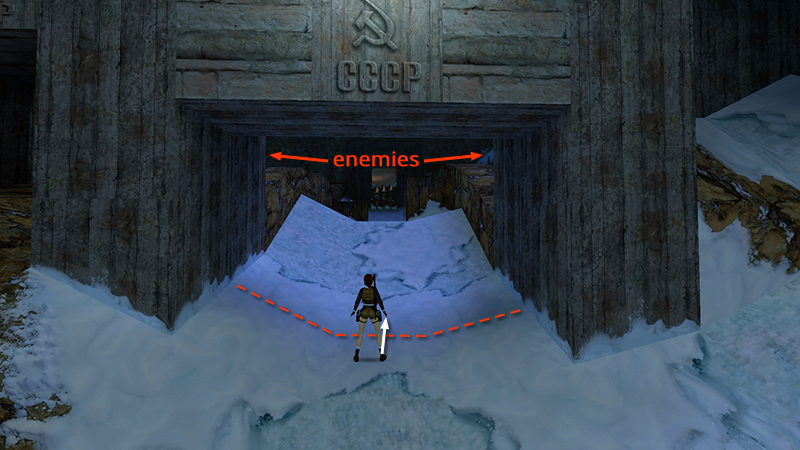
When you pass under the concrete archway, 2 mercenaries (28-29) appear on the ledges ahead: one in orange on the right, one in white on the left. Run up the slope just far enough to get their attention.
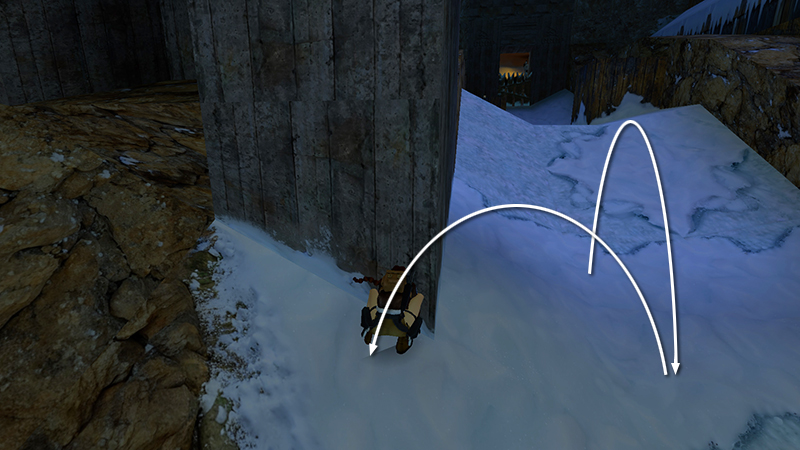
Then run or backflip down the hill. Use the left side of the big concrete archway for cover...
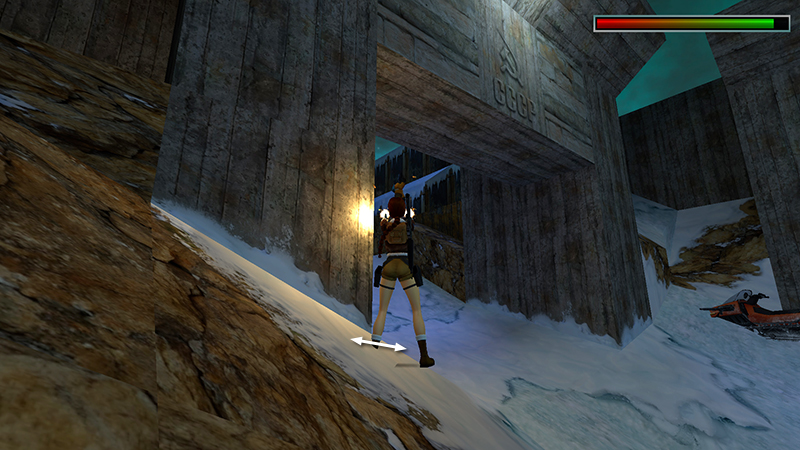
...as you shoot the guy on the right.
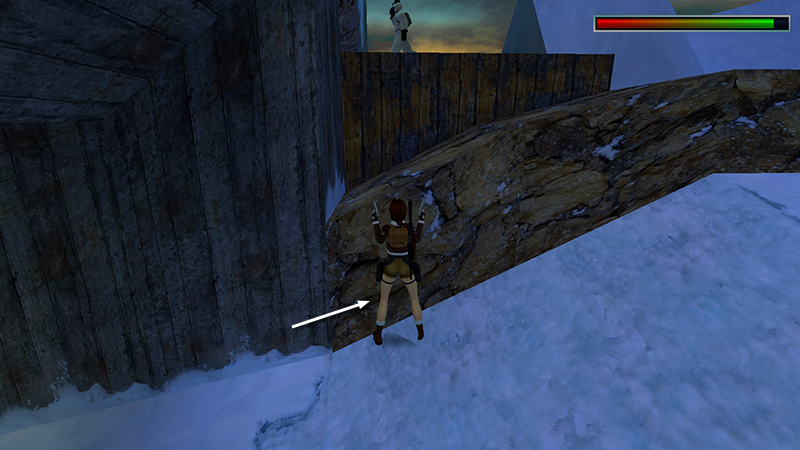
Afterward, move in along the left side of the opening, turn to face the ledge where the white-suited guy is standing...
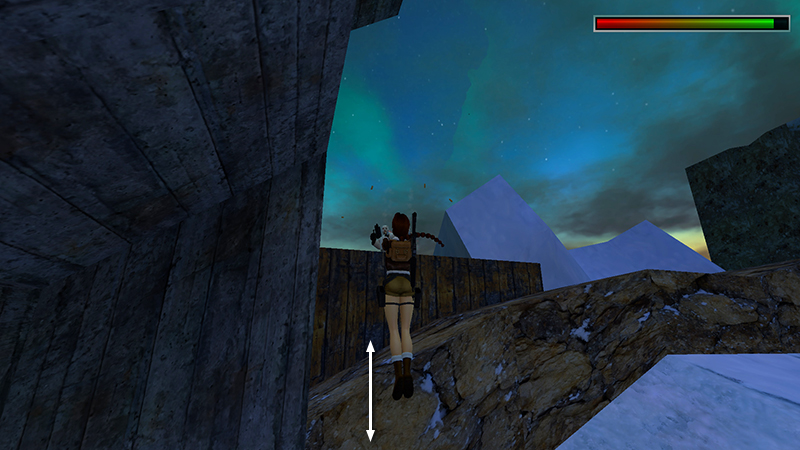
...and jump up and down while firing until he falls.
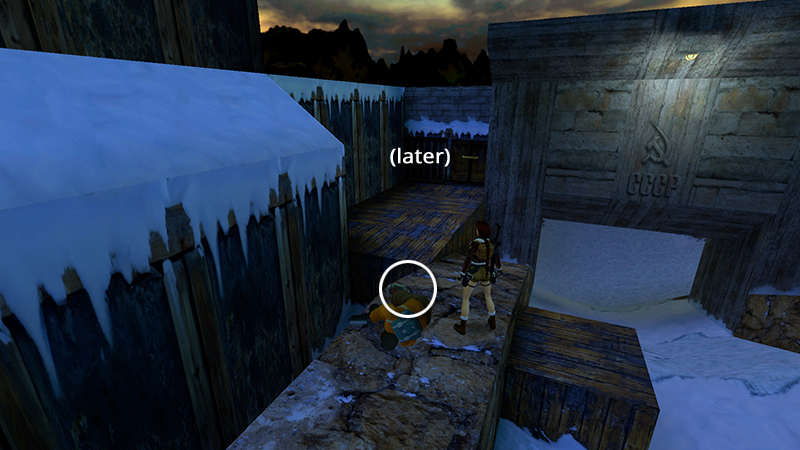
Climb up and steal their stuff: M16 ammo (57)...
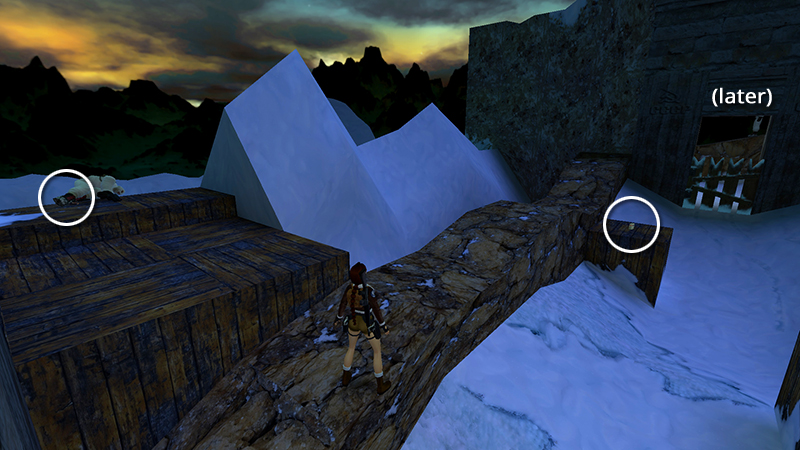
...and automatic pistol ammo (58), plus some flares (59) sitting on a wooden block partway up the slope. Ignore the wooden gate and switch for now. We've got a date with twin submachine guns.
[Previous | Next | Cold War Walkthrough]
DARK MODE: I plan to add optional dark mode for these pages, but my current priority is updating the walkthroughs. Meanwhile, may I suggest a reputable dark mode browser extension, such as Dark Reader? (Download only from trusted sites, like darkreader.org or your browser's official add-on/extension site.)
Walkthrough text and diagrams copyright © Stellalune (email ). Feel free to copy or print this walkthrough for personal use. By all means, share it with friends, but please include this credit line so people can send me their feedback. No part of this walkthrough may be reproduced on another site without permission.