Escape with the Iris - X-Ray Controls and Teleporter
NOTE: The following sequence is optional. If you completed the timed run for the "Open Up!" achievement/trophy, as shown in the last section, you already have the TELEPORTER DISK. If you took your time, you can still skip solving this puzzle and just go directly for the disk, which is inside the second case in the second row from the left. Then return to the TELEPORTER ROOM, below. But if you want to solve the puzzle, read on. Lara is safe from enemies here.
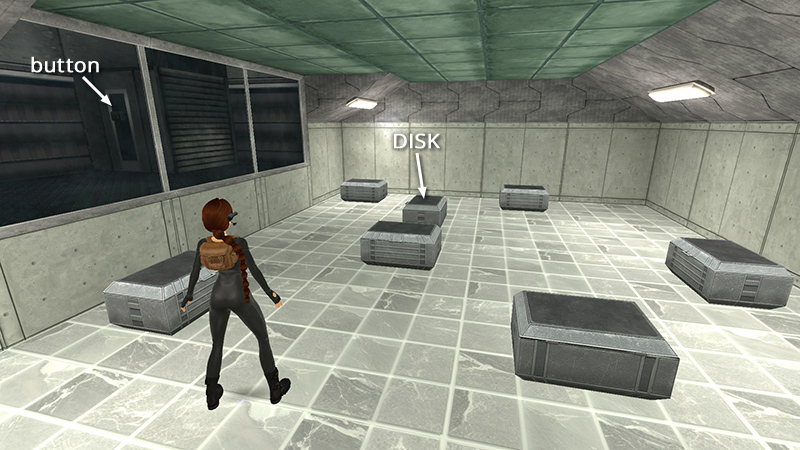
Notice the button beyond the tinted glass windows.
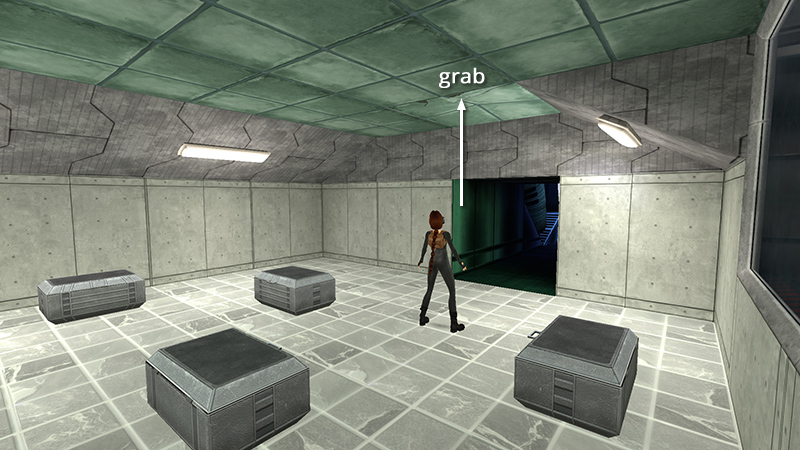
Now look for a cracked tile on the ceiling just inside the doorway. Stand Lara under it, facing the entrance. Then jump straight up and grab to pull open concealed trapdoor.
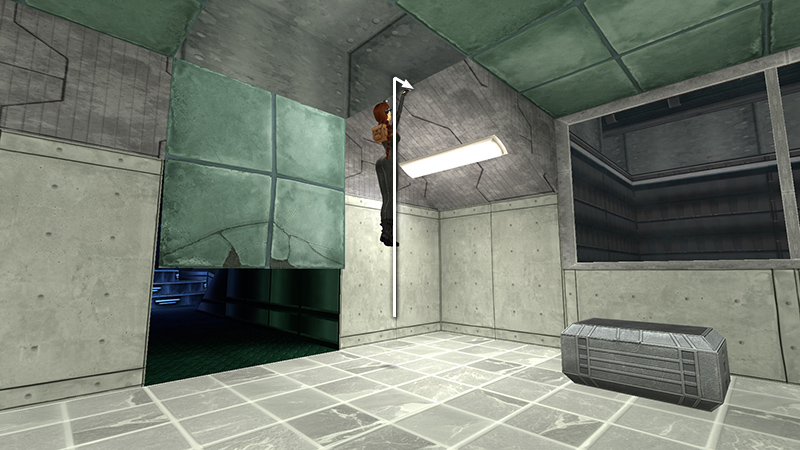
Climb into the crawlspace above...
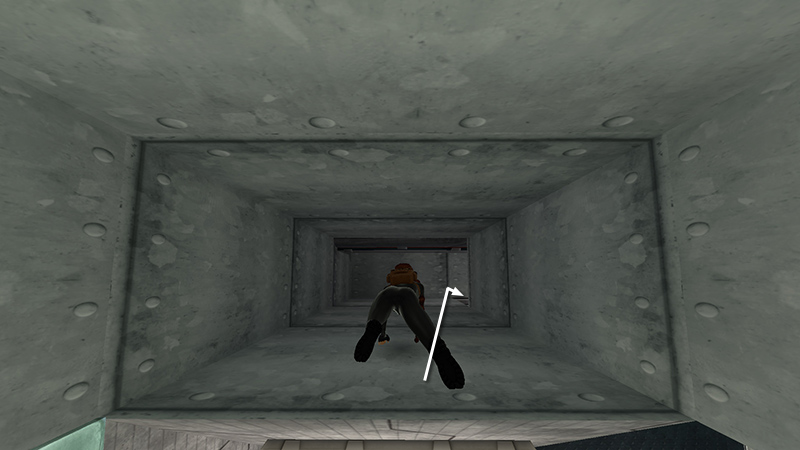
...and crawl through to a small, dark room.

Press the button to activate the X-ray machine.
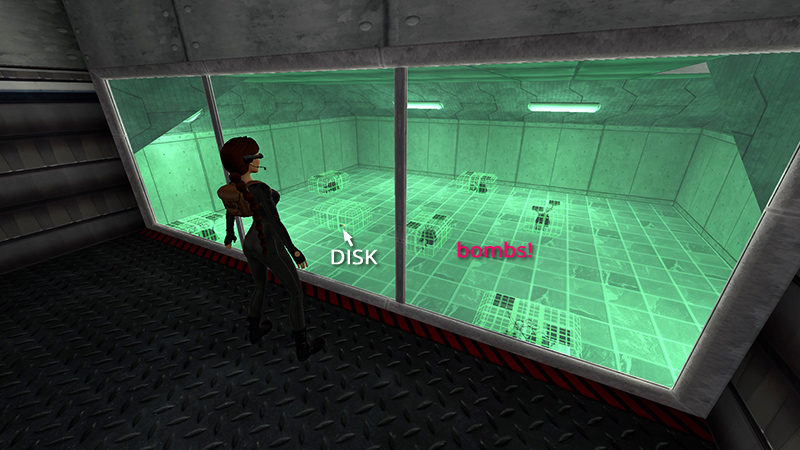
Now you can see which cases contain bombs and which contains the TELEPORTER DISK (17) (216/239).
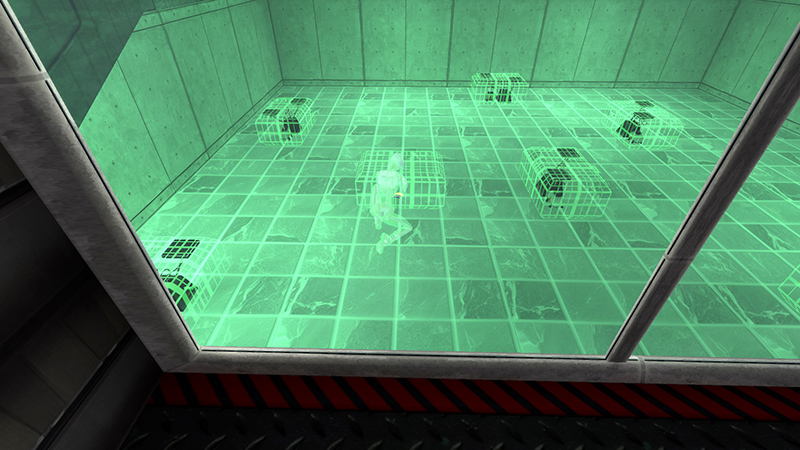
Crawl back out, open the correct case, and take the disk.
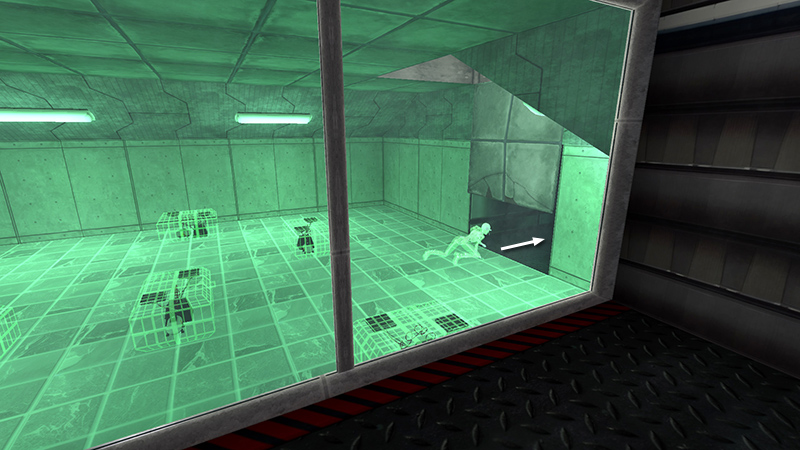
Crawl under the open trapdoor into the TELEPORTER ROOM.
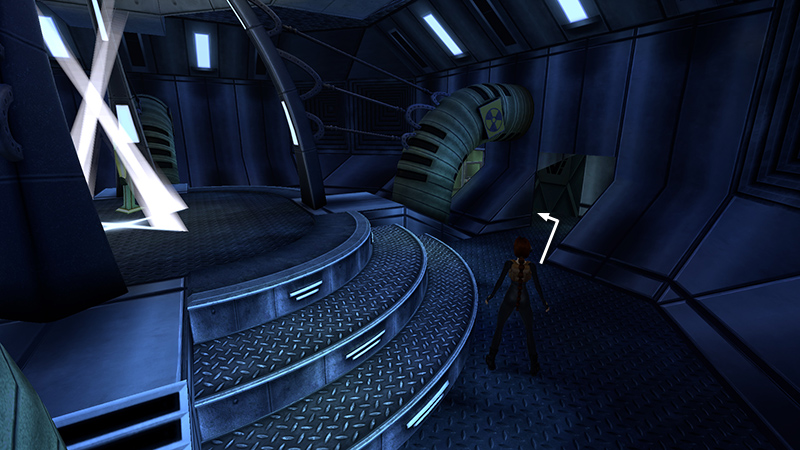
To the left of the door leading out into the corridor is a computer console.
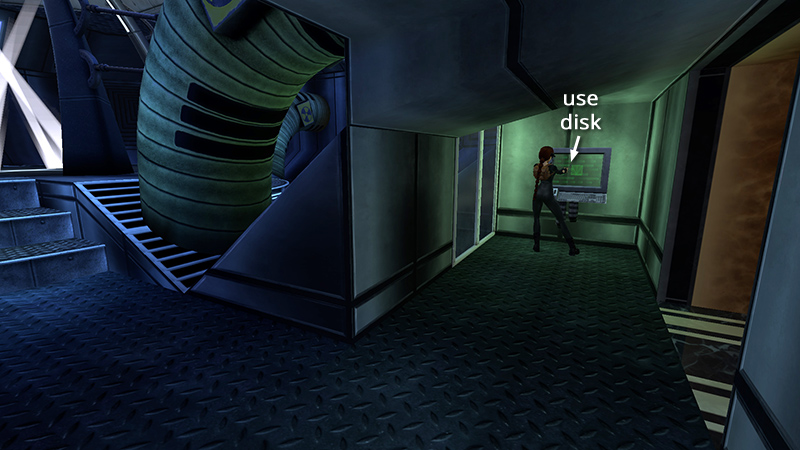
Use the TELEPORTER DISK here to activate the device.
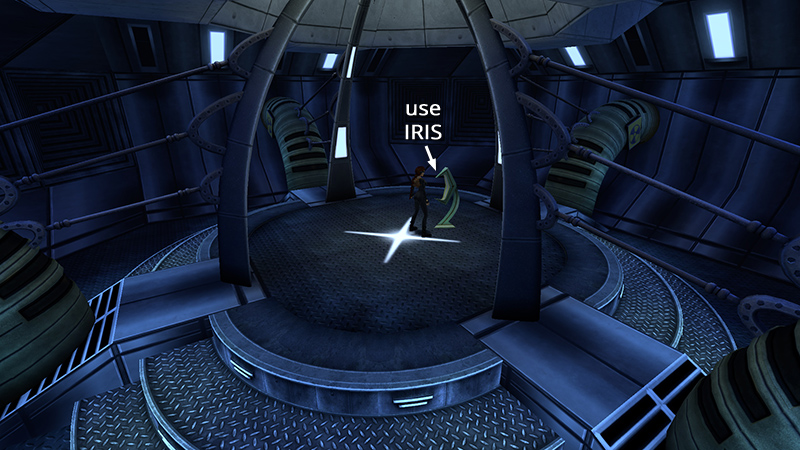
Move onto the teleporter platform. ("X" marks the spot.) Place the IRIS ARTIFACT in the metal armature.
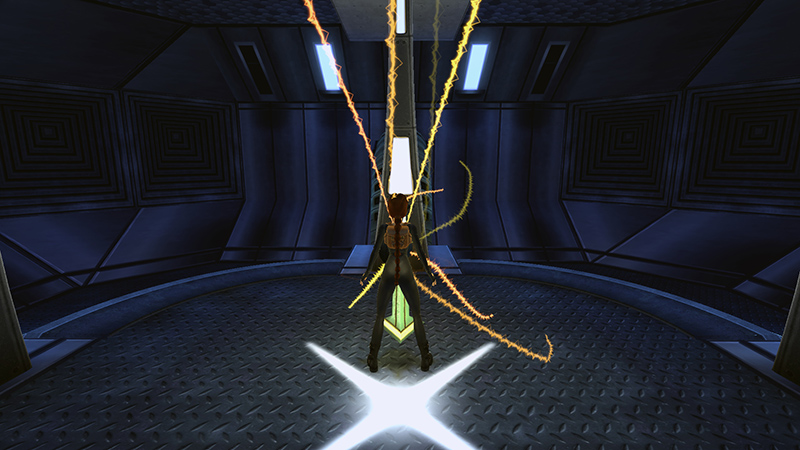
The device powers up, and Lara is transported to another room.
DARK MODE: I plan to add optional dark mode for these pages, but my current priority is updating the walkthroughs. Meanwhile, may I suggest a reputable dark mode browser extension, such as Dark Reader? (Download only from trusted sites, like darkreader.org or your browser's web store.)
Walkthrough text and diagrams copyright © Stellalune (email ). Feel free to copy or print this walkthrough for personal use. By all means, share it with friends, but please include this credit line so people can send me their feedback. No part of this walkthrough may be reproduced on another site without permission.