Tibetan Foothills - Moving the Ice Blocks
If you don't want the "Tibetan Express" achievement/trophy, or already have it, you can make things easier by moving one or both of the ice blocks before jumping the snowmobile into the tunnel.
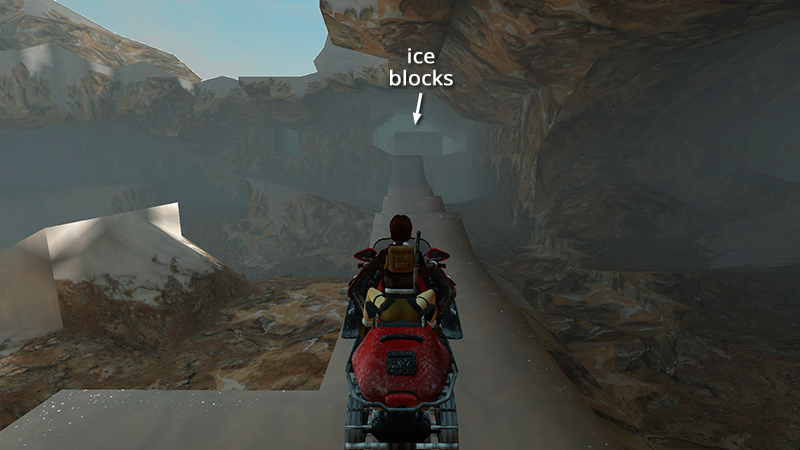
Start by maneuvering the snowmobile onto the long, jagged ledge leading up to the tunnel opening (using the shortcut or longer route described in the main walkthrough). Dismount and save the game.
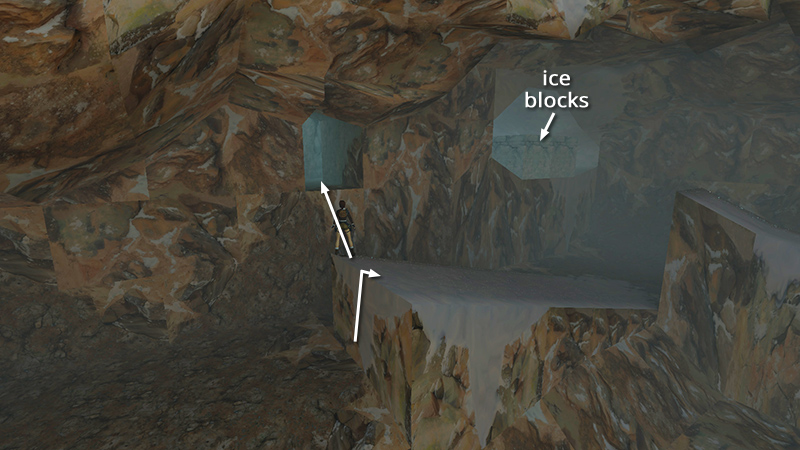
Now, before making the final run, head for the small opening to the left of the larger one with the ice blocks. You can reach it by climbing onto the nearby ramp then jumping into the opening.
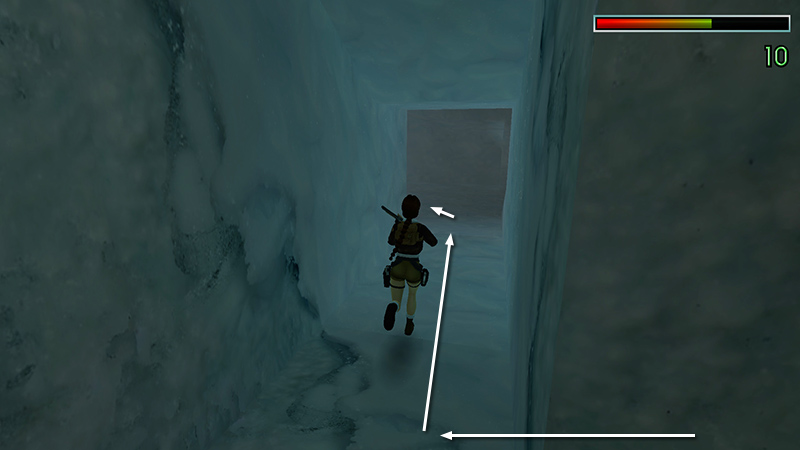
Draw the shotgun and follow the icy passageway to the wider tunnel behind the ice blocks.
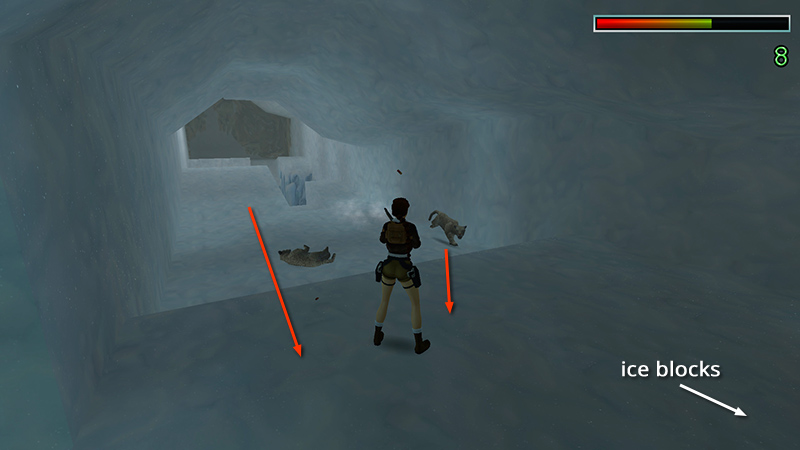
Shoot 2 snow leopards (9-10) that charge from the left. They can leap onto the ice blocks, so Lara won't be safe there.
- OR -
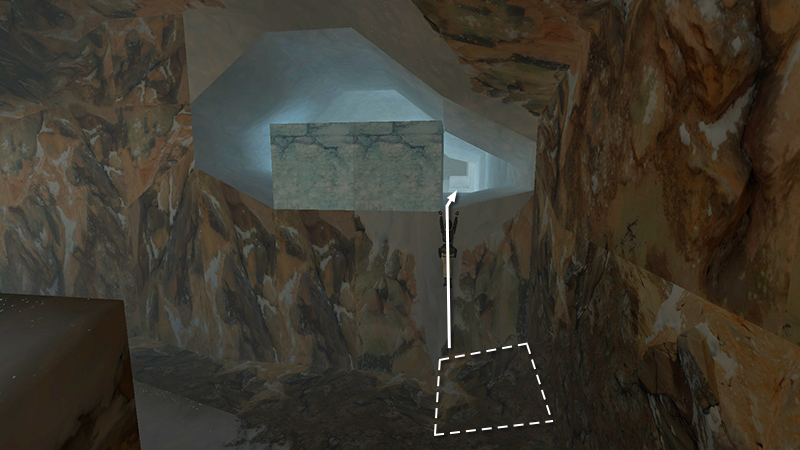
Alternatively, if you'd rather avoid the leopards, instead pull up into the into the opening just to the right of the ice blocks...
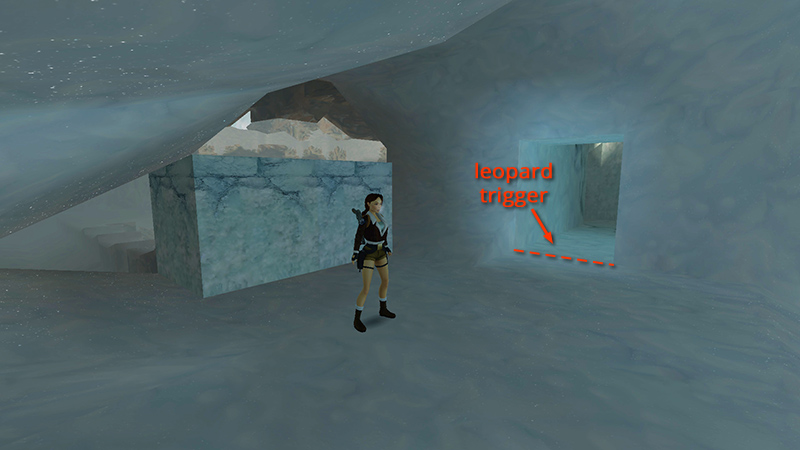
...and avoid the passageway beyond them on the left, since this is the trigger point for the leopards.
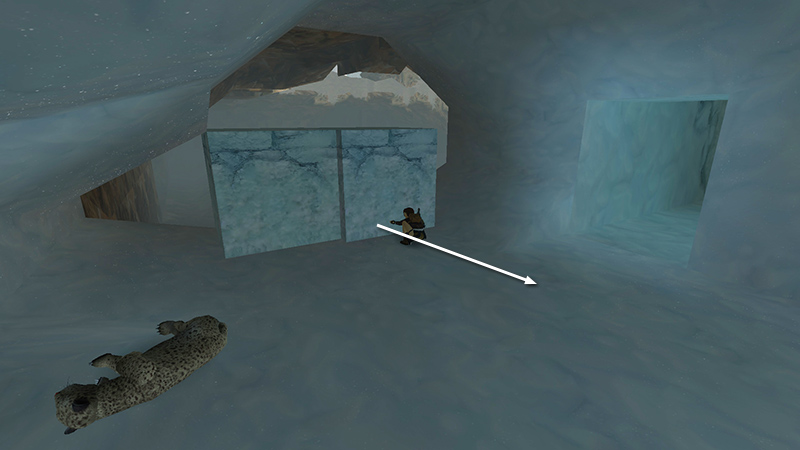
Now shift one or both ice blocks out of the opening.
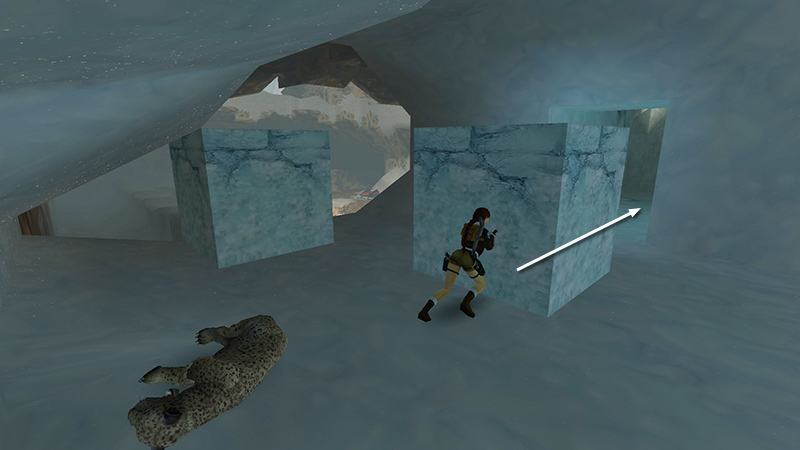
...
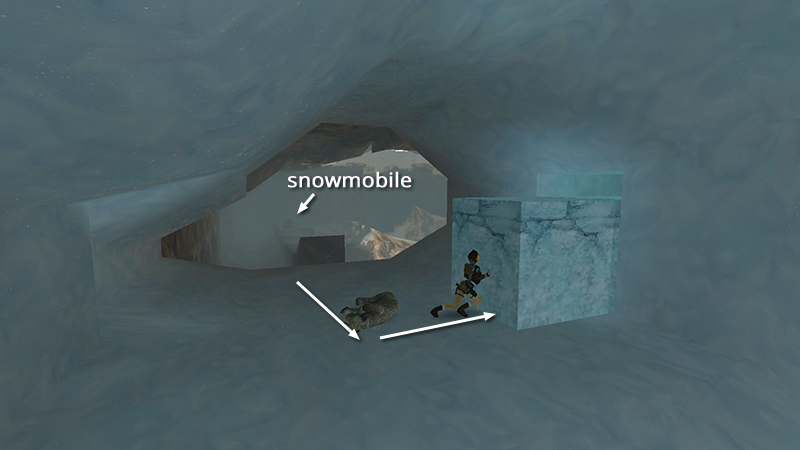
...and return to the snowmobile.
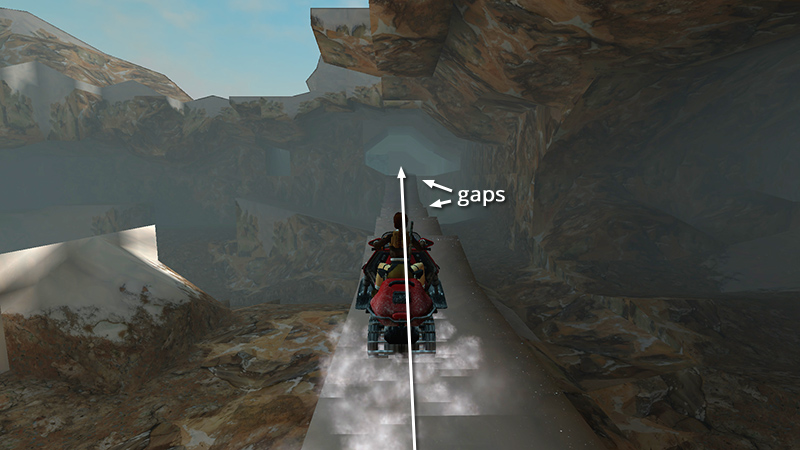
Race forward along the jagged ledge, holding Action for a speed boost to clear the gap in the ledge, race up the ramp at the end...
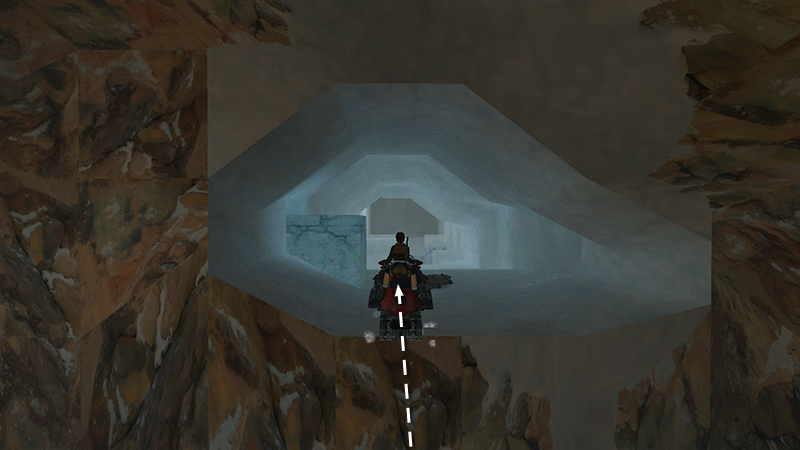
...and sail into the tunnel opening. Pick up the main walkthrough at the section "CAVES AND NARROW ICE BRIDGE."
DARK MODE: I plan to add optional dark mode for these pages, but my current priority is updating the walkthroughs. Meanwhile, may I suggest a reputable dark mode browser extension, such as Dark Reader? (Download only from trusted sites, like darkreader.org or your browser's official add-on/extension site.)
Walkthrough text and diagrams copyright © Stellalune (email ). Feel free to copy or print this walkthrough for personal use. By all means, share it with friends, but please include this credit line so people can send me their feedback. No part of this walkthrough may be reproduced on another site without permission.