Opera House - Vertical Shaft with Staggered Ledges and Pool Below
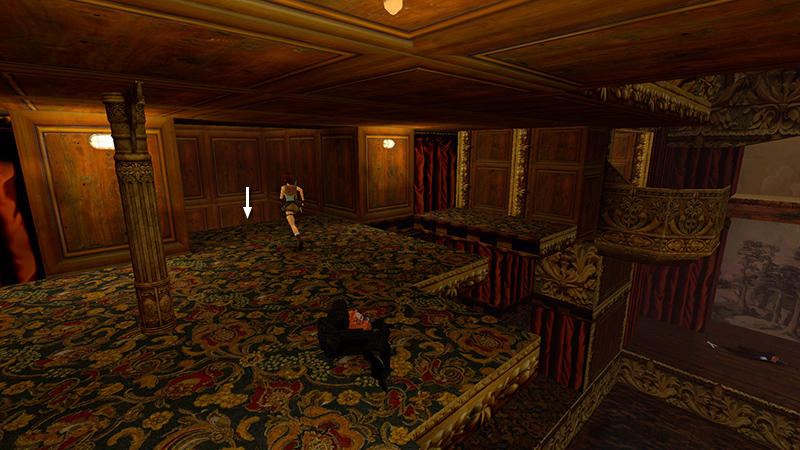
In the last section we crossed the empty seating area of the main auditorium and climbed up to LEVEL 3 on the left side (when facing the stage). Now head for the opening in the wood-paneled side wall.
NOTE: There are several rats coming up. If you're going for the "No Time for the Plague" achievement/trophy (avoid being bitten), you may want to save here just in case.
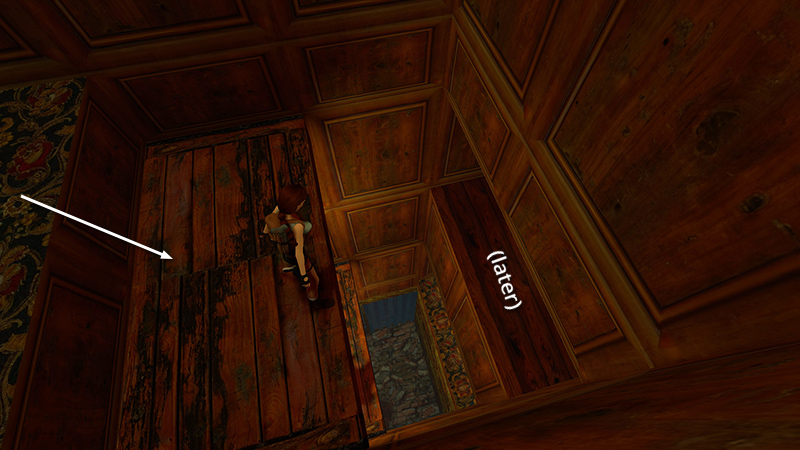
Ignore the ledge on the opposite side of the shaft for now.
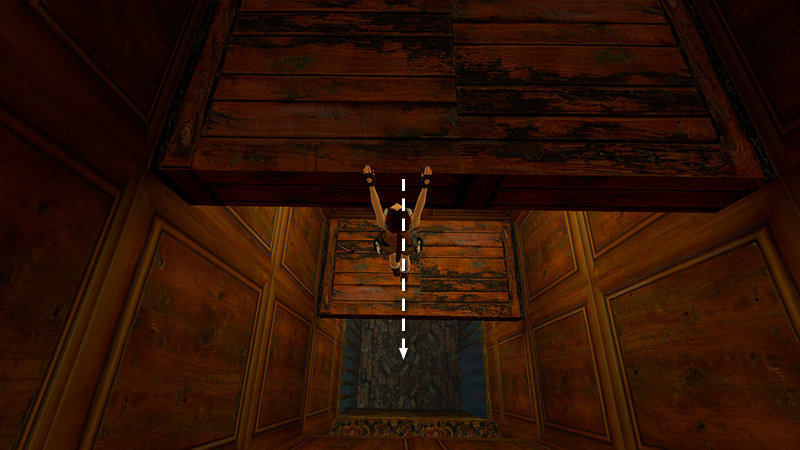
Drop into the water.
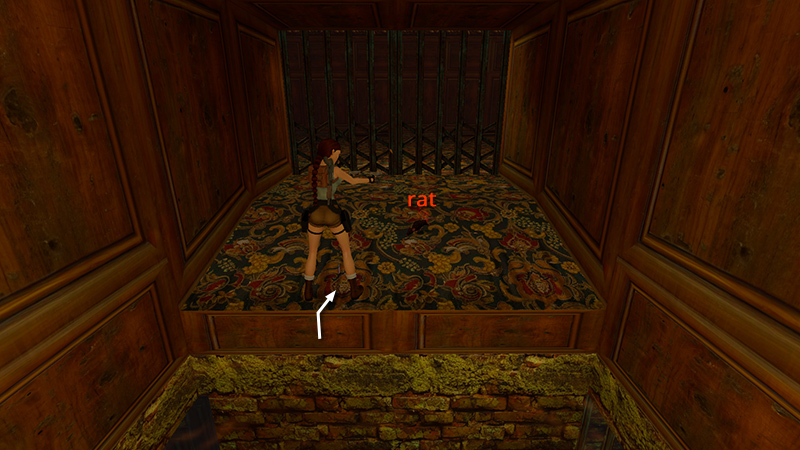
Climb out on the first step and kill a rat (20).
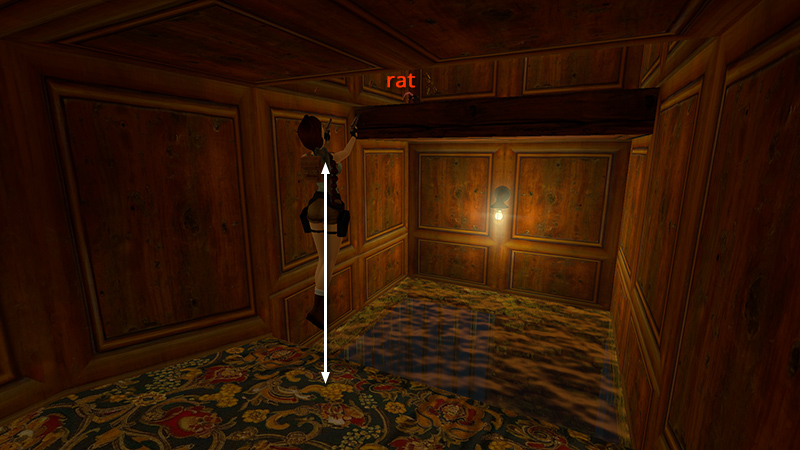
Turn around and you'll see another rat (21) on the ledge above the water. You can probably kill it by jumping in place while firing.
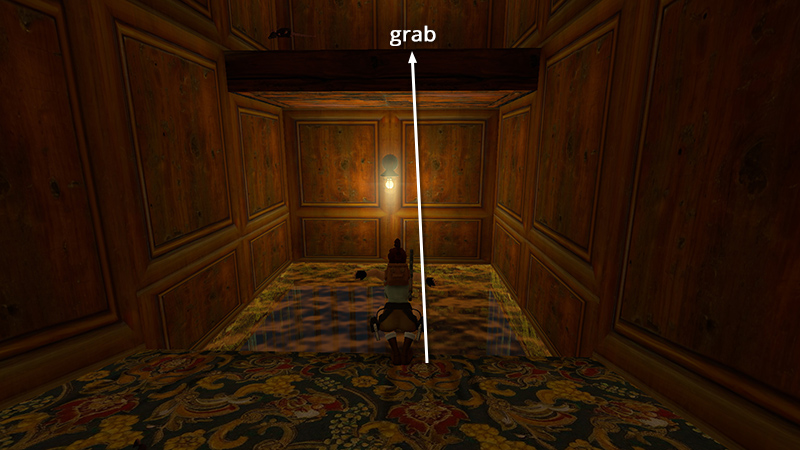
Then walk to the edge of the pool and take a standing jump to grab the ledge above.
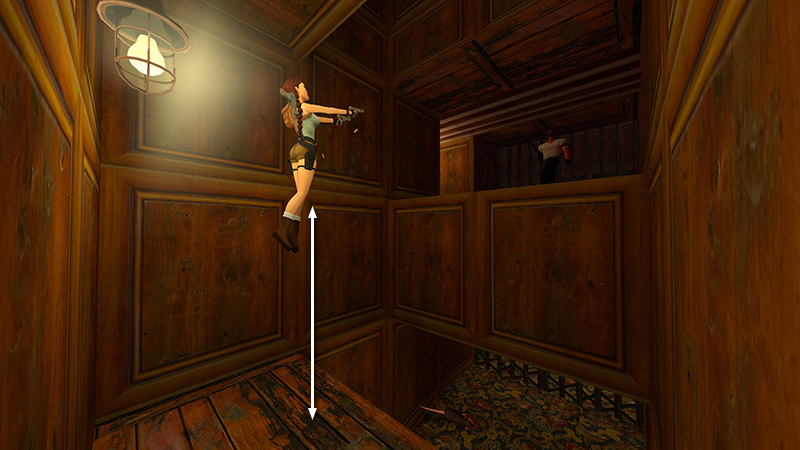
Pull up, turn around again, and look up. There's a thug with a gun (22) on the floor above. You may be able to shoot him from below by jumping up and down, but take care not to fall off the ledge.
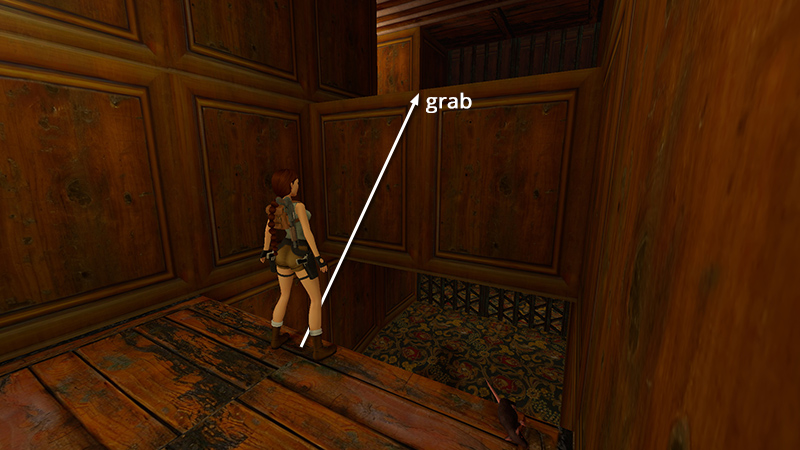
Otherwise, take a standing jump from the edge of this ledge to grab the edge of the floor above.
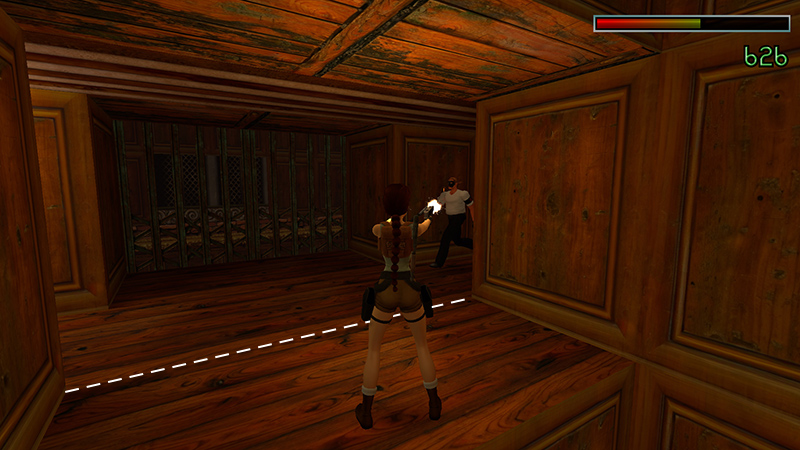
Pull up but don't step forward. As long as you stay in the doorway, you can finish off the thug without triggering any other enemies.
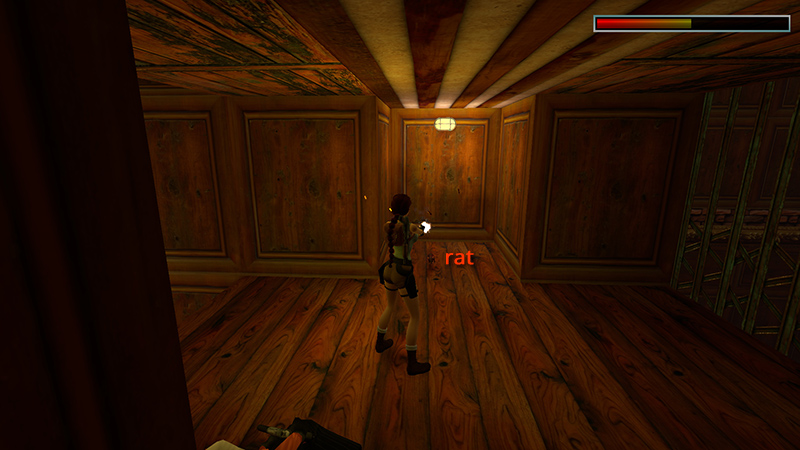
When you move out into the corridor, 2 more rats (23-24) appear, one on the left...
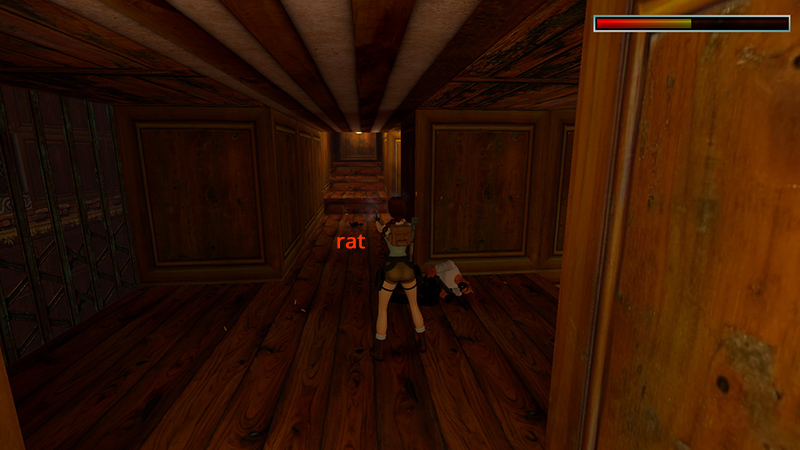
...one on the right.
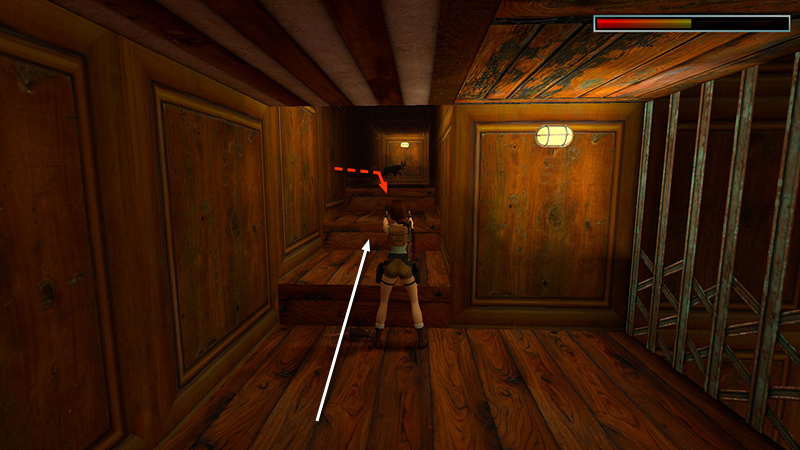
Finally, head up the wooden stairs, killing another guard dog (25) on the way.
DARK MODE: I plan to add optional dark mode for these pages, but my current priority is updating the walkthroughs. Meanwhile, may I suggest a reputable dark mode browser extension, such as Dark Reader? (Download only from trusted sites, like darkreader.org or your browser's official add-on/extension site.)
Walkthrough text and diagrams copyright © Stellalune (email ). Feel free to copy or print this walkthrough for personal use. By all means, share it with friends, but please include this credit line so people can send me their feedback. No part of this walkthrough may be reproduced on another site without permission.