Floating Islands - Beyond the Mystic Plaque Gate - Secret #2 (Silver Dragon)
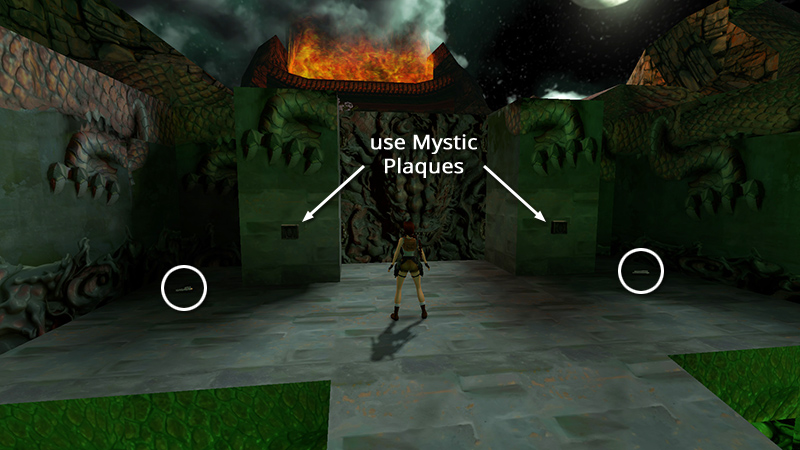
After destroying the 2 petrified swordsmen (or not), you're now in front of this huge gate. Take the 2 sets of Uzi clips (9-10) if you didn't get them earlier. Then use the 2 MYSTIC PLAQUES in the receptacles to open the gate.
NOTE: If you are missing either MYSTIC PLAQUE, you'll need to backtrack for it now. See the footnote in the main walkthrough for details.
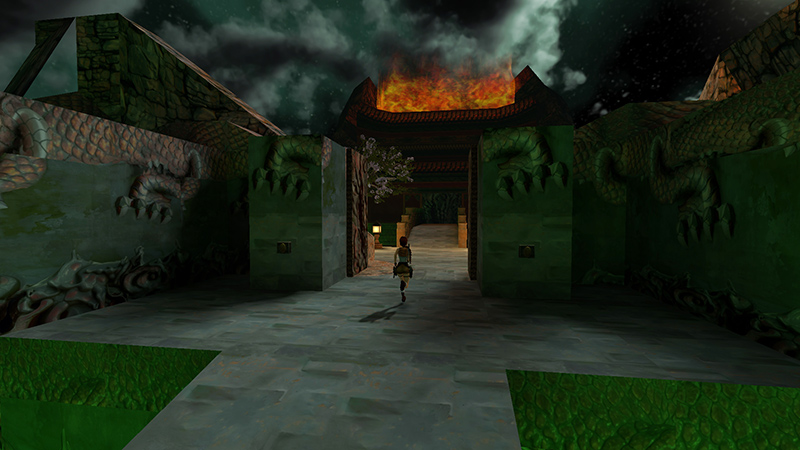
Go through.
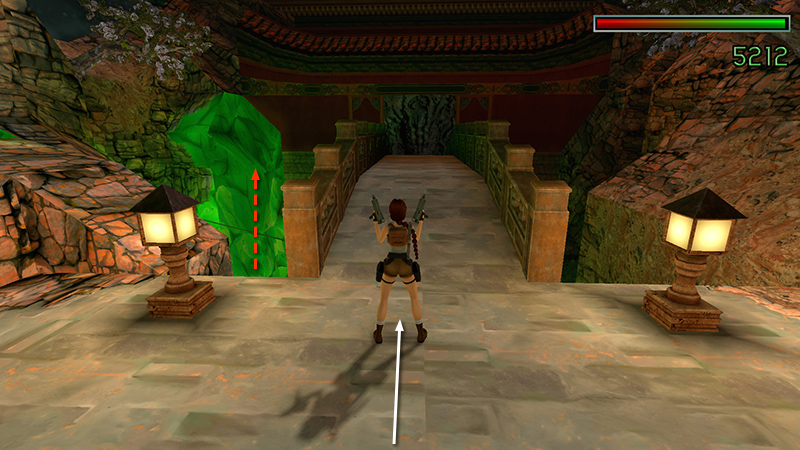
Soon after you enter, another flying swordsman (8) (5/8 for "On Equal Terms") rises up from below the left side of the stone bridge. Approach the bridge to wake him up. Then stand, weapons ready.
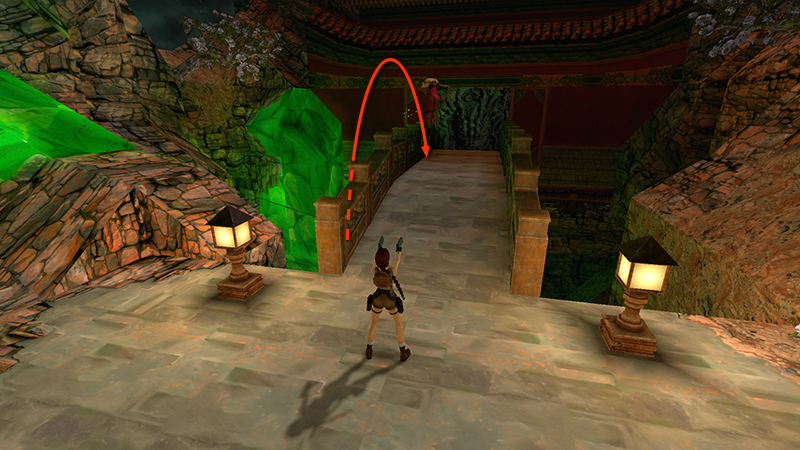
Wait for him to touch down...
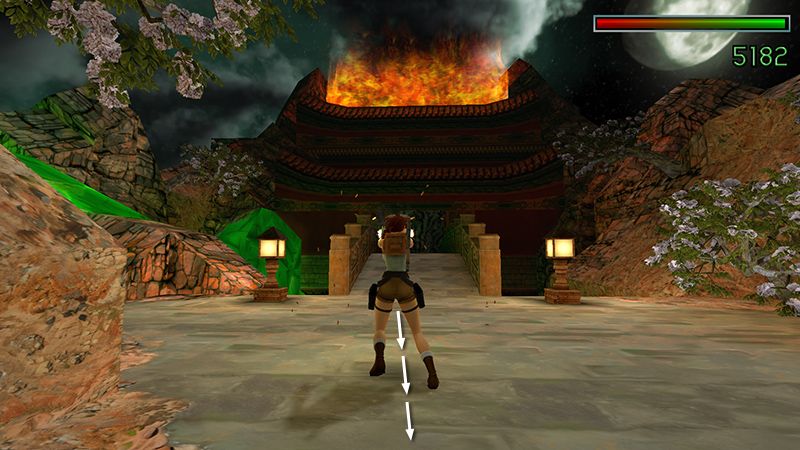
...then hop back toward the gate while firing.
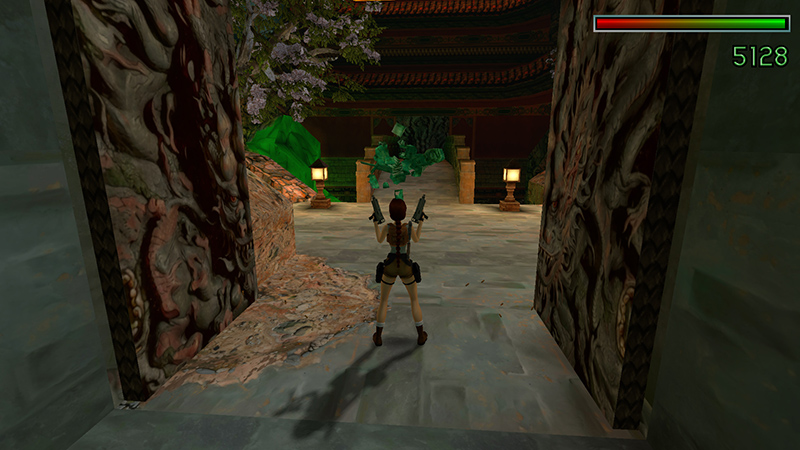
Boom!
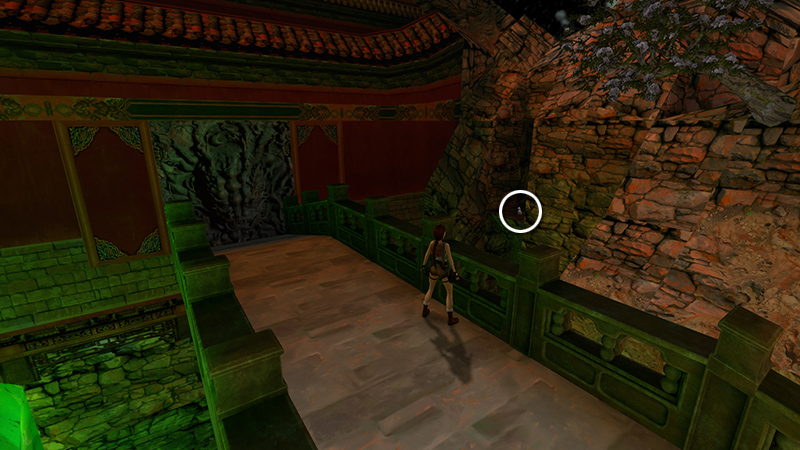
If you step onto the bridge, you can spot the Silver Dragon in an alcove off to the right.
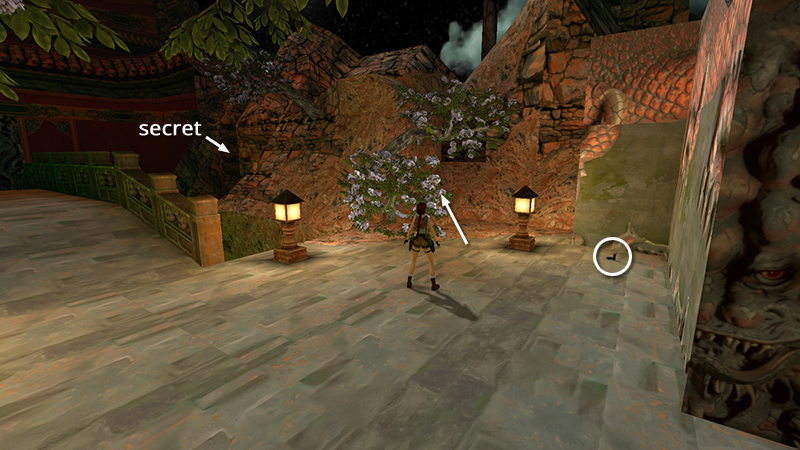
To get it, first move into the area with the small tree and two lanterns, between the bridge and the GATE. Pick up 2 sets of automatic pistol clips (11-12) lying on the ground. Then go behind the little tree.
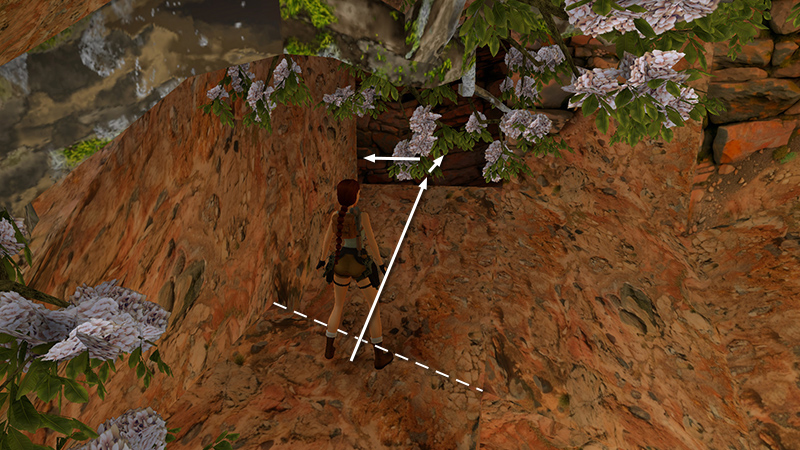
Walk to the base of the slope and take a standing jump up into the dark opening, holding Forward so Lara doesn't slide back. Turn left...
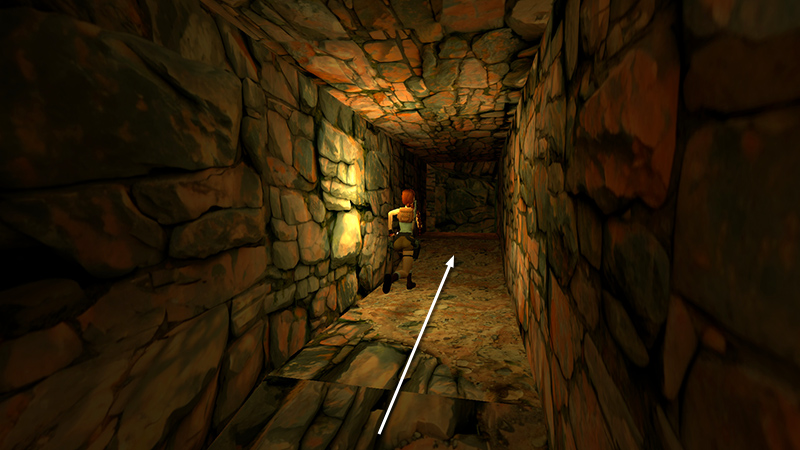
...follow the tunnel to the end...
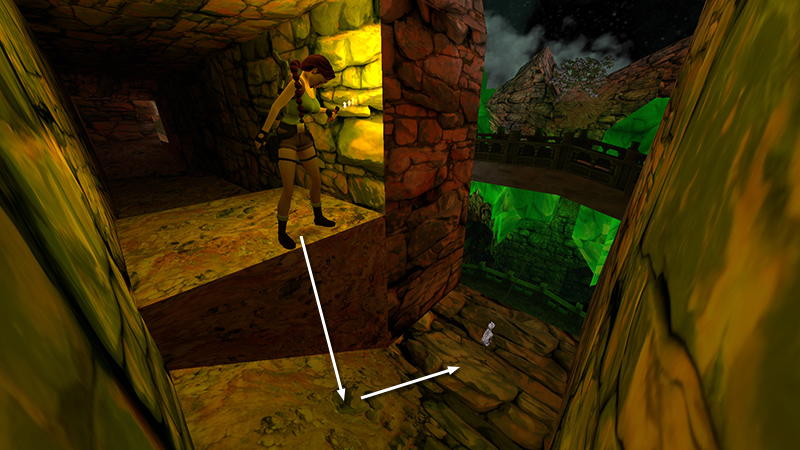
...and slide down another short slope to land right on top of SECRET #2, the Silver Dragon (13).
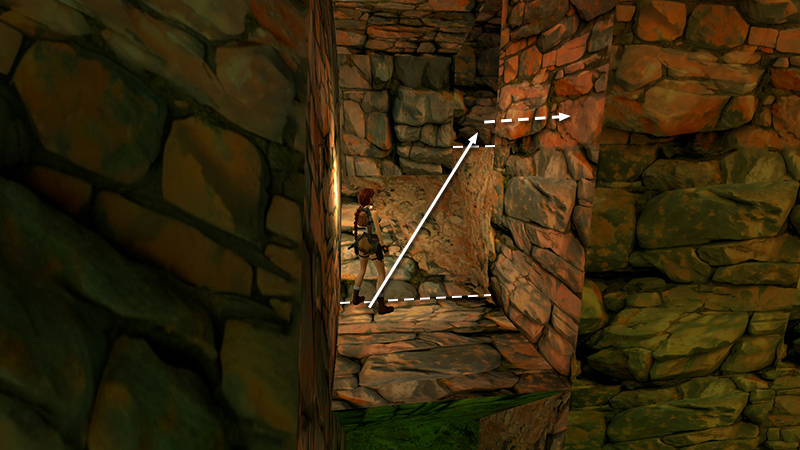
Turn around, take a standing jump up into the tunnel, and follow it back to the main area.
DARK MODE: I plan to add optional dark mode for these pages, but my current priority is updating the walkthroughs. Meanwhile, may I suggest a reputable dark mode browser extension, such as Dark Reader? (Download only from trusted sites, like darkreader.org or your browser's official add-on/extension site.)
Walkthrough text and diagrams copyright © Stellalune (email ). Feel free to copy or print this walkthrough for personal use. By all means, share it with friends, but please include this credit line so people can send me their feedback. No part of this walkthrough may be reproduced on another site without permission.