40 Fathoms - Timed Doors and Burners
To reach the next area, you must get past the 4 burners at the far end of this network of corridors. The various doors, switches, and other points of interest are labeled on the map in the main walkthrough. The sequence is also shown in this short video walkthrough. It was made with the classic game, but the mechanics are identical in the remaster.
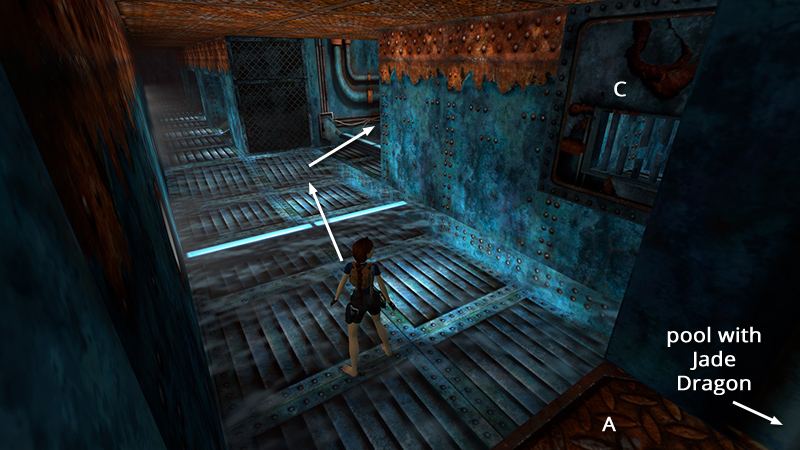
After returning inside from getting the Jade Dragon, as shown in the previous section, hop down from the doorway (A) into the area with the wet floor (light blue area on map). Notice the elevated door (C) on the right. You will return here later. For now, jump over the light bar just ahead, turn right, and jump over the next light bar into the wide corridor where you first entered this area.
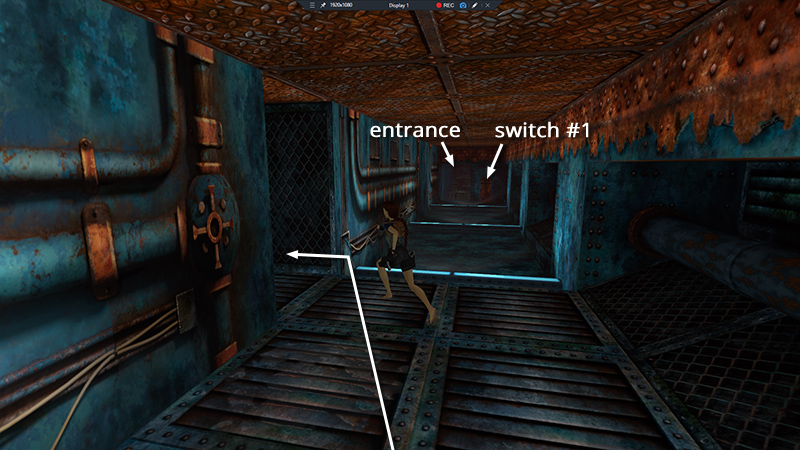 Turn left into the next narrow, dark hallway. (This path is indicated by the LIGHT GREEN line on the map.)
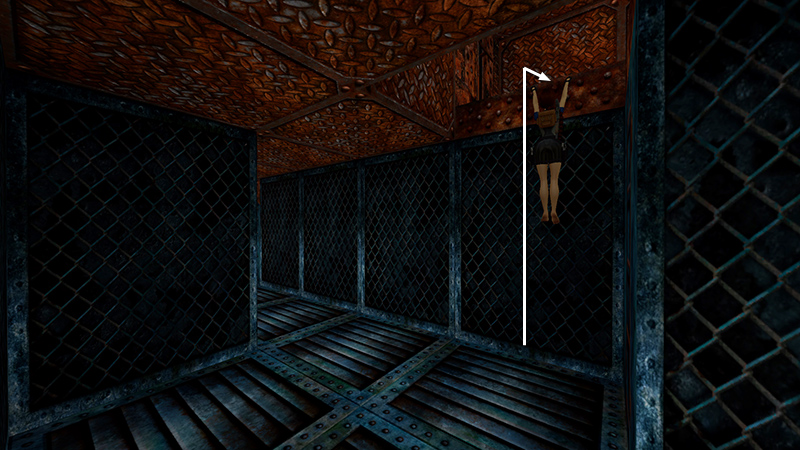
At the bend in the hallway, climb through the opening in the ceiling...
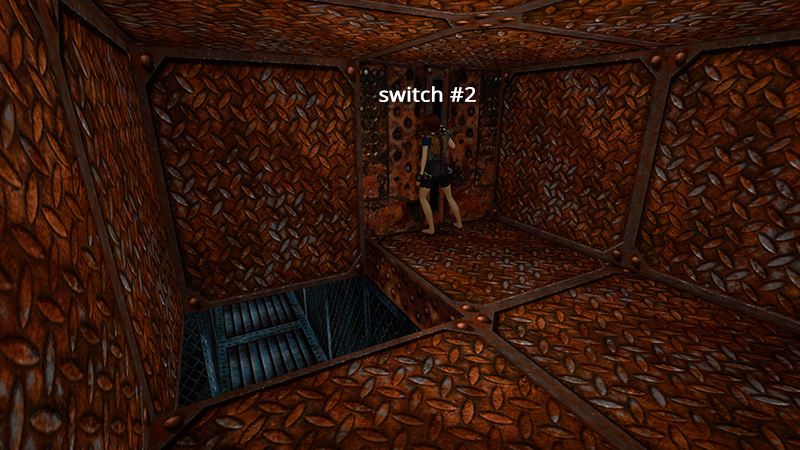
...and pull the switch (2)...
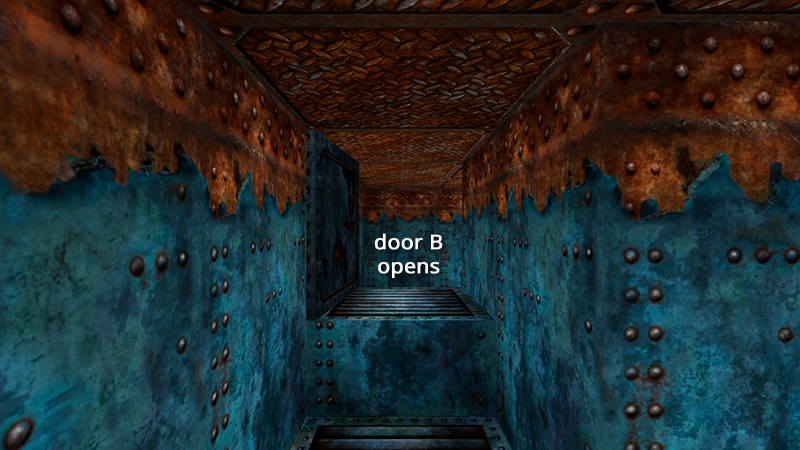
...to open a door (B) elsewhere. Door B is not timed, so you don't need to hurry.
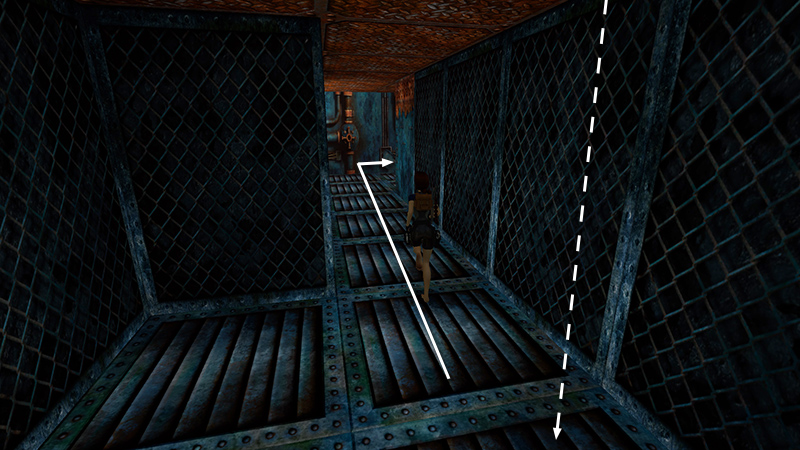
To get there, drop down (or, after pulling the switch, side flip to the left) and continue to the end of the narrow, dark hallway (still following the LIGHT GREEN line on the map). Turn right...
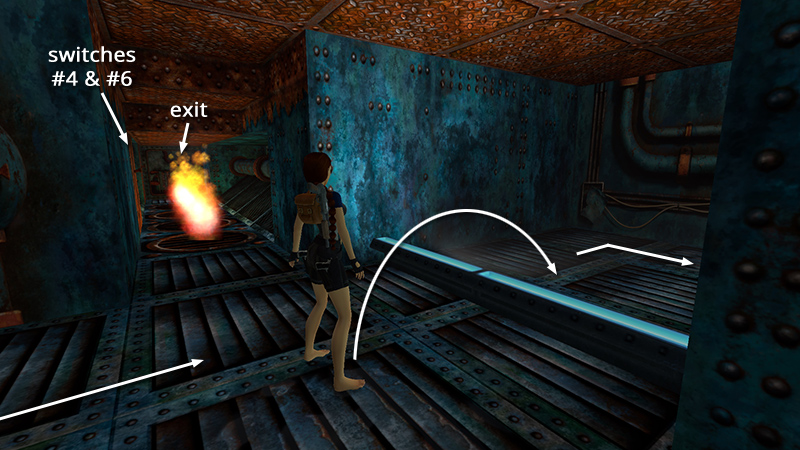
...and follow this wide corridor past the narrow hallway with the burners. Jump over another light bar, then turn right again.
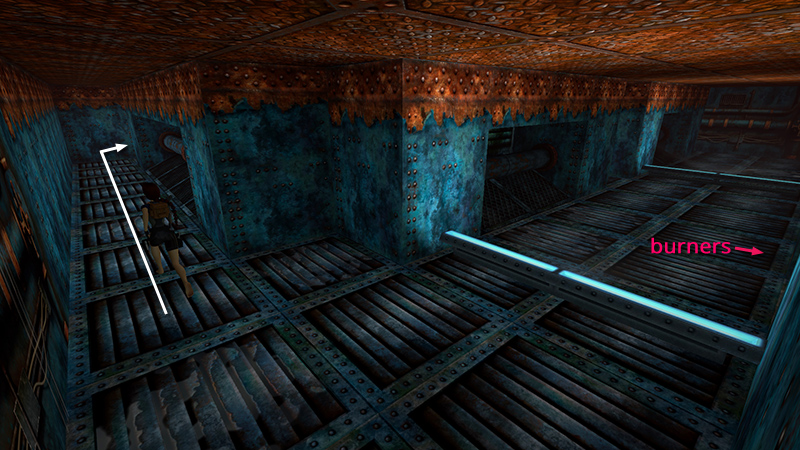
Continue to the end of the hallway and turn right again.
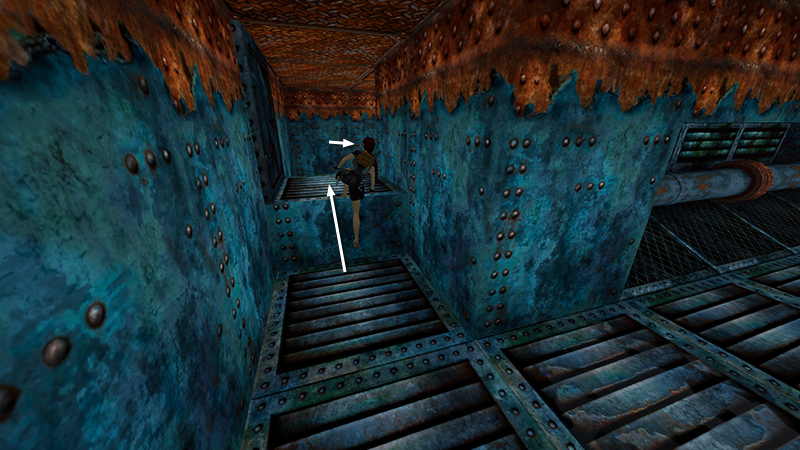
Go through the door (B) you just opened into another small room with a switch (3).
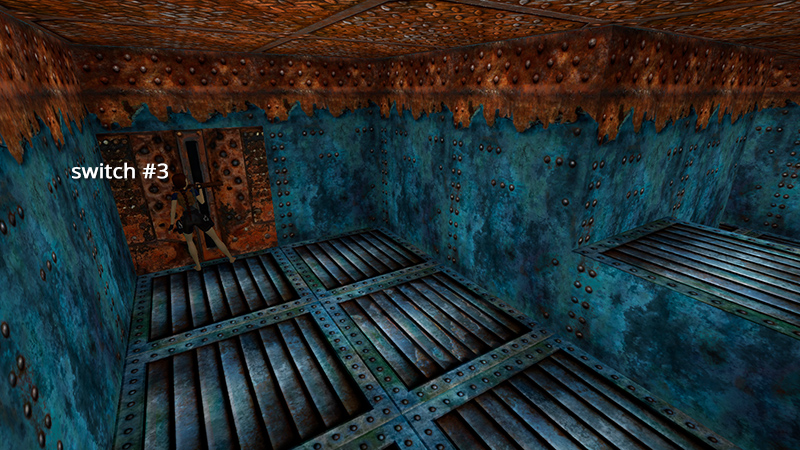
Save here if you like. Then flip the switch (3)...
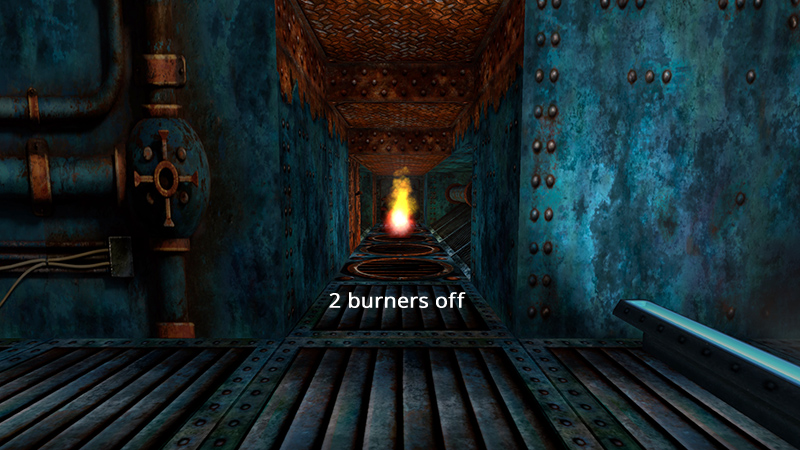
...to turn off the first 2 burners.
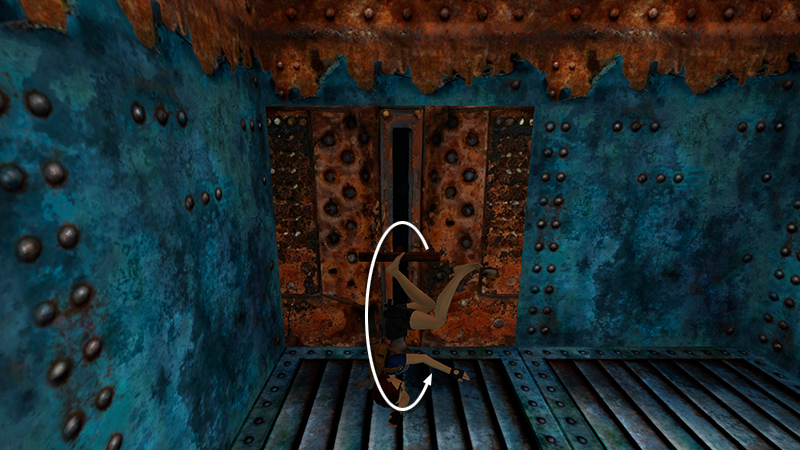
This switch is on a 30-second timer. So, quickly press Look to regain Lara's perspective, roll...
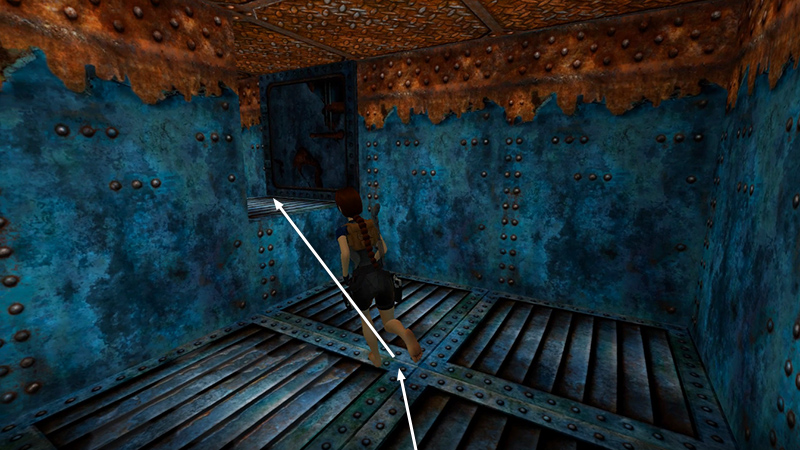
...and take a running jump, angled to the left to land in the doorway.
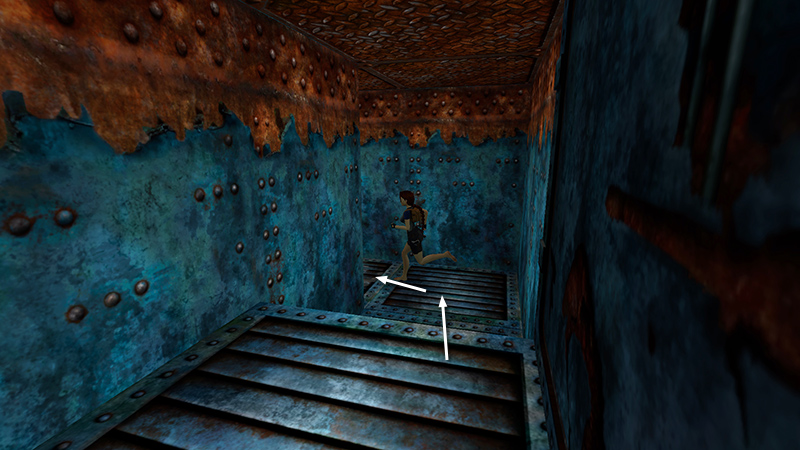
Run off the edge, turn left...
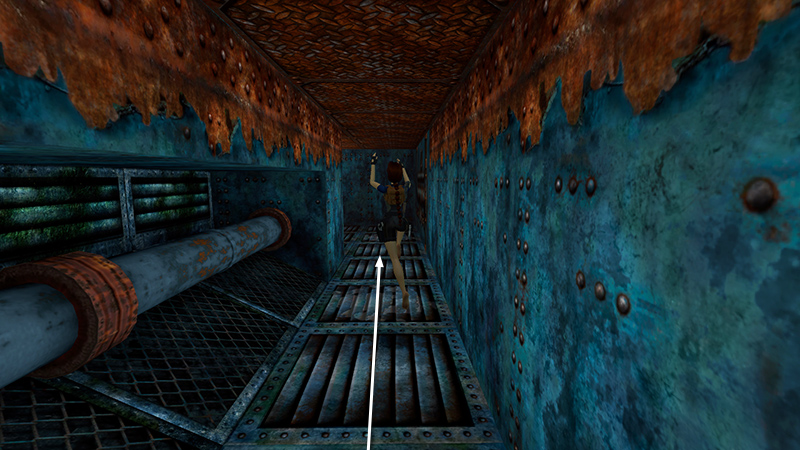
...and run (or take running jumps) along the hallway to the next corner.
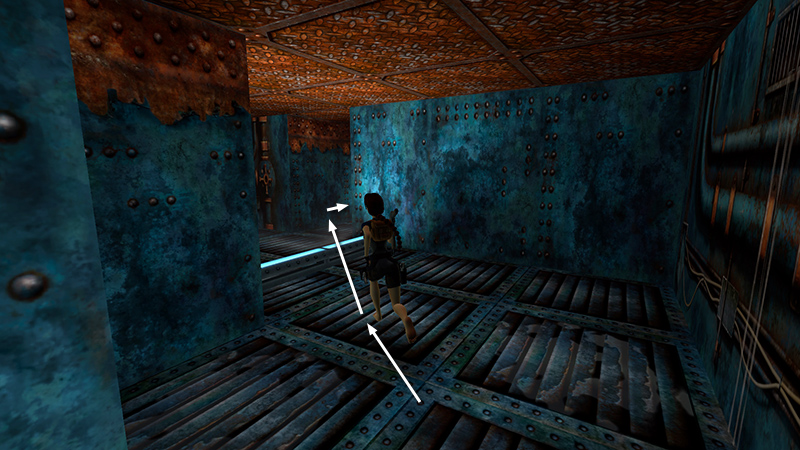
Veer left here, jump over the light strip, and continue running into the corridor with the burners.
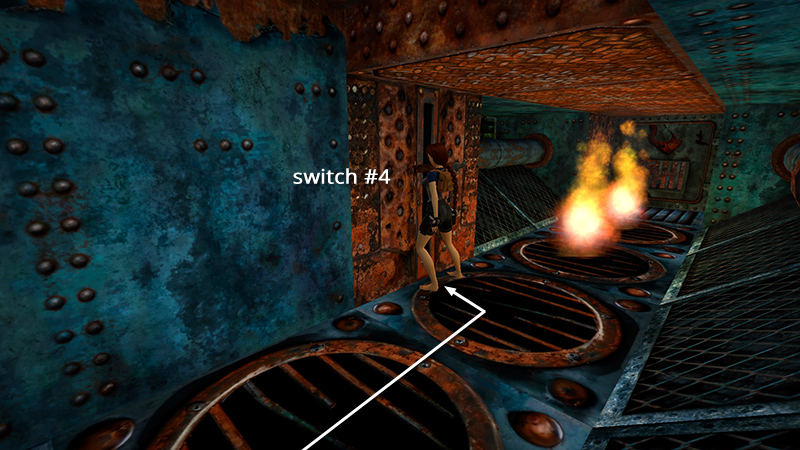
Flip the switch (4) on the left wall above the second burner...
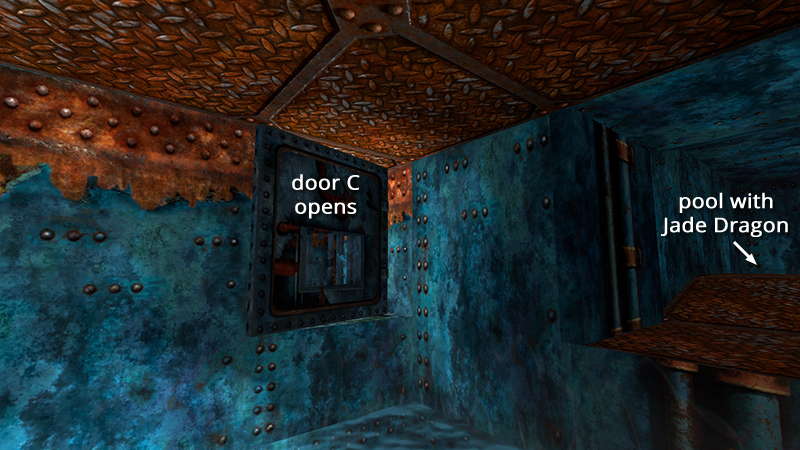
...to open the door (C) back where you started.
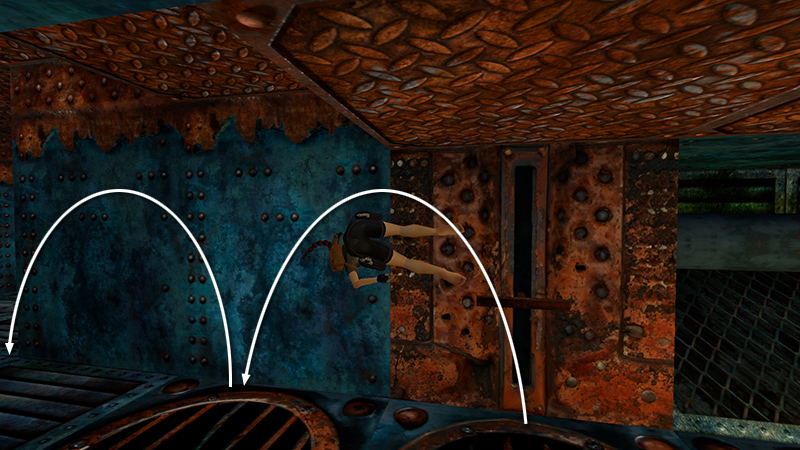
Press Look and then side flip twice to the left...
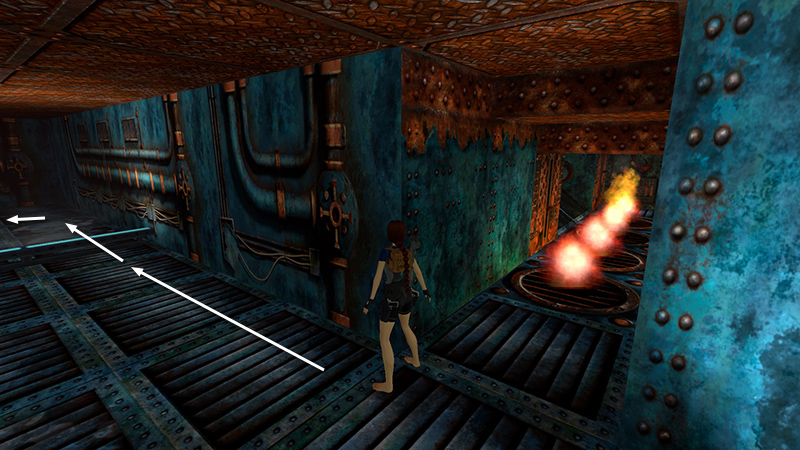
...to get off the burners before they reignite. You can now slow down again, since door C is not timed. Continue straight ahead along the wide corridor. Jump over another light bar and turn left. (Here you're following the DARK GREEN broken line on the map.)
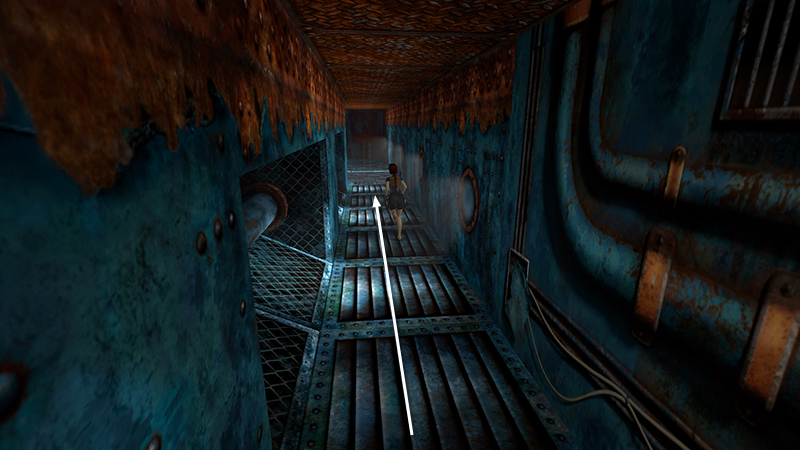 Follow the corridor with the portholes to the area with the wet floor (shaded blue on the map).
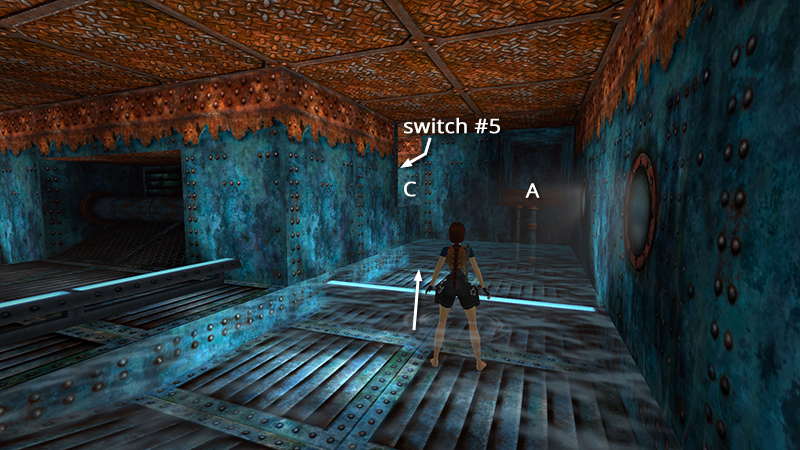 Hop over the light bar and climb into the doorway (C) on the left to find another switch (5).
DARK MODE: I plan to add optional dark mode for these pages, but my current priority is updating the walkthroughs. Meanwhile, may I suggest a reputable dark mode browser extension, such as Dark Reader? (Download only from trusted sites, like darkreader.org or your browser's official add-on/extension site.)
Walkthrough text and diagrams copyright © Stellalune (email ). Feel free to copy or print this walkthrough for personal use. By all means, share it with friends, but please include this credit line so people can send me their feedback. No part of this walkthrough may be reproduced on another site without permission.