Escape with the Iris - Upper-Floor Ambush and Elevator Crash
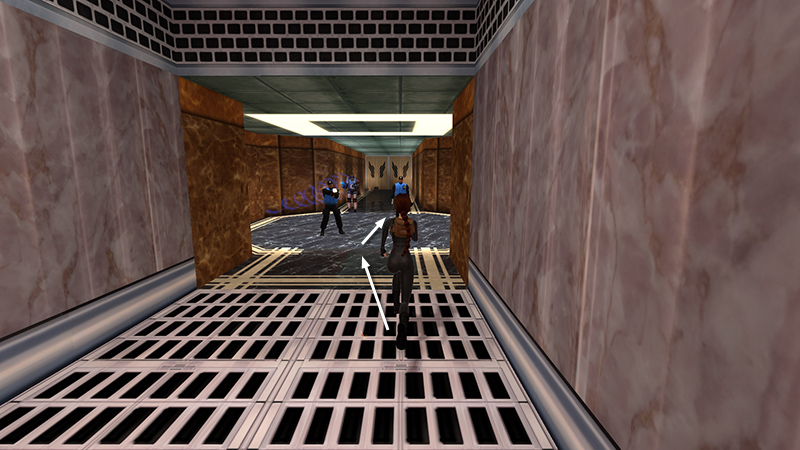
After knocking out another security guard and unlocking the "Sweet Dreams" achievement/trophy, as shown in the previous section, Lara rode the elevator up to an unnumbered floor. The reception here is quite hostile. Two security guards and an armored soldier immediately notice Lara and attack. There are 2 large medipacks (11-12) (210-211/239) at the end of the hall behind them. If you must have all pickups, sprint (or take running jumps) past the men.
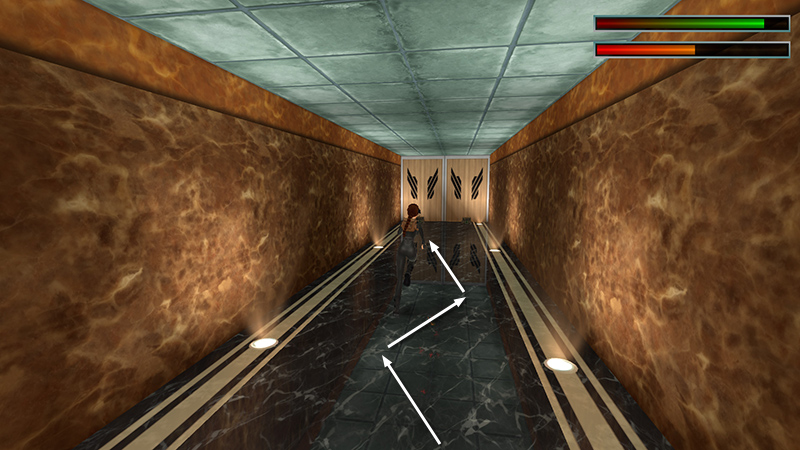
Weave down the hallway as you go, so the armored guy's pulse weapon is less likely to hit you.

Quickly grab both health packs. (Use one of them if necessary.)
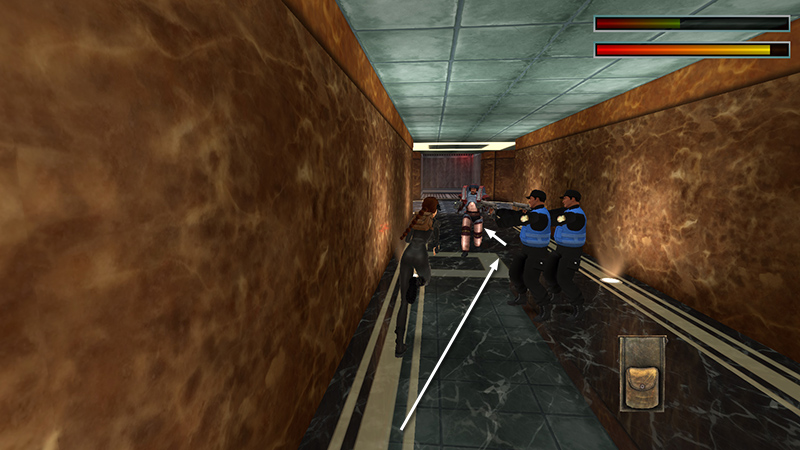
Then hustle back to the elevator, again swerving from side to side between enemies...
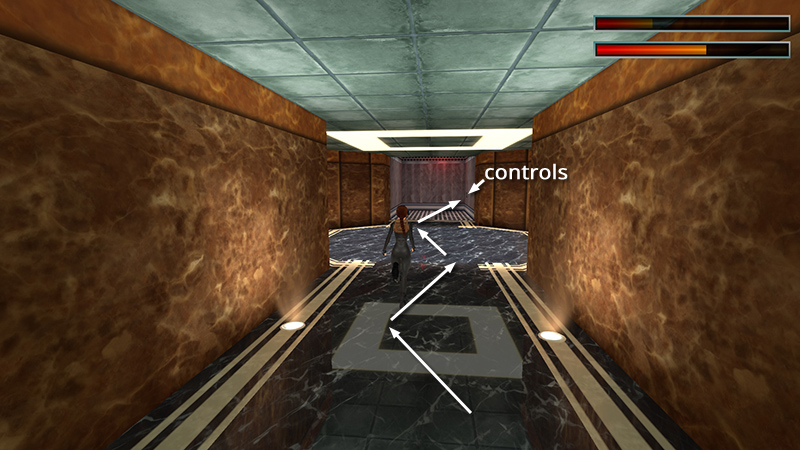
...to minimize the damage.
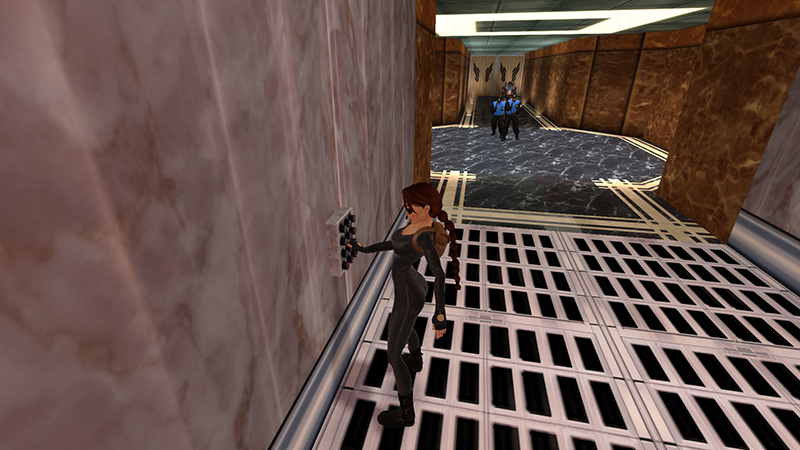
Press the buttons (inside on the right) to close the doors.
- OR -
Alternatively, if you don't care about 100%, it's safer not to exit the car at all and immediately turn left, run forward, and press the buttons again to close the doors.
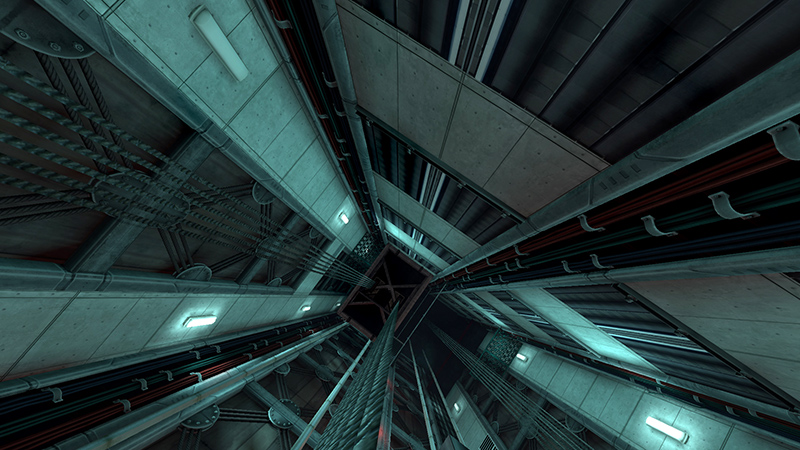
Cutscene: After pressing the buttons, the elevator cable snaps, and the car plummets down the shaft.
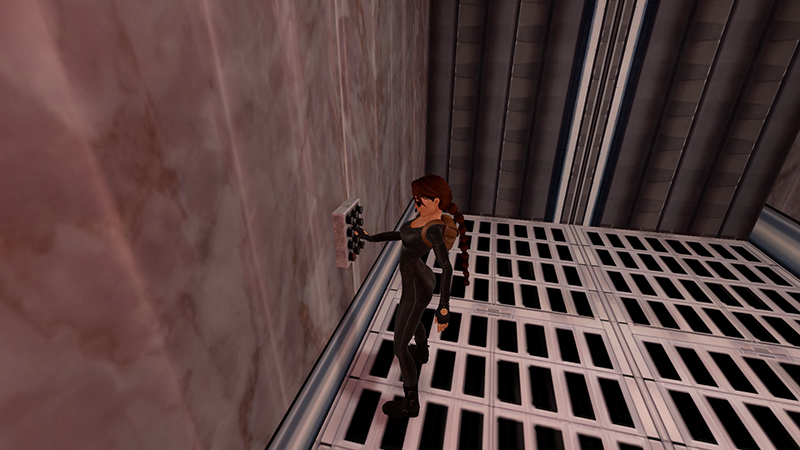
Quickly press the buttons again...
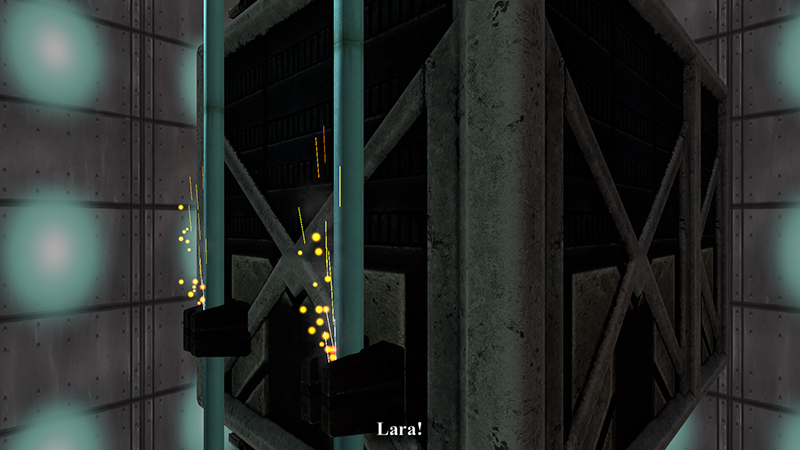
...to activate the emergency brakes, otherwise Lara will be killed in the fall.
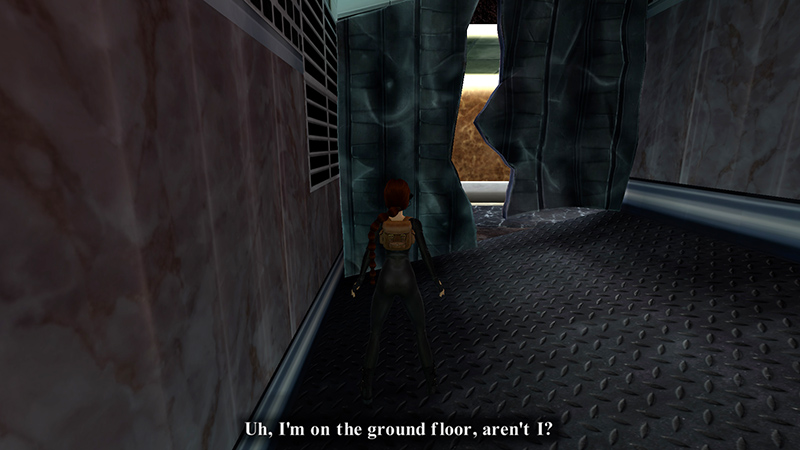
If you do use the brake, Zip has a minor heart attack, but Lara survives.
Voiceover: Zip informs Lara she's on the ground floor and needs to make her way upward again.
DARK MODE: I plan to add optional dark mode for these pages, but my current priority is updating the walkthroughs. Meanwhile, may I suggest a reputable dark mode browser extension, such as Dark Reader? (Download only from trusted sites, like darkreader.org or your browser's web store.)
Walkthrough text and diagrams copyright © Stellalune (email ). Feel free to copy or print this walkthrough for personal use. By all means, share it with friends, but please include this credit line so people can send me their feedback. No part of this walkthrough may be reproduced on another site without permission.