Escape with the Iris - Level Start and "You Remembered!" Achievement/Trophy
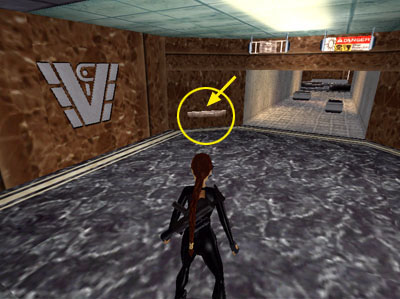
After nabbing the IRIS in the previous level, Lara is still on the 13th FLOOR. Follow the corridor around to the left.
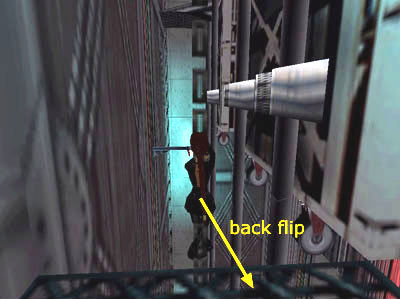
Voiceover: You can still control Lara, but don't run forward until you hear what Zip has to say over the headset. He advises Lara to place her weapon in the tray before going through the scanners ahead.
This time take Zip's advice. If Lara goes through the scanners with her gun (beyond the overhead restroom and "Danger" signs), alarms will go off, and gun turrets at each end of the hall will activate. So approach the Lucite shelf on the left.
Cutscene: Lara places her gun on the tray.
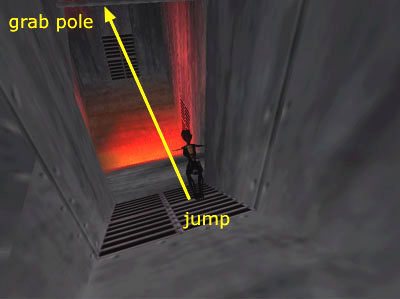
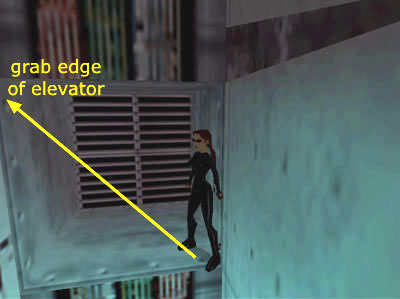
Once you enter the scanner, you'll see Lara in X-ray view. Proceed to the right. There are 2 containers sitting on the floor. Don't mess with the first one; it contains a bomb. The second case holds a small medipack (1) (200/239). Stand to the left of it and press Interact to search inside.
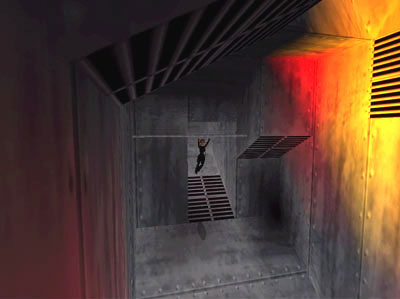
Continue through the small lounge with the water cooler to a T-intersection.
Voiceover: You still have movement as you listen to Zip's advice. He tells Lara to avoid the stairs and elevators, and instead head for the roof.
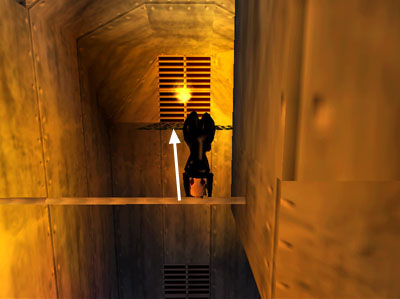
Pick up the HK ammo (2) (201/239) on the floor to the right. You can see the ELEVATORS at the end of the hall, but don't approach them yet.
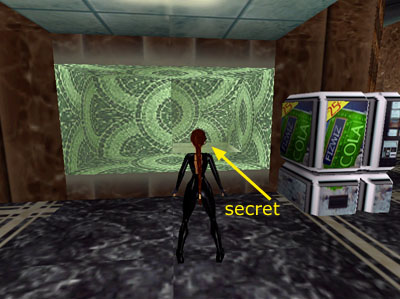
Invisible lasers block the way. These will kill Lara on contact. (Zip will tell you about this later, but if you equip the Headset then press Action for infrared, you'll be able to see the laser beams. Check the note following the 13th FLOOR walkthrough for Headset controls.)
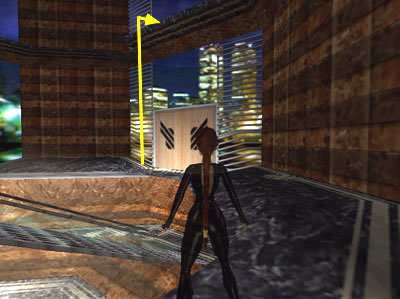
Head in the other direction to the next corner.
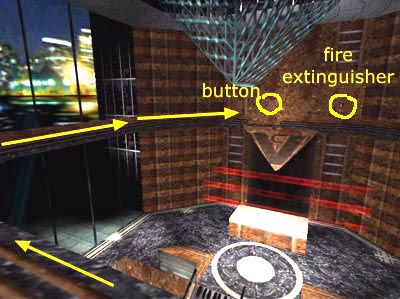
NOTE: If you stop to use the security monitor, you'll get a view of an armor-clad soldier on an outside staircase. There's no need to worry about him yet.
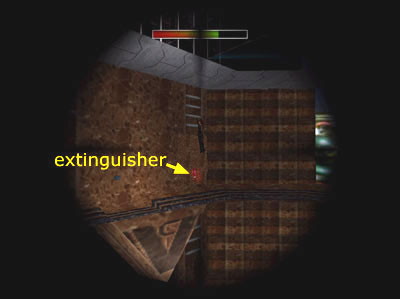
Beyond the monitor, turn right and continue to another intersection.
The office door directly ahead opens automatically as you approach.
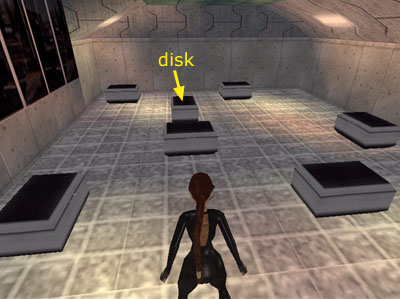
Go in and search the cabinet on the right to find a BOTTLE OF CHLOROFORM (3) (202/239). (For whatever reason, the second bottle you found in the last level does not carry over.)
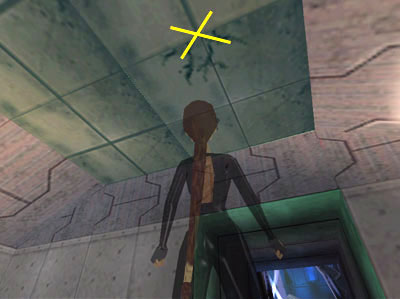
The RESTROOM, on the left as you exit the office, has a locked door with a keypad.
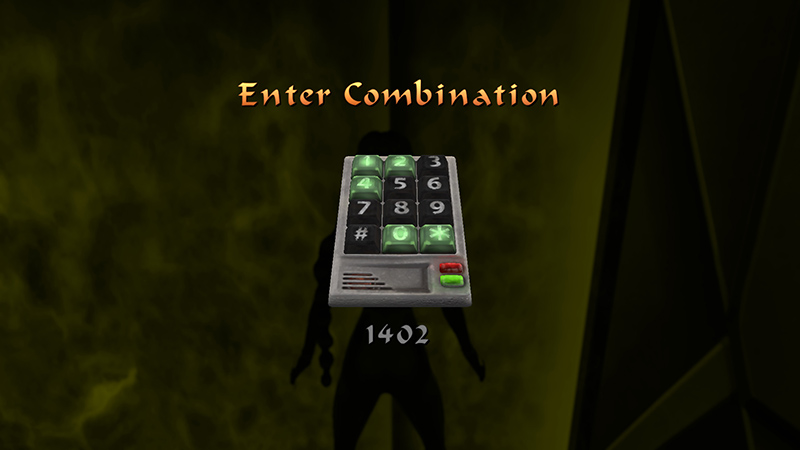
You don't have the combination yet, but if you enter Lara's birthday (February 14th, or 1402), then press Enter/Action to confirm the combination...
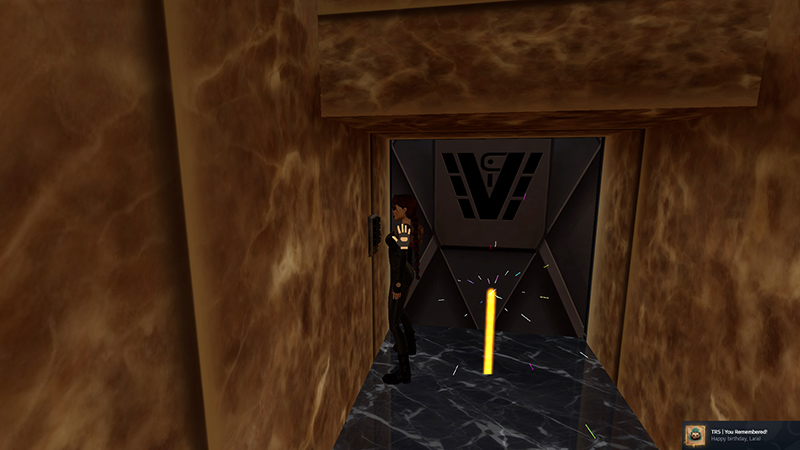
...you'll unlock the "You Remembered!" achievement/trophy.
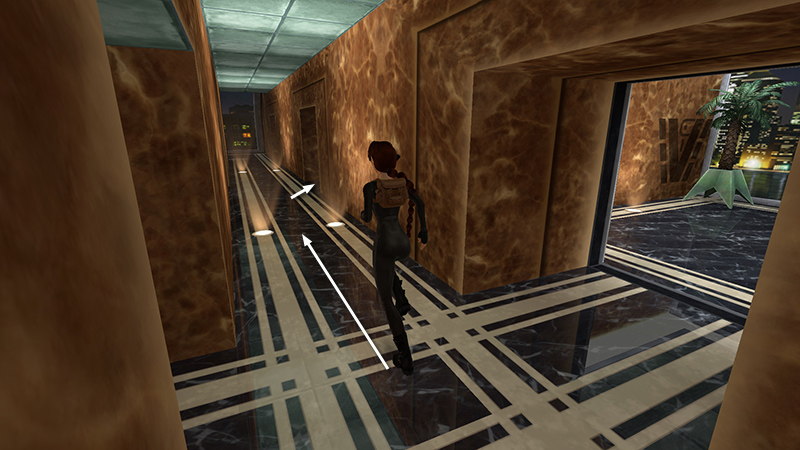
Continue along the corridor to find the real code.
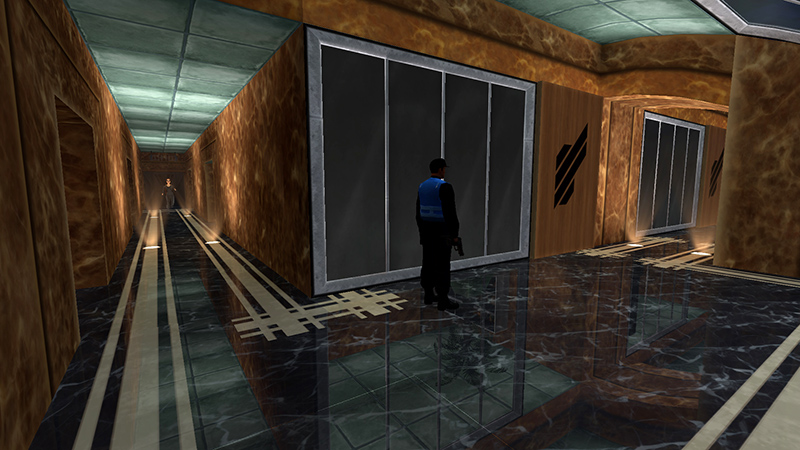
Cutscene: A guard stands just around the next corner. (Afterward, you can also use Photo Mode to scout ahead.)
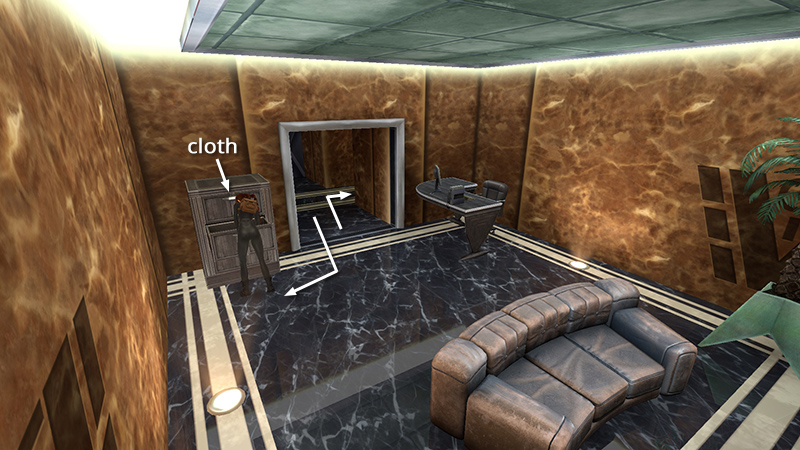
Go into the next office on the right and search the file cabinet for a CLOTH (4) (203/239). Then continue along the corridor...
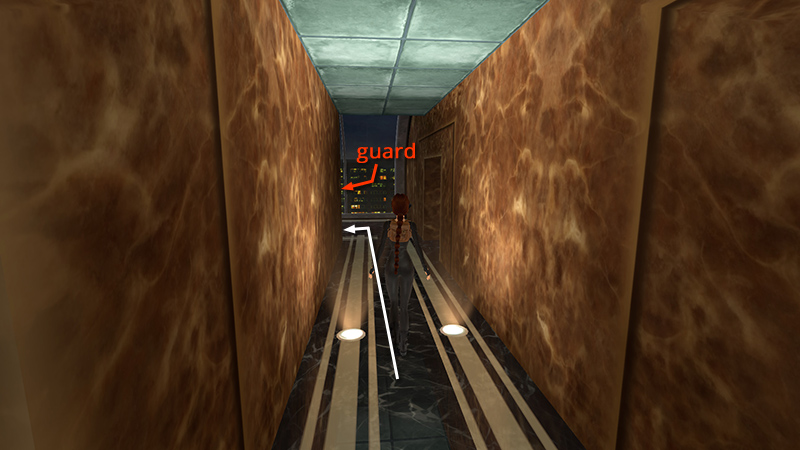
...walking as you approach the corner.
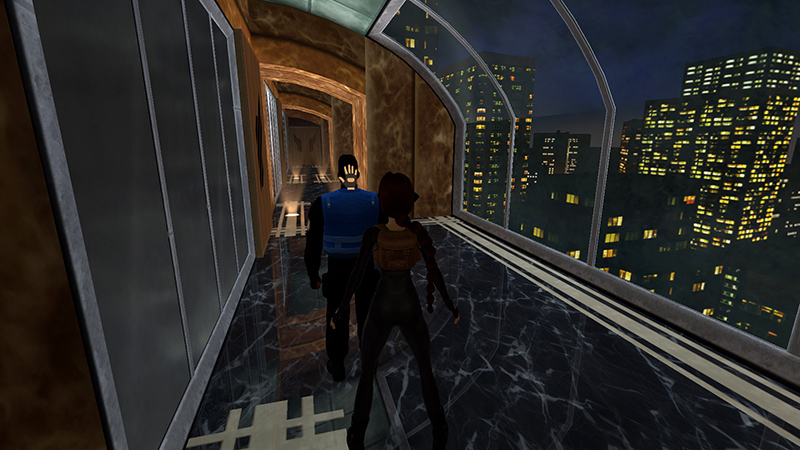
Walk up behind the security guard, combine the CLOTH and CHLOROFORM, then use the CHLOROFORM-SOAKED CLOTH on the guard.
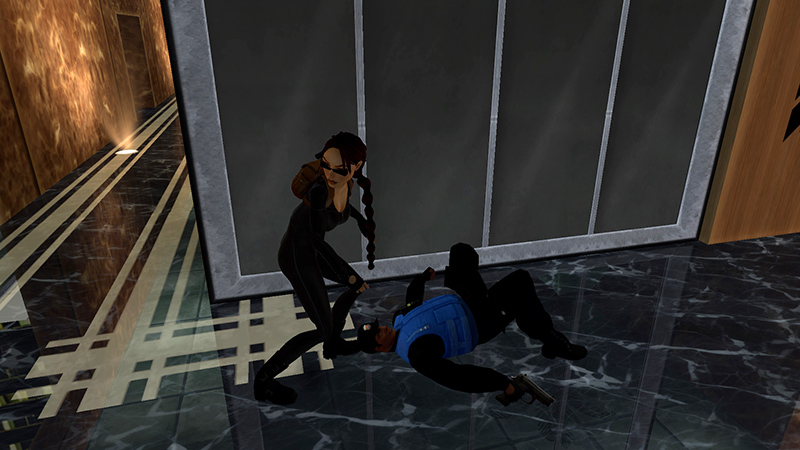
Cutscene: Lara subdues the guard. Unfortunately his gun fades away along with him.
DARK MODE: I plan to add optional dark mode for these pages, but my current priority is updating the walkthroughs. Meanwhile, may I suggest a reputable dark mode browser extension, such as Dark Reader? (Download only from trusted sites, like darkreader.org or your browser's official add-on/extension site.)
Walkthrough text and diagrams copyright © Stellalune (email ). Feel free to copy or print this walkthrough for personal use. By all means, share it with friends, but please include this credit line so people can send me their feedback. No part of this walkthrough may be reproduced on another site without permission.