Ice Palace - Opening the Black Gates
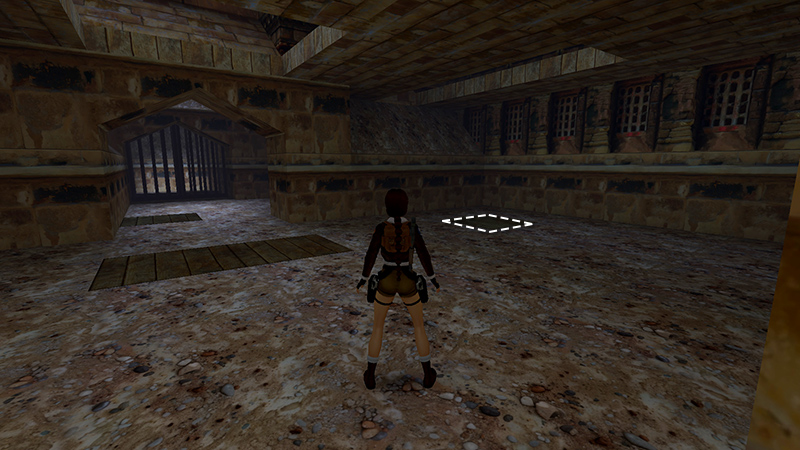
After retrieving the Gold Dragon secret, as shown in the last section, return to the main room and go to the single springboard just to the right of the two adjacent springboards you used earlier.
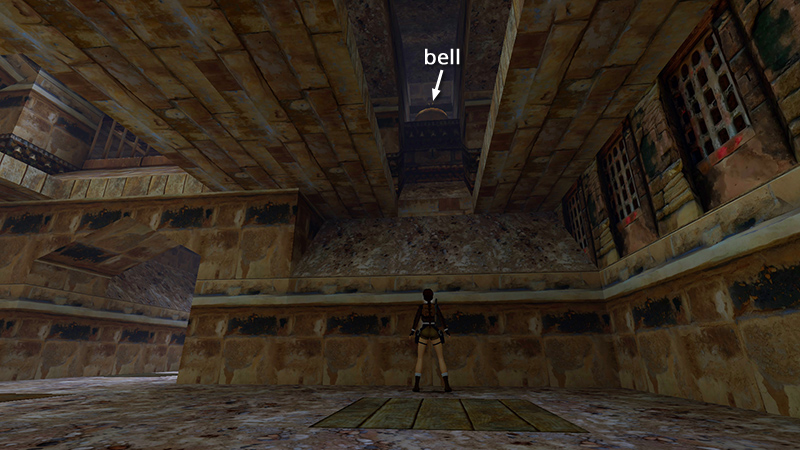
Above it is a second bell.
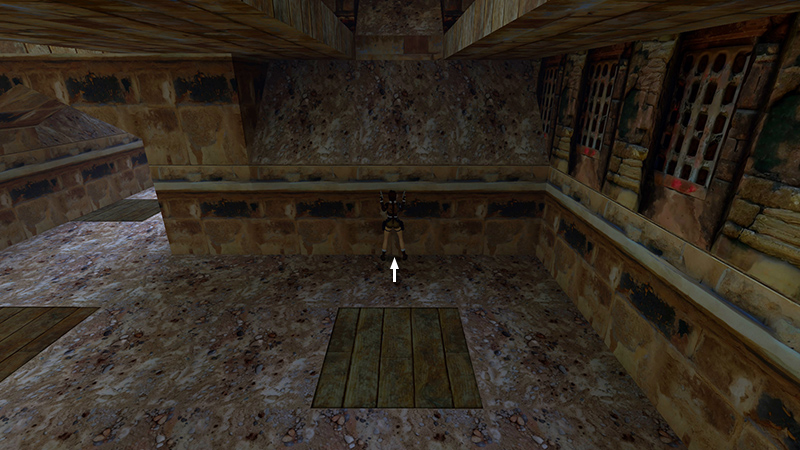
This one requires a slightly different approach. Position Lara touching the wall with the sloping top, her back toward the springboard.
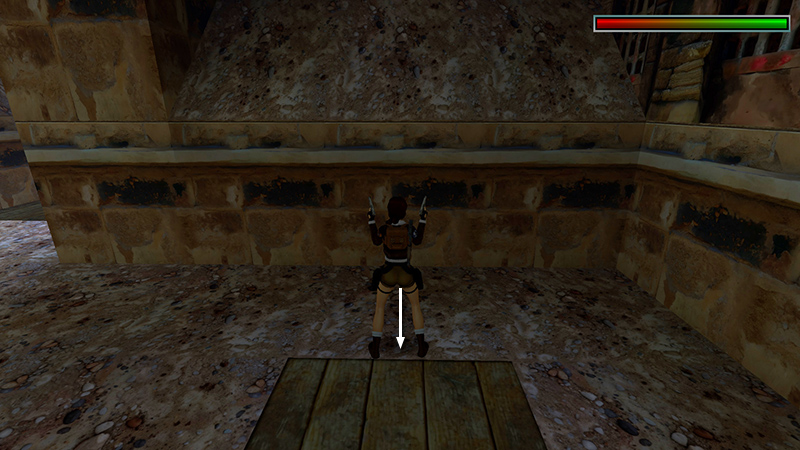
Then hop back once. Lara should now be standing just in front of the springboard. Draw pistols.
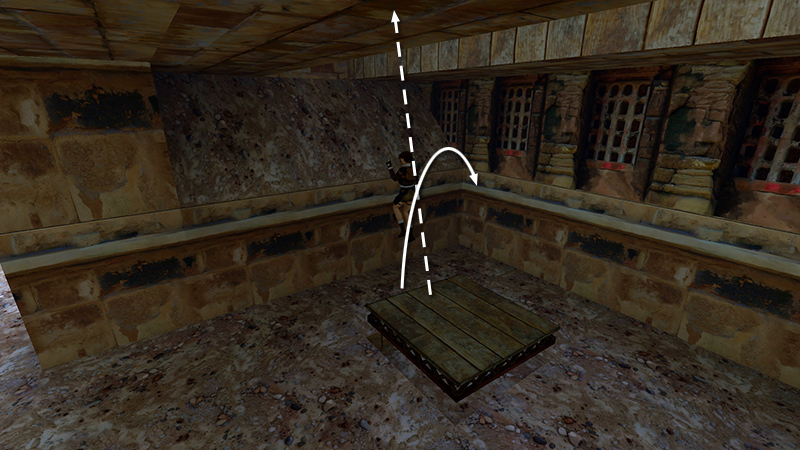 Then backflip (i.e., press Jump + Back together). Now, instead of backflipping, Lara will step onto the springboard and be launched into the air.
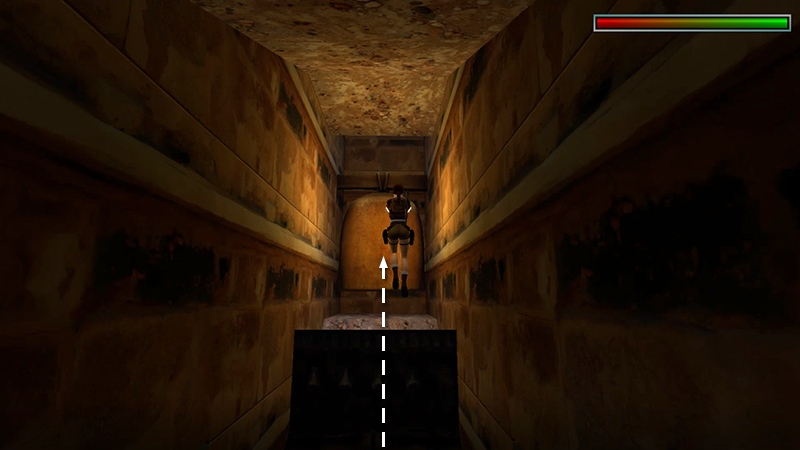
Shoot the bell at the peak of the jump. There's a clang, and the bell sways back and forth when you hit it. Shooting this bell opens the first of the 2 black gates.
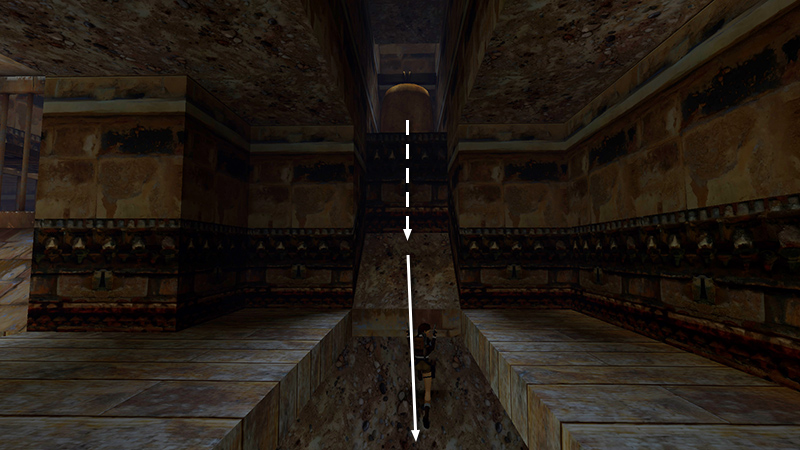
Lara will then fall back and slide down the sloped wall...
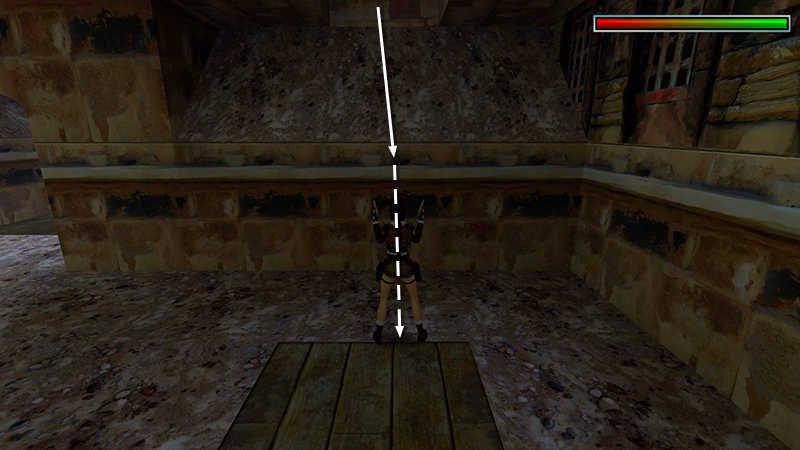
...to the floor without taking any damage.
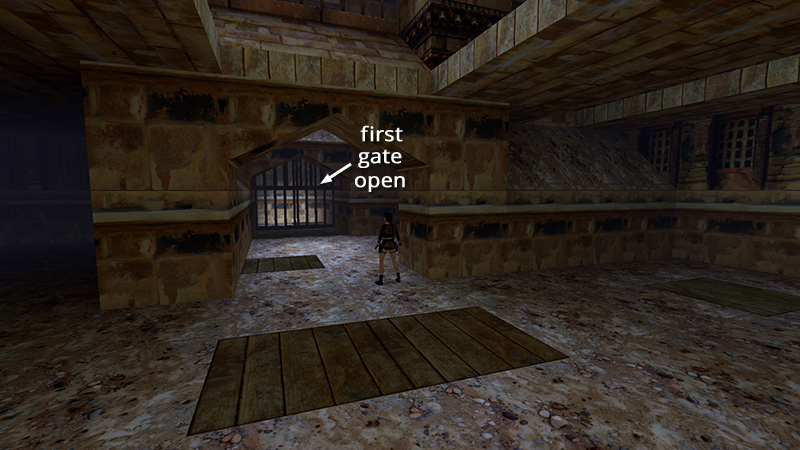
Enter the corridor in front of the double springboards you used earlier, where the black gates are. You'll see the first one is now open.
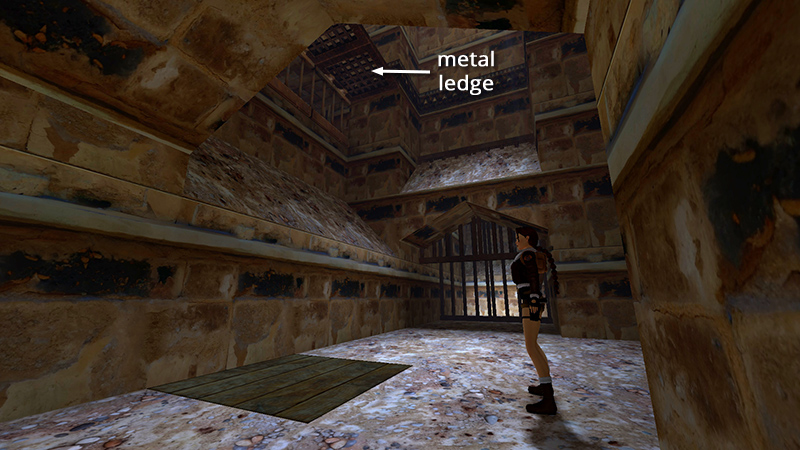
Turn left to face the single springboard and, high above, the metal platform you raised earlier.
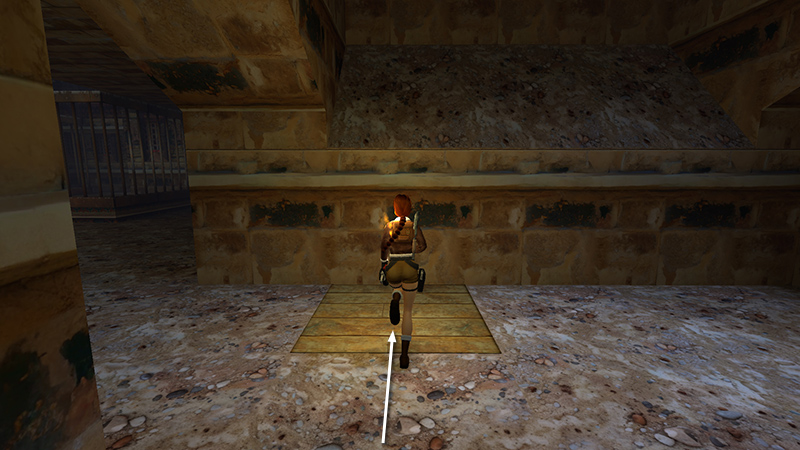
Hold Action as you run onto the springboard...
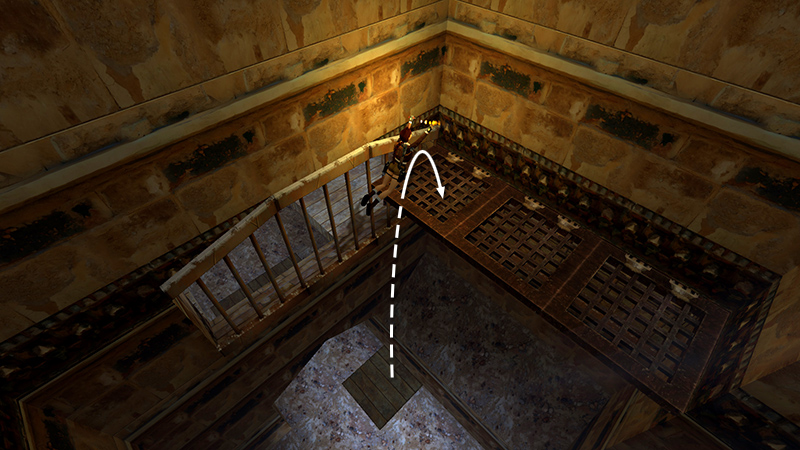
...to sail upward and land on the platform.
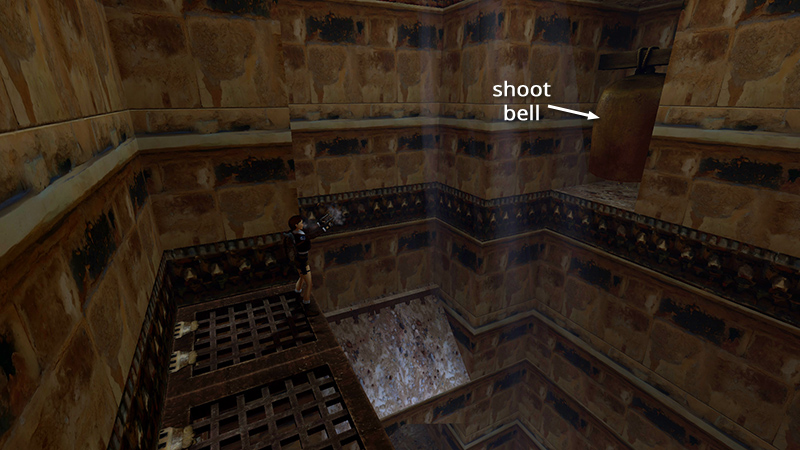
Turn around and you'll see a third bell. Shoot it to open the second black gate below.
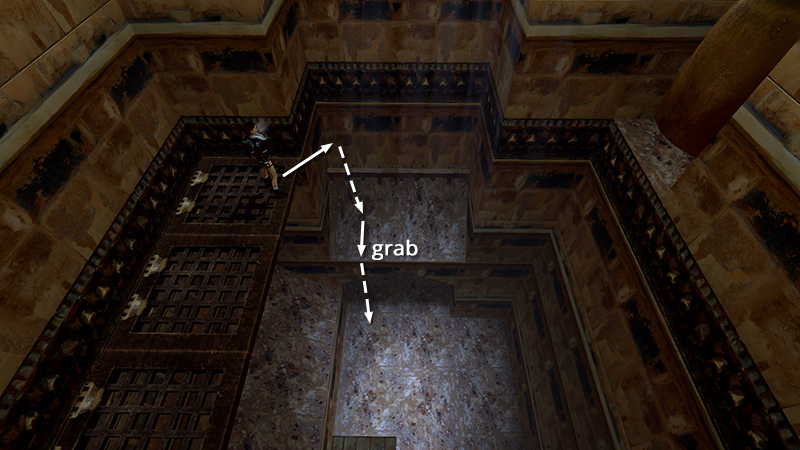
Hop down onto the slope on the left (just above the two gates), slide, grab the edge, and drop to the ground.
DARK MODE: I plan to add optional dark mode for these pages, but my current priority is updating the walkthroughs. Meanwhile, may I suggest a reputable dark mode browser extension, such as Dark Reader? (Download only from trusted sites, like darkreader.org or your browser's official add-on/extension site.)
Walkthrough text and diagrams copyright © Stellalune (email ). Feel free to copy or print this walkthrough for personal use. By all means, share it with friends, but please include this credit line so people can send me their feedback. No part of this walkthrough may be reproduced on another site without permission.